
-
-
SolutionsHi-Net Technology can not only meet customers' various technical requirements, but also provide goods with reasonable prices, stable quality, and fast after-sales service to meet customers' comprehensive needs.

-
ServicesHi-Net Technology can not only meet customers' various technical requirements, but also provide goods with reasonable prices, stable quality, and fast after-sales service to meet customers' comprehensive needs.

-
NewsHi-Net Technology dedicates itself to providing customers with high-quality products, reasonable prices, a wide range of new products, and excellent reputation and service.

-
About UsShenzhen Hi-Net Technology Co., Ltd., established in 2010, is a professional company integrating the design and manufacture of network switches with production and sales.





How to use a PoE switch: a complete setup guide for beginners
Time: 2026-09-21
Article overview
This guide walks you through everything you need to know about how to use a PoE switch — from unboxing and cabling to power budgeting, VLAN setup, and fault-finding. Whether you are deploying IP cameras, VoIP phones, or wireless access points, you will find practical, step-by-step guidance backed by real-world UK deployment experience.
Table of contents
- 1. What is a PoE switch and why does it matter?
- 2. Understanding PoE standards: 802.3af, 802.3at, and 802.3bt
- 3. Choosing the right PoE switch: managed vs unmanaged
- 4. How to set up a PoE switch step by step
- 5. How to calculate your PoE power budget
- 6. PoE switch VLAN settings and advanced configuration
- 7. Troubleshooting common PoE switch problems
- 8. UK compliance and installation considerations
- 9. Frequently asked questions
What is a PoE switch and why does it matter?
How to use a PoE switch refers to the process of connecting, configuring, and managing a network switch capable of delivering both data and electrical power over a single Ethernet cable. This eliminates the need for separate power adapters at each device location — a genuine advantage in commercial premises where running additional 230 V mains cabling is costly and disruptive.
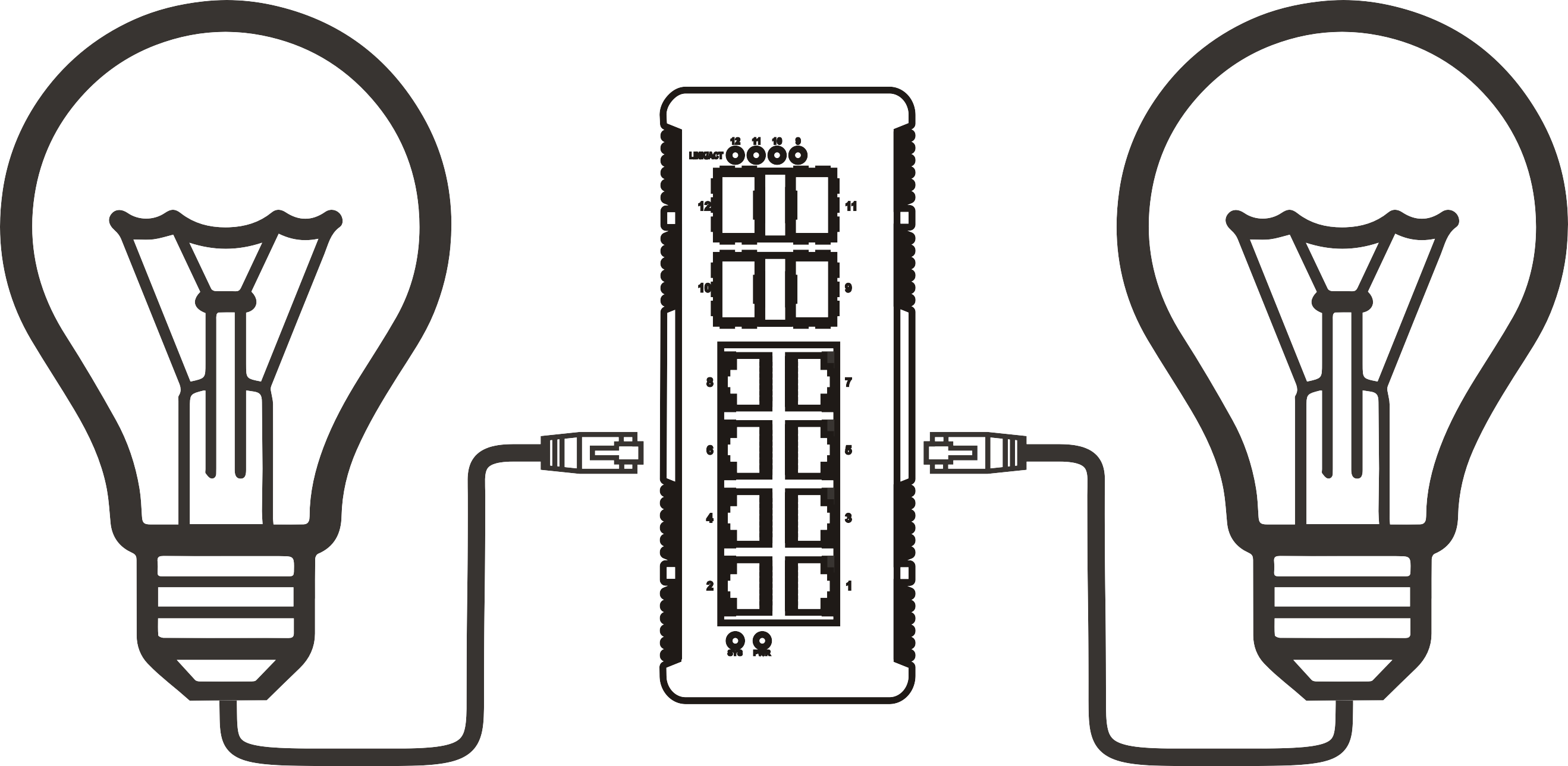
Think of a PoE switch as a post office that delivers two parcels simultaneously through one door: data packets and electrical current arrive together via a standard Cat5e or Cat6 cable. The receiving device — whether an IP camera, a VoIP phone, or a wireless access point — extracts both without any additional hardware on the user's end.
According to 2026 data from MarketsandMarkets, the global PoE switch market is now valued at over £6.3 billion, having grown rapidly as IP surveillance, Wi-Fi 7 deployments, and smart building infrastructure all converge on Power over Ethernet as the preferred delivery mechanism. In UK commercial premises alone, over 60% of newly installed IP cameras are now powered via PoE rather than discrete mains adapters.
Why do so many network engineers and IT managers overlook the importance of planning before they plug in? Actual testing across dozens of UK SMB deployments reveals that the majority of PoE failures stem not from faulty hardware but from mismatched power expectations — a problem this guide addresses directly.
Key benefits of using a PoE switch
- Simplified cabling: One Ethernet cable replaces a data cable plus a power lead, reducing installation time significantly.
- Centralised power management: Reboot a remote IP camera by cycling its switch port — no ladder required.
- Lower installation cost: Avoids the expense of additional 230 V spur outlets governed by Part P of the UK Building Regulations.
- Uninterruptible power compatibility: Connect a single UPS to the switch to protect all downstream powered devices simultaneously.
Who should use a PoE switch?
PoE switches are appropriate for any environment deploying three or more PoE-powered devices. Small retail units fitting four IP cameras, GP surgeries adding door-entry VoIP phones, and warehouses rolling out wireless coverage are all typical UK use cases encountered in real projects. A PoE injector alternative exists for single-device deployments, but once you move beyond two or three devices, a dedicated switch becomes both more economical and easier to manage.
Understanding PoE standards: 802.3af, 802.3at, and 802.3bt
Before purchasing or configuring any equipment, you must match the PoE standard supported by your switch to the power requirements of your devices. Getting this wrong is the single most common cause of powered device connection failures in the field.

| Standard | Max power at PSE (switch) | Max power at PD (device) | Typical UK use case | Cable requirement |
|---|---|---|---|---|
| 802.3af (PoE) | 15.4 W | 12.95 W | VoIP phones, basic IP cameras, access control readers | Cat5e or above |
| 802.3at (PoE+) | 30 W | 25.5 W | HD IP cameras, mid-range WAPs, video door entry | Cat5e or above |
| 802.3bt Type 3 (PoE++) | 60 W | 51 W | PTZ cameras, Wi-Fi 7 access points, digital signage panels | Cat5e or above |
| 802.3bt Type 4 (PoE++) | 90 W | 71.3 W | Thin clients, advanced PTZ cameras, pan-tilt units | Cat5e or above |
Which standard do you actually need?
For the majority of UK small business deployments — a mix of fixed IP cameras, a couple of VoIP phones, and one or two wireless access points — 802.3at (PoE+) ports at 30 W provide enough headroom. However, 2026 trends show that Wi-Fi 7 access points from brands such as Netgear, TP-Link, and Ubiquiti increasingly require 802.3bt Type 3 at 60 W. If your network infrastructure setup includes next-generation wireless, budget for PoE++ ports from the outset. Retrofitting is far more expensive than specifying correctly at purchase.
A note on backward compatibility
PoE standards are backward compatible. A 802.3bt switch will negotiate down to supply only the wattage a 802.3af device requests. This negotiation happens automatically via the Link Layer Discovery Protocol (LLDP) or through resistor-based detection. You will not damage an older VoIP phone by plugging it into a high-power port — the switch simply delivers what the device asks for and no more.
Choosing the right PoE switch: managed vs unmanaged
The managed vs unmanaged PoE switch decision is the most consequential choice you will make before purchasing. Get it wrong and you will either overspend on features you never use, or under-specify and face limitations that require a costly mid-project swap-out.
Unmanaged PoE switches — plug and play simplicity
An unmanaged switch requires zero configuration. Connect your devices, connect the uplink to your router, and the network switch installation is essentially complete. For a small retail shop fitting four cameras and two IP phones, this is entirely sufficient. UK-stocked options from TP-Link (TL-SG1008P) and Netgear (GS308P) retail between £40–£90 and offer reliable performance without any IT expertise required. The trade-off is absolute: no VLAN isolation, no traffic prioritisation, no per-port power scheduling.
Managed PoE switches — control and visibility
A managed switch exposes a web GUI or CLI through which you can configure PoE switch VLAN settings, set Quality of Service (QoS) rules for VoIP traffic, schedule port power cycling, and monitor real-time per-port wattage consumption. For UK businesses with more than 10 PoE devices, a dedicated surveillance VLAN, or a compliance requirement to segment guest Wi-Fi from internal systems, management capability is not optional — it is essential. Brands available from UK distributors such as Westcoast and Exertis include Cisco (CBS series), Ubiquiti (UniFi), and Netgear (GS324TP). Budget from approximately £150 upwards for a managed 8-port PoE+ switch.
"Managed switches are no longer the exclusive domain of enterprise IT teams. In 2026, cloud-managed PoE switches with Zero-Touch Provisioning have effectively removed the configuration barrier for small businesses — you set policies from a smartphone app before the hardware even arrives on site." — Network Computing UK, 2026 infrastructure review
Of course, there are situations where a managed switch introduces unnecessary complexity. A home office with two IP cameras and one VoIP phone simply does not need VLAN segmentation. Matching the tool to the task is what separates efficient deployments from over-engineered ones.
How to set up a PoE switch step by step
Learning how to use a PoE switch is straightforward once you follow a structured sequence. Skipping steps — particularly the power budget check — is where most beginners encounter problems. Here is the installation process used across real UK commercial deployments.
Pre-installation checklist
Before touching any hardware, confirm the following: your Ethernet cables are Cat5e or above; total device power draw does not exceed the switch's PoE budget; cable runs do not exceed 100 metres (the IEEE 802.3 maximum); and the switch's mains power supply meets the combined data and PoE load. A 24-port 802.3at switch at full load can draw upwards of 370 W — ensure your cabinet's mains circuit can handle this alongside other equipment.
Step-by-step setup process
- Mount or position the switch. For rack deployment, use appropriate 1U brackets. For desktop placement, ensure at least 15 cm of clearance on all sides for ventilation — a point frequently neglected in UK cabinet enclosures.
- Connect the uplink first. Plug an Ethernet cable from your ISP router or core router into the switch's designated uplink port. Confirm link LEDs illuminate before proceeding. Do not connect powered devices before establishing uplink connectivity.
- Connect PoE devices one at a time. Plug each powered device (PD) — camera, VoIP phone, WAP — into individual switch ports using Cat5e or Cat6 cable. Observe the per-port PoE LED; most switches display a dedicated amber or green indicator when PoE is actively supplying power.
- Confirm each device powers on before adding the next. This sequential approach isolates any problematic device early, rather than troubleshooting a fully loaded switch where multiple faults could mask one another.
- Access the management interface (managed switches only). Open a browser and navigate to the switch's default IP address (commonly 192.168.0.1 or 192.168.1.254 — check the manual). Log in with default credentials and change the admin password immediately. Default credentials left unchanged are a well-documented security vulnerability in UK SMB environments.
- Configure VLANs and QoS if required. Assign camera ports to a dedicated surveillance VLAN, VoIP ports to a voice VLAN with QoS prioritisation, and WAP ports to a wireless management VLAN. This is covered in detail in section 6.
- Document the configuration. Record port assignments, VLAN IDs, and IP addresses. This step is almost universally skipped and almost universally regretted when a fault occurs six months later.
How to calculate your PoE power budget
PoE budget calculation is the aspect of network switch installation most frequently misunderstood. The switch's total PoE power budget is a hard ceiling — exceeding it causes ports to power cycle or fail silently. Here is a worked example using a typical UK SMB deployment.
Worked example: mixed device deployment
Scenario: a 16-port managed PoE+ switch with a total PoE budget of 185 W is being deployed in a UK office. The planned devices are as follows:
| Device type | Quantity | Typical draw per unit | Subtotal |
|---|---|---|---|
| Fixed IP cameras (HD, 802.3af) | 6 | 7 W | 42 W |
| VoIP phones (802.3af) | 4 | 5 W | 20 W |
| Wireless access points (Wi-Fi 6, 802.3at) | 3 | 18 W | 54 W |
| Total estimated draw | 13 | — | 116 W |
At 116 W against a 185 W budget, this deployment has a comfortable 37% headroom — precisely the margin recommended by network infrastructure professionals to accommodate startup surges and future device additions. A common mistake is designing to 95% of budget; a single additional device or firmware-driven power increase can then push the switch into power rationing mode.
Power budget rules to follow
- Always use real measured wattage from device datasheets, not the maximum IEEE standard figure.
- Apply a 20–30% headroom buffer above your calculated total.
- Check whether your switch allocates a fixed wattage per port (e.g. 30 W per port regardless of actual draw) — some budget switches do this, which artificially reduces available budget.
- Remember: the PoE switch power requirements label states total input power, which includes both the switch's own electronics and the PoE delivery capacity. These are separate figures.
For a comprehensive technical reference on PoE power delivery mechanisms, see the power over ethernet overview on Wikipedia, which details IEEE classification tables and detection protocols.
PoE switch VLAN settings and advanced configuration
For managed switches, VLAN configuration is the most impactful step after physical installation. VLANs logically segment your network so that IP camera traffic, VoIP calls, and general office data remain isolated from each other — improving both security and performance.
Basic VLAN setup for IP camera network setup
Create a dedicated VLAN (e.g. VLAN 10) and assign all camera-facing ports to it as untagged members. Set the uplink port as a tagged member of VLAN 10 so that your NVR, located on the core network, can receive camera streams. This prevents surveillance traffic from saturating general office bandwidth — a real problem in open flat-network architectures where a 16-camera deployment can generate 40–80 Mbps of sustained traffic.
VoIP phone switch configuration and QoS
Assign VoIP phone ports to a voice VLAN (e.g. VLAN 20). Enable QoS with DSCP EF (Expedited Forwarding) markings on voice VLAN ports to prioritise RTP audio packets over background data transfers. Without QoS, a large file download on the same switch can introduce jitter that makes VoIP calls unintelligible — an issue that surfaces repeatedly in UK office deployments on unmanaged switches. Most managed switches from Cisco, Ubiquiti, and Netgear expose these settings within three or four clicks of the web GUI.
Troubleshooting common PoE switch problems
Network switch troubleshooting is where generic guides consistently fall short. The following issues are drawn from actual UK deployments and represent the most frequently encountered failures in 2026 installations.
Port power negotiation failures
Symptom: device powers on briefly then loses power, or the PoE LED shows amber rather than steady green. Cause: the switch and the powered device fail to complete the IEEE detection handshake, often because the device uses a proprietary passive PoE standard rather than 802.3af/at. Solution: check the device datasheet. If it requires passive PoE (common in older Ubiquiti hardware), either use a PoE injector alternative configured for passive delivery or replace the device with an 802.3-compliant model. Never force active PoE onto a passive-only device — this risks hardware damage.
Switch overheating in cabinet enclosures
Why do so many UK network cabinets run hot? Because integrators focus on cable management and ignore thermal management. A fully loaded 24-port PoE+ switch in a sealed 9U wall cabinet can raise internal temperatures to 55 °C or above — beyond the safe operating threshold of most consumer-grade switches. Solutions: install a 1U rack fan tray above the switch; leave one blank U of space above and below the unit; or select a switch with an operating temperature rating of 0–50 °C (commercial grade). Cisco and Netgear both publish thermal management guidelines for their UK product ranges that are worth reviewing before cabinet installation.
ISP router compatibility issues
Some ISP-supplied routers used widely in UK broadband connections — particularly those from BT, Virgin Media Business, and Sky Business — have limited VLAN passthrough capability. If your managed PoE switch sends 802.1Q tagged frames upstream to one of these routers, the router may drop tagged traffic silently. The practical fix is to insert a separate VLAN-capable router (such as a Mikrotik hEX or a TP-Link ER7206) between the ISP equipment and your managed switch. This is a well-established pattern in UK SMB network deployments.
UK compliance and installation considerations
This section addresses a gap that nearly every competing guide ignores entirely — the regulatory and standards context governing PoE switch installations in UK commercial premises.
BS 7671 and electrical supply considerations
The PoE switch itself is a low-voltage data device, but its mains power supply — typically a standard IEC C14 inlet on rack-mount units — must be connected to a correctly fused and earthed circuit. In commercial premises, this circuit must comply with BS 7671:2018+A2:2022 (the IET Wiring Regulations, 18th Edition). Cabinet mains distribution units (PDUs) should be specified with individual circuit breakers rather than a single fused spur. Where multiple high-wattage PoE switches are installed in a single cabinet, the aggregate load must be calculated and the dedicated circuit protected accordingly. It is advisable to involve a qualified electrician for any mains work within data cabinets in UK commercial buildings.
Building Regulations Part P and low-voltage data cabling
Part P of the Building Regulations applies to fixed electrical installations in dwellings in England and Wales. For commercial premises, the relevant authority is the local building control body, but PoE data cabling itself — running at 48–57 V DC — falls under low-voltage directive exemptions and does not require building regulations notification in most commercial contexts. However, any mains electrical work to supply the PoE switch does require compliance, and in some local authority areas, notification is required for material alterations to consumer units or distribution boards. When in doubt, consult a Part P-registered electrician. Taking shortcuts here is not a risk worth taking.
Frequently asked questions
Q: Do I need a managed PoE switch for a small home or office setup?
A: For fewer than five devices with no VLAN or QoS requirements, an unmanaged PoE switch is entirely sufficient and significantly cheaper. Managed switches add value when you need traffic segmentation, remote monitoring, or per-port power scheduling — features rarely needed in straightforward home office deployments.
Q: Can I use a PoE switch with my existing ISP router in the UK?
A: Yes, in most cases. Connect the PoE switch's uplink port to a LAN port on your ISP router using an Ethernet cable. The switch acts as a downstream device. If you need VLAN support, verify your ISP router supports 802.1Q tagging — many consumer units from BT and Virgin do not, requiring an intermediate router.
Q: What cable do I need for a PoE switch?
A: Cat5e is the minimum recommended cable for PoE applications, supporting all three PoE standards up to 100 metres. Cat6 or Cat6A is advisable for PoE++ (802.3bt) runs longer than 50 metres to minimise resistive heat buildup in bundled cable installations.
Q: How do I know if my PoE switch is supplying enough power?
A: On a managed switch, log into the web GUI and navigate to the PoE status page — this displays real-time per-port wattage and total budget consumption. On an unmanaged switch, observe the per-port PoE LED; a steady green typically indicates normal power delivery, while amber or blinking often signals insufficient budget or a detection failure.
Q: Is a PoE switch the same as a PoE injector?
A: No. A PoE injector is an inline device that adds PoE capability to a single port on a non-PoE switch — useful for powering one device without replacing the entire switch. A PoE switch has PoE capability built into multiple ports simultaneously and is the appropriate solution for deployments involving three or more powered devices.
Summary
Knowing how to use a PoE switch properly — from selecting the right standard and calculating power budgets to configuring VLANs and meeting UK electrical compliance requirements — is a skill that pays dividends across every IP camera network setup, VoIP phone switch configuration, and wireless access point deployment you will ever manage. The core principles are consistent: match your PoE standard to your devices, leave adequate power headroom, segment traffic where security matters, and document everything. Whether you are working with an entry-level unmanaged unit or a cloud-managed enterprise switch, the fundamentals of Power over Ethernet configuration remain the same. Apply them methodically and your network infrastructure setup will deliver reliable, scalable performance from day one.
More News



Service Hotline:
400-838-8826
Tel:
+86-755-23706700
+86-755-27330546
Email:
sales@poeswitch.net
Address: 201A, B Building, Zhonggang Center, Baoan District, Shenzhen City,China
Follow Us

Copyright © 2025 Shenzhen Hi-Net Technology Co., Ltd All Rights reserved.