
-
-
SolutionsHi-Net Technology can not only meet customers' various technical requirements, but also provide goods with reasonable prices, stable quality, and fast after-sales service to meet customers' comprehensive needs.

-
ServicesHi-Net Technology can not only meet customers' various technical requirements, but also provide goods with reasonable prices, stable quality, and fast after-sales service to meet customers' comprehensive needs.

-
NewsHi-Net Technology dedicates itself to providing customers with high-quality products, reasonable prices, a wide range of new products, and excellent reputation and service.

-
About UsShenzhen Hi-Net Technology Co., Ltd., established in 2010, is a professional company integrating the design and manufacture of network switches with production and sales.



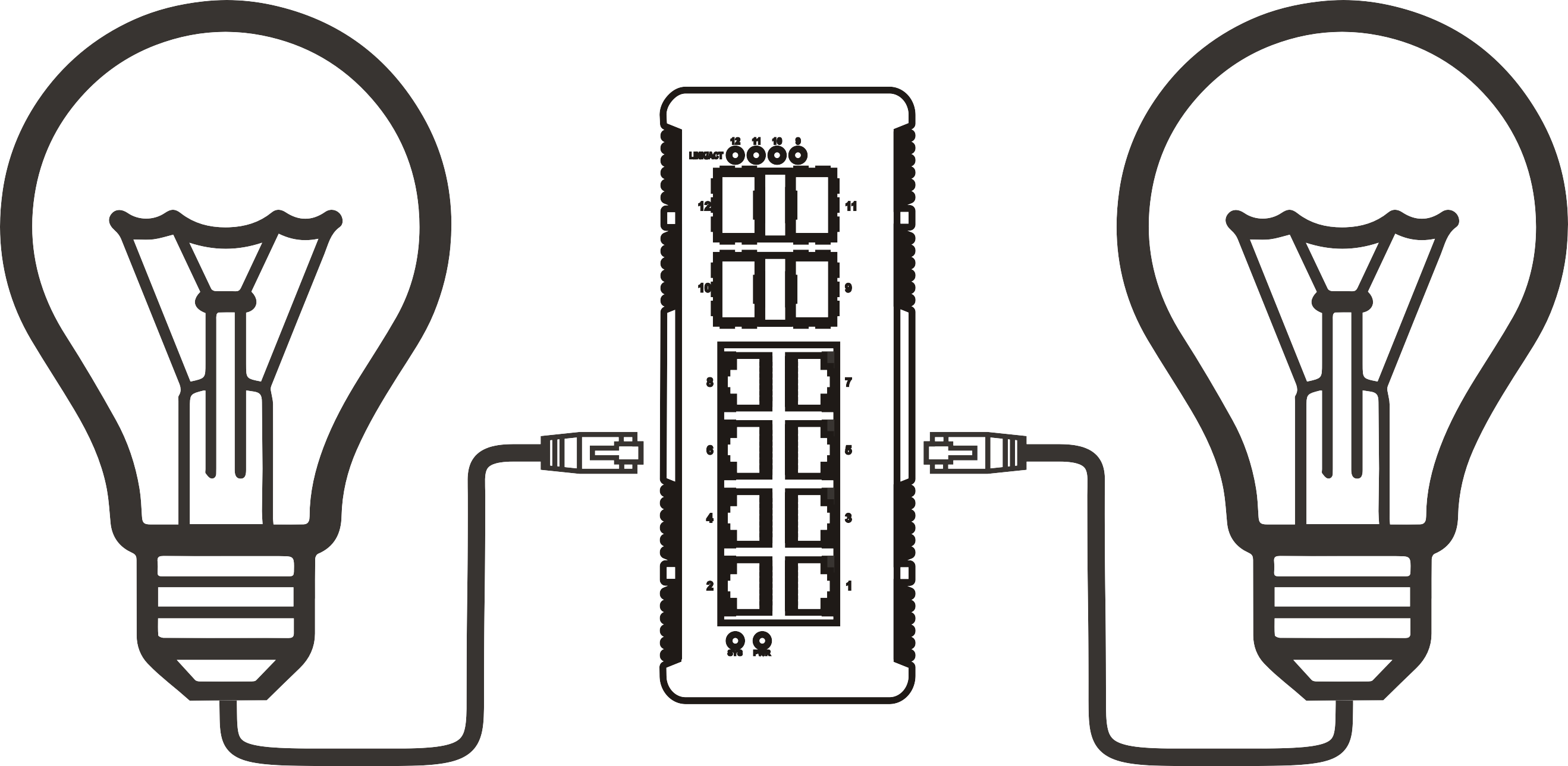


802.3bt PoE switch port priority settings: protecting critical devices during overload
Time: 2026-11-10
Article overview
An 802.3 bt poe switch powers devices up to 90 W per port. When connected loads exceed the total power budget, port priority decides which devices stay online and which are shut down first. This guide shows IT administrators and integrators in Germany how to calculate budgets, configure priorities on a managed PoE switch, protect door intercoms and cameras, and select cabling and hardware that survive overload. Wattage examples are planning values; always verify them against current datasheets.
Table of contents
- 1. How port priority works on an 802.3 bt poe switch
- 2. Calculating the PoE budget before you assign priorities
- 3. Step-by-step port priority configuration on a managed PoE switch
- 4. Case study: simulating an overload on a 600 W site
- 5. Cabling, heat and installation for 4-pair power
- 6. Managed features, compatibility and troubleshooting
- 7. Buying checklist, prices and compliance in Germany
- 8. Frequently asked questions
How port priority works on an 802.3 bt poe switch
Port priority ranks PoE ports so the switch knows which powered devices to keep alive when total demand exceeds the available budget. On a managed 802.3 bt poe switch you usually assign critical, high or low to each port, and equal priorities are typically resolved by port number, where lower numbers win.
What happens during a PoE overload
Every PoE switch has a fixed power budget defined by its power supply, not by its port count. When connected devices request more than that budget, the switch must refuse new loads or cut existing ones. Without priorities, the outcome is arbitrary: the last device plugged in may stay dark, or a door intercom may drop while a decorative light stays lit. Why do so many networks discover this only during an incident? Average load looks harmless, and peaks, such as PTZ camera heaters on a cold January morning, appear rarely. Think of it like a lifeboat with limited seats: somebody has to decide in advance who boards first.
Type 3 and Type 4 basics
An 802.3 bt poe switch is a power sourcing equipment (PSE) device that follows IEEE 802.3bt and delivers data and power over all four wire pairs. Type 3 ports supply up to 60 W, Type 4 ports up to 90 W. Vendors also call it an IEEE 802.3bt PoE switch, PoE++ switch or 4-PoE switch, and it stays backward compatible with 802.3af and 802.3at devices.
The IEEE ratified the amendment in 2018. The official ieee 802.3bt standard project page lists scope and history, while the general power over ethernet article explains how detection, classification and the earlier af/at generations fit together. In practice, a 60W PoE switch port covers most Wi-Fi 7 access points and PTZ cameras, whereas a 90W PoE switch port is needed for luminaires, video displays and the most demanding outdoor cameras. Type 3 Type 4 PoE ports differ as follows:
| Parameter | Type 3 (60 W) | Type 4 (90 W) |
|---|---|---|
| Maximum PSE output per port | 60 W | 90 W |
| Guaranteed power at the device (PD) | 51 W | 71.3 W |
| PD classes | Class 5–6 | Class 7–8 |
| Wire pairs used | 4 | 4 |
| Typical loads | Wi-Fi 7 AP, PTZ camera | PoE luminaire, display, outdoor camera |
IEEE 802.3bt-2018 extends Power over Ethernet to four-pair operation, with Type 3 up to 60 W and Type 4 up to 90 W at the PSE port. (Summary of the IEEE 802.3bt scope)
Does every port on a 90W PoE switch deliver 90 W?
No. The datasheet states the maximum per port, but the shared power supply limits the sum, so usually only a few ports can run at Type 4 simultaneously. Remember also that 90 W is the PSE-side limit; the device is guaranteed only 71.3 W after cable loss. Claims of 100 W per port usually come from marketing or proprietary wording, not from IEEE 802.3bt.
Calculating the PoE budget before you assign priorities
Add the real PSE-side wattage of every device, add a reserve of about 20 %, and compare the sum with the total PoE budget of the 802.3 bt poe switch instead of its port count. A 24-port switch with a 370 W budget cannot power 24 devices at 30 W each, because that would require 720 W.
Why ports × 90 W is the wrong formula
Datasheets list two separate numbers: maximum power per port and total PoE budget. A 24-port switch that really delivered 90 W on every port would need roughly 2,160 W of PoE capacity, which is unrealistic in a compact enclosure. Real models therefore offer only a few Type 4 ports, or they share a limited budget dynamically. Any PoE budget calculator, whether a vendor tool or a plain spreadsheet, should use the PSE-side value, because the cable consumes part of the energy. At full Type 4 load that gap is 90 W versus 71.3 W, a loss of about 21 %. When you shortlist an 802.3 bt poe switch, read the budget line first and the port count second.
Worked example for a German SME site
Consider an office with a small warehouse. The figures below are planning assumptions, so replace them with the datasheet maxima of your own devices.
| Device group | Qty | W per port (PSE) | Subtotal | Priority |
|---|---|---|---|---|
| Door intercoms | 2 | 15 | 30 W | Critical |
| Fixed IP cameras | 4 | 12 | 48 W | Critical |
| Wi-Fi 7 access points | 4 | 35 | 140 W | Critical |
| PTZ cameras with heater | 3 | 60 | 180 W | High |
| PoE luminaire | 1 | 90 | 90 W | Low |
| Total | 14 | – | 488 W | – |
Adding a 20 % reserve gives 586 W (488 × 1.2 = 585.6), so a budget of at least 600 W is the sensible minimum. The port mix matters as well: one Type 4 port for the luminaire, three Type 3 ports for the PTZ units, and 30 W-class ports for the rest. A PoE switch for access point and IP camera duty rarely needs more than a handful of 90 W ports, which is why a gigabit PoE switch with a large shared budget often beats a smaller model that advertises Type 4 on every port.

How much reserve should a PoE budget include?
A reserve of 20–30 % is common planning practice. It covers future devices, heater cycles and power-supply efficiency losses at high temperature. Of course, with dynamic allocation you can run tighter, but then correct priority settings stop being optional.
Step-by-step port priority configuration on a managed PoE switch
Configure priority by inventorying devices, grouping them into tiers, selecting the allocation mode and assigning a tier to every PoE port. Only a managed 802.3 bt poe switch exposes these controls; unmanaged models simply stop powering ports once the budget is exhausted, usually in plug-in order.
Define the priority tiers first
Tier assignment is a business decision, not a technical one. Ask what must keep working when power runs short. In most SME networks, door intercoms, perimeter cameras and the access points that carry authentication belong in critical. PTZ cameras and conference-room AV-over-IP endpoints fit into high. Decorative lighting, charging ports and test equipment go to low. One warning: if every port is marked critical, the switch has no real priorities left, and the setting becomes meaningless.
Configuration procedure
Menu names differ by vendor, yet the logic is identical on every 802.3 bt poe switch.
- Record the total PoE budget from the datasheet and note whether the power supply is redundant.
- Update the firmware; older "bt-ready" releases can negotiate classes incorrectly.
- Open the PoE settings page and set the global power management mode.
- Choose the allocation method: static or class-based, dynamic or consumption-based, or LLDP negotiation.
- Set a reserved or guard-band value if the switch offers one.
- Assign critical to intercom, fixed camera and access point ports, high to PTZ ports, and low to lighting ports.
- Add port descriptions, assign VLANs per tier, and enable SNMP or syslog alerts for "PoE budget exceeded".
- Save the configuration, simulate an overload as described in the next section, and document the result.
Static, dynamic and Autoclass allocation
Static allocation reserves the class maximum per port, for example 60 W for a Class 6 device that actually draws 25 W. That wastes budget but avoids surprises. Dynamic allocation reserves only the measured consumption and powers more devices, yet a sudden load increase, such as PTZ motors starting, can push the total over the limit. IEEE 802.3bt also introduced Autoclass, where the device reports its real maximum draw so the switch can shrink the reservation. LLDP-based negotiation works similarly and suits modern Wi-Fi 7 access points. Every 802.3 bt poe switch implements these modes slightly differently, so verify the behaviour in the manual.
What happens if two ports share the same priority?
Most switches fall back to the port number and retain the lowest one, although some use the order of power-up. Check the manual, and place your most important devices on low-numbered ports as a safeguard.
Case study: simulating an overload on a 600 W site
On the example site, the 600 W budget holds until three more PTZ cameras are added; the 802.3 bt poe switch then sheds the 90 W low-tier luminaire and keeps every critical device online. That is the intended outcome, and a controlled test can confirm it.
Scenario results
| Scenario | Demand | Budget | Expected result |
|---|---|---|---|
| 1. Normal operation | 488 W | 600 W | All 14 devices powered |
| 2. Three more PTZ cameras | 668 W | 600 W | Low-tier luminaire (90 W) shed; 578 W remain |
| 3. Power supply failure, half budget | 578 W | 300 W | Critical tier (218 W) kept; one 60 W PTZ fits (278 W); other PTZ shed |
These are calculated results, not laboratory measurements. Real firmware may shed devices differently, depending on port order, hysteresis and whether the switch re-evaluates after each event.
How to test safely
In rollout projects, this test most often exposes a port left on the default priority. Follow this sequence:
- Book a maintenance window and inform users.
- Connect the extra PTZ cameras one by one while watching the PoE power graph.
- Read the event log and note which port was shed first.
- Remove the extra load, confirm automatic recovery, and document the result with timestamps.
Typical power needs by use case
- Wi-Fi 7 access points: often above 30 W with all radios active, so Type 3 ports are the safe choice.
- PTZ cameras with heaters: commonly 40–60 W in winter operation.
- PoE luminaires and DALI gateways: from about 15 W up to 90 W per fixture.
- AV-over-IP decoders and small displays: roughly 15–60 W.
- Digital door intercoms: usually below 30 W, yet critical for access control.
Values vary by model, so confirm them in each datasheet.
Can port priority prevent device reboots?
No. Priority only decides who loses power; a shed device still reboots once power returns, and a Wi-Fi access point may need minutes to rejoin. For true continuity, combine priorities with a UPS on the 230 V side and a redundant power supply.
Cabling, heat and installation for 4-pair power
Use Cat6A for dense, high-power bundles, accept Cat5e only for short, loosely bundled runs, and keep every channel within 100 m. An 802.3 bt poe switch at 90 W turns the cable into a heat source: roughly 18.7 W is lost in the channel before a Type 4 device receives its guaranteed 71.3 W.
Cat5e, Cat6 and Cat6A in practice
Cat5e meets the minimum requirement of the Power over Ethernet standard for four-pair power, but its thinner conductors and weaker bundle behaviour leave little margin. Cat6 improves resistance; Cat6A, usually with larger conductors, is the pragmatic choice for cable trays carrying 24 or more cables and for any 90W PoE switch deployment. The TIA TSB-184-A guideline provides temperature-rise guidance for bundled cabling and is worth consulting for large installations. Copper-clad aluminium cable should be avoided entirely, because its higher resistance multiplies both loss and heating.
Bundling, length and noise
Keep high-power cables in open trays, avoid tight cable ties, and split large bundles. Runs beyond 60–70 m at full Type 4 load deserve extra attention, because resistance consumes part of the budget you calculated. For longer distances, use fibre and a remote powered switch instead of pushing copper past 100 m. Fan noise matters in open offices: compare the dB(A) values in the datasheet, remembering that fanless models usually come with smaller budgets. This article contains no measured thermal or acoustic data, because those depend heavily on the unit and the ambient temperature. Installation work on mains-powered equipment should be carried out by qualified personnel.
Is Cat5e enough for 90 W PoE?
Technically yes for short, loose runs, but heating and loss rise sharply in bundles. For new installations in 2026, Cat6A costs little compared with the labour of replacing cabling later.
Managed features, compatibility and troubleshooting
Choose a managed PoE switch whenever you need port priority, because unmanaged models rarely expose priority, scheduling or logging. Smart managed units cover VLANs and basic PoE control, while L2+ and L3 models add routing and finer policies.
Features that protect critical devices
- VLANs separate cameras, access points and intercoms, limiting the impact of faults.
- PoE scheduling switches off lights at night and frees budget for other loads.
- A PD watchdog pings a camera and power-cycles the port if it freezes.
- Event logging and SNMP traps warn you before the budget is exhausted.
- A 10G uplink PoE switch carries aggregated Wi-Fi 7 and camera traffic without becoming a bottleneck, whereas a gigabit PoE switch is enough for most standalone cameras.
Compatibility and troubleshooting
Most faults trace back to detection. A compliant PSE only powers devices that present a valid signature, which protects equipment but surprises installers.
- Legacy or proprietary devices may not be detected; test one unit before ordering fifty.
- Passive 24 V devices are not detected by a standards-compliant port; never feed passive injector output into a switch port.
- Dual-signature devices need both pairsets classified; check the datasheet.
- "bt-ready" units with old firmware may negotiate the wrong class; update first.
- A port that powers up and drops repeatedly usually points to a cable fault or a shed event, so read the log first.
Industrial switches and injectors
An industrial PoE switch DIN rail model suits cabinets, rail and outdoor enclosures, with operating ranges such as -40 to 75 °C and EN 50155 variants for rolling stock. When only one remote endpoint needs 90 W, a PoE injector 802.3bt is a legitimate alternative, yet it lacks central priority and monitoring. Of course, a well-planned 802.3 bt poe switch is easier to manage once you pass two or three high-power endpoints.
Buying checklist, prices and compliance in Germany
In Germany, a genuine 802.3 bt poe switch with eight ports starts at roughly €220–350 in 2026, according to an industry procurement guide, so compare usable budget per euro rather than port count. Check whether a quote is net or gross, since 19 % MwSt. changes the comparison.
Price, market and cost versus injectors
Precedence Research (2026) estimates the global PoE market at about USD 1.83 billion in 2026, rising to USD 4.87 billion by 2035 at an 11.5 % CAGR, with Type 4 growing fastest at 14.4 %. Wi-Fi 7 access points, AI cameras and PoE lighting drive that demand. A €250 gross price equals €210,08 net (250 ÷ 1.19). Compare that with several single-port injectors: each adds a power supply, a socket and a failure point, and none offers shared-budget priority. Ask suppliers for lead times and whether stock is held in Germany.
Purchase checklist
- Total PoE budget in watts, with power supply redundancy stated
- Number of Type 4 ports and Type 3 ports
- Priority modes: per-port, LLDP and Autoclass support
- Uplink speed: 1G, 2.5G or 10G
- Fan noise in dB(A) and operating temperature range
- Firmware update policy and a contact for security reports
- Warranty terms and EU service location
- Rack or DIN-rail mounting
Standards, certification and warranty
CE marking is a manufacturer's declaration, so a CE certified PoE switch should come with a declaration of conformity that lists EN 55032 (EMC) and EN 62368-1 (safety). Ask also for IEEE 802.3bt interoperability evidence and for surge-protection specifications on outdoor ports. Regulation (EU) 2023/826 tightens standby consumption of networked equipment, and the Cyber Resilience Act requires vulnerability reporting from 11.09.2026, with full application from 11.12.2027. Warranty duration for business customers is contractual, so request it in writing.
Port priority turns a power shortage from a gamble into a plan. Calculate the budget with reserve, rank devices into tiers, test the shed order, and choose cabling and hardware accordingly. Whether you deploy a managed 802.3 bt poe switch for Wi-Fi 7 or cameras, document your settings and review them whenever devices are added. For electrical installation questions, consult a qualified professional.
Frequently asked questions
Q: What is port priority on an 802.3 bt poe switch?
A: It is a ranking, usually critical, high or low, that tells the switch which ports to keep powered when demand exceeds the budget. Lower-priority ports are shed first, and equal priorities are typically resolved by port number.
Q: How many 90 W ports can a PoE++ switch supply at once?
A: That depends on the total budget, not the port count. Divide the budget by 90 W: a 370 W model supports only four Type 4 loads, ignoring all other ports. Always include a reserve of about 20 %.
Q: Do I need a managed switch for port priority?
A: In practice, yes. Unmanaged units offer no priority controls, so overload handling is fixed and unpredictable. A managed or smart managed PoE switch lets you set priority, logging and PoE scheduling per port.
Q: Is an 802.3bt PoE injector cheaper than a switch?
A: For one or two remote high-power devices, often yes. Beyond that, each injector adds its own power supply and offers no shared-budget priority, so a switch is usually more economical and easier to monitor.
More News



Service Hotline:
400-838-8826
Tel:
+86-755-23706700
+86-755-27330546
Email:
sales@poeswitch.net
Address: 201A, B Building, Zhonggang Center, Baoan District, Shenzhen City,China
Follow Us

Copyright © 2025 Shenzhen Hi-Net Technology Co., Ltd All Rights reserved.