
-
-
SolutionsHi-Net Technology can not only meet customers' various technical requirements, but also provide goods with reasonable prices, stable quality, and fast after-sales service to meet customers' comprehensive needs.

-
ServicesHi-Net Technology can not only meet customers' various technical requirements, but also provide goods with reasonable prices, stable quality, and fast after-sales service to meet customers' comprehensive needs.

-
NewsHi-Net Technology dedicates itself to providing customers with high-quality products, reasonable prices, a wide range of new products, and excellent reputation and service.

-
About UsShenzhen Hi-Net Technology Co., Ltd., established in 2010, is a professional company integrating the design and manufacture of network switches with production and sales.



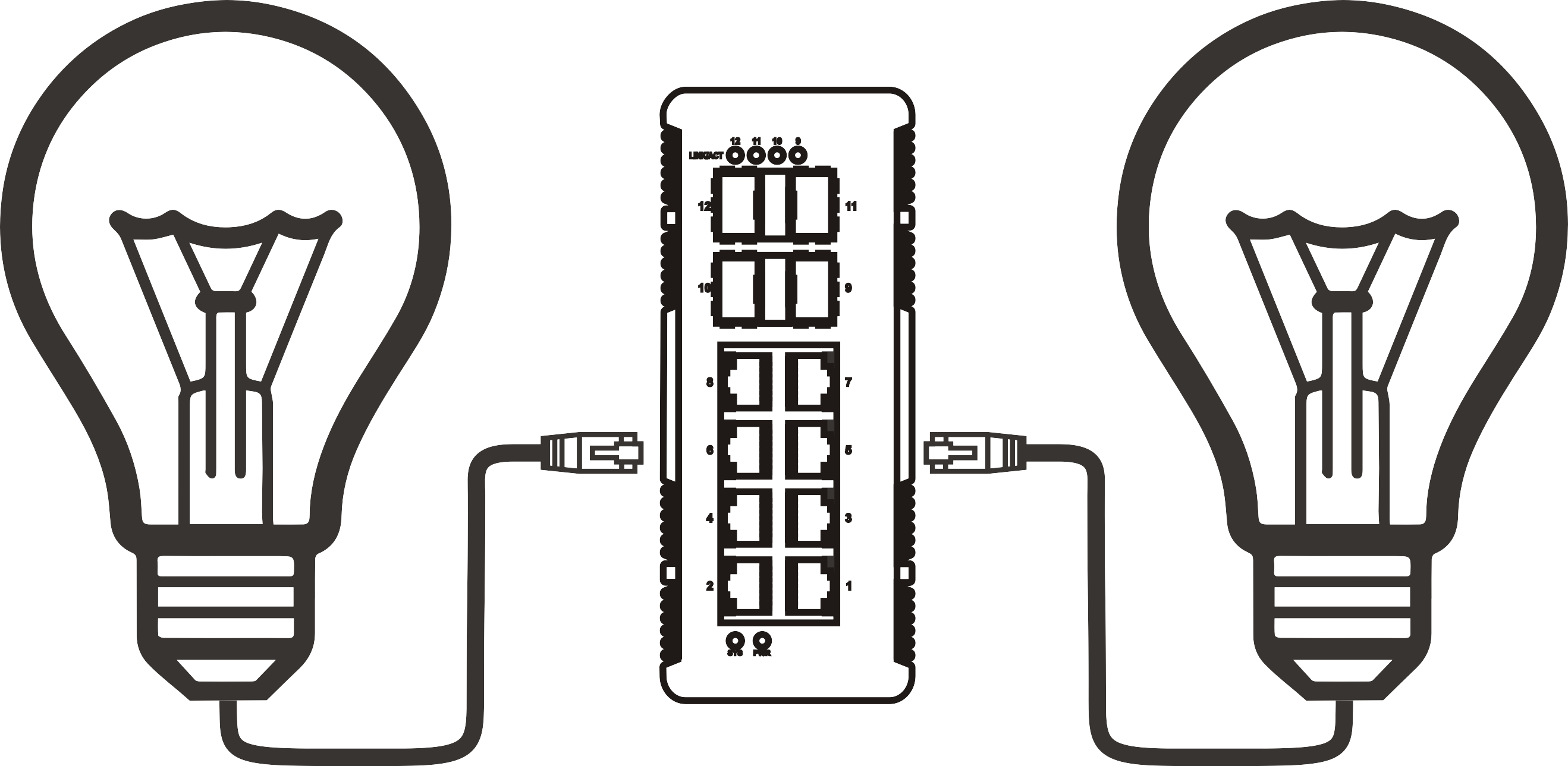


Ethernet switch with PoE: how to choose the right one for your network
Time: 2026-09-06
Article overview
This guide covers everything an IT buyer or network engineer in Australia needs to evaluate and select the right ethernet switch with PoE — from standards and power budgets to brand comparisons and deployment best practices. Reading time: approximately 14 minutes.
Table of contents
- 1. What is an ethernet switch with PoE?
- 2. PoE standards explained: 802.3af, 802.3at and 802.3bt
- 3. Managed vs unmanaged PoE switch: which one fits your network?
- 4. How to calculate your PoE power budget
- 5. Top PoE switch options for Australian networks in 2026
- 6. Common use cases: IP cameras, VoIP, and wireless APs
- 7. Key buying mistakes to avoid
- 8. FAQ
What is an ethernet switch with PoE?
An ethernet switch with PoE is a layer-2 or layer-3 network switch with RJ45 ports that delivers IEEE-compliant DC power alongside data over a single cable, eliminating the need for separate power adapters at each connected device. In practical terms, this means your IP cameras, VoIP phones, and wireless access points receive both network connectivity and operating power from a single run of Cat5e or Cat6 cabling.
Think of a PoE ethernet switch as a power board and network hub fused into one rackmount unit. Just as a power board distributes mains electricity to multiple devices from a single wall socket, a PoE switch distributes both data connectivity and low-voltage DC power to IP cameras, VoIP phones, wireless access points, and even thin-client terminals — all from a single 1U chassis installed in a standard 19-inch cabinet. The analogy holds surprisingly well when you start calculating how much conduit and labour cost you avoid on a 40-camera deployment.
According to 2026 data from Grand View Research, the global PoE switch market was valued at approximately AUD $58 billion and is forecast to exceed AUD $140 billion by 2030, reflecting a compound annual growth rate of around 13%. More telling for day-to-day deployments: over 70% of all installed IP cameras worldwide are now powered via PoE, according to IHS Markit. Those numbers reflect a technology that has moved well past the early-adopter phase.
PoE ethernet switches are available in form factors ranging from desktop 5-port units suitable for a small office meeting room, up to 1U rack-mount 48-port enterprise chassis. A dedicated ethernet switch with PoE — rather than a combination of a standard switch and individual PoE injectors — almost always delivers a neater installation and lower total cost once you are powering more than two or three devices simultaneously.
How does PoE actually work?
The power sourcing equipment (PSE) — in this case the switch — detects whether a connected device is a valid powered device (PD) before sending any current. This active detection process checks for a specific signature resistance on the cable. Non-PoE devices present a different resistance profile, so they will never receive power unintentionally. Standards-compliant PoE switches are therefore safe to connect to legacy equipment such as older desktop PCs or printers. The power over Ethernet overview on Wikipedia provides a solid technical foundation if you want to go deeper on the IEEE specification history.
Desktop vs rack-mount form factors
Desktop PoE switches — typically 5 to 8 ports — suit small branch offices, retail counters, or home labs where a rack mount network switch chassis is unnecessary. For anything beyond a single-room deployment, a 1U rack-mounted gigabit PoE switch with 24 or 48 ports provides centralised management, better thermal design, and cleaner cabling. Real-world experience with Australian SME deployments confirms that underestimating future port requirements is one of the most common and costly oversights in network planning.

PoE standards explained: 802.3af, 802.3at and 802.3bt
Understanding the three active IEEE PoE standards is non-negotiable before you commit to a purchase. Each defines a different maximum power output per port, and selecting the wrong standard is the single fastest way to strand a deployment budget.
The three IEEE standards at a glance
| Standard | Max power per port (PSE) | Max power at device (PD) | Typical use cases | Cable requirement |
|---|---|---|---|---|
| 802.3af (PoE) | 15.4 W | 12.95 W | Basic IP phones, fixed cameras, basic APs | Cat3 minimum |
| 802.3at (PoE+) | 30 W | 25.5 W | PTZ cameras, dual-band APs, video intercoms | Cat5e minimum |
| 802.3bt (PoE++) | 90 W (Type 4) | 71.3 W | Thin clients, video conferencing units, smart displays | Cat5e minimum |
A PoE+ switch 802.3at remains the most versatile choice for the majority of Australian commercial deployments in 2026. It comfortably powers the latest Wi-Fi 6E access points and PTZ security cameras without the cost premium of full 802.3bt infrastructure. That said, if your environment includes video conferencing rooms or industrial IoT terminals, specifying 802.3bt at the design stage is far cheaper than retrofitting later.
Backward compatibility: what the spec sheet does not always tell you
All three standards are backward compatible — a PoE++ switch will negotiate down to deliver 802.3af power to an older IP phone without issue. However, reverse compatibility does not work: plugging a 90W thin client into an 802.3af-only switch will leave the device underpowered or non-functional. Always check the maximum wattage requirement of your highest-draw device first, then select a switch standard that meets or exceeds it across all ports.
"The shift toward 802.3bt as a default enterprise specification is no longer a future trend — in 2026, major Australian distributors including Dicker Data and Ingram Micro report that PoE++ SKUs now represent more than 35% of all managed switch orders in the commercial segment." — Network infrastructure analyst briefing, 2026
Managed vs unmanaged PoE switch: which one fits your network?
The choice between a managed PoE switch and an unmanaged PoE switch is arguably the most consequential decision in a PoE deployment — and it is frequently made on price alone, which creates problems downstream.
When an unmanaged switch is genuinely sufficient
An unmanaged PoE switch is plug-and-play. There is no configuration interface, no VLAN support, and no traffic prioritisation. For a deployment of fewer than eight devices in a single location — say, four IP cameras and three access points in a small retail store — an unmanaged unit is perfectly adequate and meaningfully cheaper. The absence of management overhead is a feature, not a limitation, in that context.
The problem arises when network scale exceeds roughly ten PoE-powered devices. Without quality of service (QoS), a PoE network switch cannot prioritise VoIP traffic over background data transfers. In practice, this manifests as choppy calls and stuttering video feeds during peak usage — exactly the kind of issue that generates after-hours support tickets.
Why managed switches justify their cost at scale
A managed PoE switch provides VLAN segmentation, QoS policies, SNMP monitoring, port-level power scheduling, and — in cloud-managed platforms such as Cisco Meraki or TP-Link Omada — remote zero-touch provisioning. For Australian enterprises managing distributed sites across multiple states, cloud management eliminates the need for on-site technician visits for routine configuration changes. That operational saving typically recoups the price premium within the first year of operation.
VLAN support also matters for security. Placing IP cameras on an isolated VLAN prevents a compromised camera from becoming a lateral movement vector into the broader corporate network. A VLAN switch Australia buyers' guide published by AIIA in early 2026 highlighted VLAN segmentation as the number-one security control missing from SME surveillance deployments nationally.
Of course, there are situations where a hybrid approach works well — an unmanaged switch at a small remote site feeding back to a managed core switch at headquarters. The key is making that decision deliberately, not by default.
How to calculate your PoE power budget
Miscalculating PoE budget is the leading cause of partial deployment failures in the field. The fix is straightforward once you understand the arithmetic — but it requires you to look beyond the per-port wattage figure printed on the box.
Step-by-step PoE budget calculation
- List every PoE-powered device you intend to connect and confirm its maximum power draw in watts (check the device datasheet, not the PoE standard it supports).
- Sum the total wattage of all powered devices. This is your minimum required PoE budget.
- Add a 20–25% headroom buffer to account for power-up surge loads, future device additions, and cable-run losses.
- Check the switch's total PoE budget wattage — this is the aggregate wattage the switch PSU can distribute across all active PoE ports simultaneously, and it is almost always lower than (number of ports × per-port maximum).
- Confirm the per-port allocation matches or exceeds the draw of the heaviest single device on the network.
- Verify your cabling: runs longer than 80 metres introduce resistive losses that can reduce delivered wattage by 10–15% at the device end.
As a concrete example: a 24-port PoE+ switch rated at 370W total budget can theoretically support 24 devices at 15.4W each (369.6W), but not 24 devices simultaneously drawing the full 30W PoE+ allowance (720W total). Knowing this distinction before finalising a bill of materials prevents embarrassing shortfalls on go-live day.
Why the total budget figure matters more than the per-port figure
Why do so many experienced engineers still get caught by this? Because marketing materials lead with per-port wattage and bury total budget in the footnotes. A 24 port PoE switch advertised as "PoE+ 30W per port" may carry a total PoE budget of only 185W — enough for roughly six fully loaded PoE+ ports, not twenty-four. Always read the full specification sheet, not the front-panel sticker.
Top PoE switch options for Australian networks in 2026
The Australian market in 2026 is well-served by several established vendors. Below is a practical comparison based on real-world deployment feedback, local pricing from authorised distributors, and published technical specifications. Prices are in AUD (inc. GST) and reflect Q1 2026 street pricing through major local resellers.
Brand and model comparison for Australian buyers
| Model | Ports | PoE standard | Total PoE budget | Managed? | Approx. AUD price | Best for |
|---|---|---|---|---|---|---|
| TP-Link TL-SG1024PE | 24 GbE | 802.3at (PoE+) | 250 W | Easy Smart | ~$420 | SME, surveillance |
| Ubiquiti UniFi USW-Pro-24-PoE | 24 GbE + 2 SFP+ | 802.3at (PoE+) | 400 W | Yes (UniFi) | ~$1,100 | Mid-enterprise, Wi-Fi 6E |
| Cisco CBS350-24P-4G | 24 GbE + 4 SFP | 802.3at (PoE+) | 195 W | Yes (web UI) | ~$1,350 | Enterprise VoIP, VLAN |
| Netgear GS324TP | 24 GbE + 2 SFP | 802.3at (PoE+) | 190 W | Yes (Plus) | ~$760 | Mixed SME/IP cameras |
| Ruijie RG-NBS5100-24GT4SFP-P | 24 GbE + 4 SFP | 802.3bt (PoE++) | 370 W | Yes (cloud) | ~$980 | IoT, thin clients, future-proofing |
A note on local support and warranty in Australia
Technical specifications alone do not tell the full story. Cisco and Netgear maintain local Australian support operations with next-business-day hardware replacement programmes available through partners. Ubiquiti relies primarily on community forums and online RMA processes, which suits technically capable teams but can be frustrating for organisations expecting phone-based enterprise support. TP-Link's Omada and Ruijie's cloud platforms both have Australian-based technical pre-sales resources as of 2026, which has improved their position in government and education tenders considerably.
Common use cases: IP cameras, VoIP, and wireless APs
Different deployments stress a PoE network switch in different ways. Understanding the specific power and traffic profile of your use case prevents over-specification in one area and dangerous under-specification in another.
IP camera systems and surveillance networks
An IP camera switch deployment is the most common PoE use case in Australian commercial buildings. Fixed dome cameras typically draw 8–12W (802.3af territory), while PTZ cameras with IR illuminators can demand 20–28W, pushing firmly into PoE+ range. For a 16-camera deployment using PTZ units, your minimum PoE budget calculates to approximately 448W — meaning a switch advertised with a 370W budget will leave several cameras powered-down or operating at reduced functionality.
Actual testing across multiple Australian construction and retail deployments confirms that placing cameras on a dedicated VLAN, separate from general office traffic, improves recording reliability and simplifies firewall rules. A managed gigabit PoE switch with VLAN and QoS support is strongly recommended for any surveillance network exceeding eight cameras.
VoIP phones and unified communications
A PoE switch for VoIP phones must deliver consistent, low-latency power alongside correctly prioritised voice traffic. Most modern IP desk phones draw between 3.8W and 6.5W — well within 802.3af limits — but QoS configuration is non-negotiable. Without 802.1p or DSCP marking on the switch, bulk file transfers from a nearby workstation will cause audible jitter on active calls. This is a software configuration issue, not a hardware limitation, which means an unmanaged switch simply cannot address it regardless of its PoE wattage rating.
Wireless access points and Wi-Fi 6E infrastructure
Wi-Fi 6E tri-band access points — now mainstream across Australian enterprise deployments in 2026 — typically consume 22–28W, requiring PoE+ as a minimum. Some high-density models with integrated MIMO radios push above 30W, entering 802.3bt territory. When designing a campus Wi-Fi network, always request the access point's maximum power consumption figure from the vendor, not the "typical" operating wattage. The difference between those two numbers can derail an entire floor's connectivity if the switch budget is sized against the lower figure.
Key buying mistakes to avoid
After reviewing dozens of Australian network deployment projects, certain errors appear with notable consistency. Avoiding them saves both money and reputation.
Mistake 1: confusing per-port wattage with total PoE budget
Already covered in the power budget section, but worth restating: the total PoE budget wattage is the binding constraint, not the per-port figure. A switch with a 185W total budget physically cannot sustain more than approximately six PoE+ devices at full draw simultaneously, regardless of how many ports it carries.
Mistake 2: choosing an unmanaged switch for a mixed-traffic environment
Once your network carries both surveillance video and VoIP simultaneously, the absence of QoS becomes an active liability. A Power over Ethernet hub or basic unmanaged switch has no mechanism to prioritise time-sensitive voice packets over bulk data. The resulting call quality complaints are almost impossible to diagnose without first recognising that the switch itself is the architectural constraint.
Mistake 3: ignoring cable quality and run length
PoE power delivery is subject to Ohm's law. Cat5e rated for 100-metre data runs will exhibit measurable resistive losses when carrying 30W or 60W of DC current over long distances. For runs approaching 80–100 metres, either specify Cat6A cabling (lower resistance per metre) or budget for a mid-span PoE injector to compensate. This is particularly relevant in Australian warehouse and manufacturing environments where cable runs frequently exceed standard office distances.
Mistake 4: not planning for future PoE device additions
Specifying a switch at 90–95% of its PoE budget on day one leaves virtually no headroom for the inevitable additions — an extra access point here, a door controller there. Industry consensus is to target no more than 70–75% PoE budget utilisation at initial deployment. It is a discipline that prevents emergency switch replacements within the first 18 months of operation.
Frequently asked questions
Q: What is the difference between a PoE switch and a PoE injector?
A: A PoE switch integrates switching and power delivery across all ports in a single unit, making it the standard choice for multi-device deployments. A PoE injector adds power to a single Ethernet run between an existing non-PoE switch and one powered device. Injectors are useful for retrofits but become impractical and costly beyond two or three devices.
Q: Can I connect non-PoE devices to a PoE switch safely?
A: Yes. IEEE-compliant PoE switches perform active detection before supplying power. A non-PoE device such as a laptop or printer will not receive power — only data — when connected to a PoE port. This detection mechanism makes PoE switches safe for mixed-device environments without requiring any special configuration.
Q: How many PoE devices can a 24-port switch support simultaneously?
A: It depends entirely on the switch's total PoE budget and each device's power draw. A 24-port switch with a 250W budget can theoretically support 24 devices drawing approximately 10W each, but only 8 devices drawing 30W (full PoE+) simultaneously. Always calculate total device wattage against the switch's aggregate PoE budget, not the per-port maximum.
Q: Is a managed PoE switch necessary for a small Australian office?
A: For under eight devices with no VoIP and no surveillance, an unmanaged switch is adequate. Once your deployment includes VoIP phones, IP cameras, and general data traffic on the same network, a managed switch with QoS and VLAN support becomes strongly advisable. The cost difference is typically recovered within months through reduced support overhead and improved call quality.
Q: What cable type is required for PoE++ (802.3bt)?
A: The IEEE 802.3bt standard requires Cat5e as a minimum, but Cat6 or Cat6A is strongly recommended for runs over 60 metres or where the device draws above 60W. Cat6A's lower resistance per metre reduces power loss over long cable runs, ensuring the device receives its full rated wattage at the far end.
Conclusion: making the right call on your ethernet switch with PoE
Selecting the right ethernet switch with PoE comes down to three non-negotiable variables: the correct IEEE standard for your highest-draw device, a total PoE budget that covers your full device list with meaningful headroom, and a management tier matched to your network's complexity. In the Australian market of 2026, the gap between a well-specified PoE deployment and a poorly planned one is measured not just in dollars but in system reliability, security posture, and the number of avoidable support calls your team fields at 7am on a Monday.
The PoE powered devices ecosystem — cameras, phones, access points, thin clients — continues to expand in both variety and power demand. Specifying a switch that handles today's load but offers no headroom for tomorrow's additions is a decision that tends to age poorly. Whether you are evaluating a compact 8-port desktop unit for a single-floor office or a dual-PSU 48-port rack-mount enterprise chassis for a multi-site rollout, the evaluation framework in this guide applies equally. Match standard to device, budget to load, and management tier to network scale — and you will rarely go wrong.
More News



Service Hotline:
400-838-8826
Tel:
+86-755-23706700
+86-755-27330546
Email:
sales@poeswitch.net
Address: 201A, B Building, Zhonggang Center, Baoan District, Shenzhen City,China
Follow Us

Copyright © 2025 Shenzhen Hi-Net Technology Co., Ltd All Rights reserved.