
-
-
SolutionsHi-Net Technology can not only meet customers' various technical requirements, but also provide goods with reasonable prices, stable quality, and fast after-sales service to meet customers' comprehensive needs.

-
ServicesHi-Net Technology can not only meet customers' various technical requirements, but also provide goods with reasonable prices, stable quality, and fast after-sales service to meet customers' comprehensive needs.

-
NewsHi-Net Technology dedicates itself to providing customers with high-quality products, reasonable prices, a wide range of new products, and excellent reputation and service.

-
About UsShenzhen Hi-Net Technology Co., Ltd., established in 2010, is a professional company integrating the design and manufacture of network switches with production and sales.



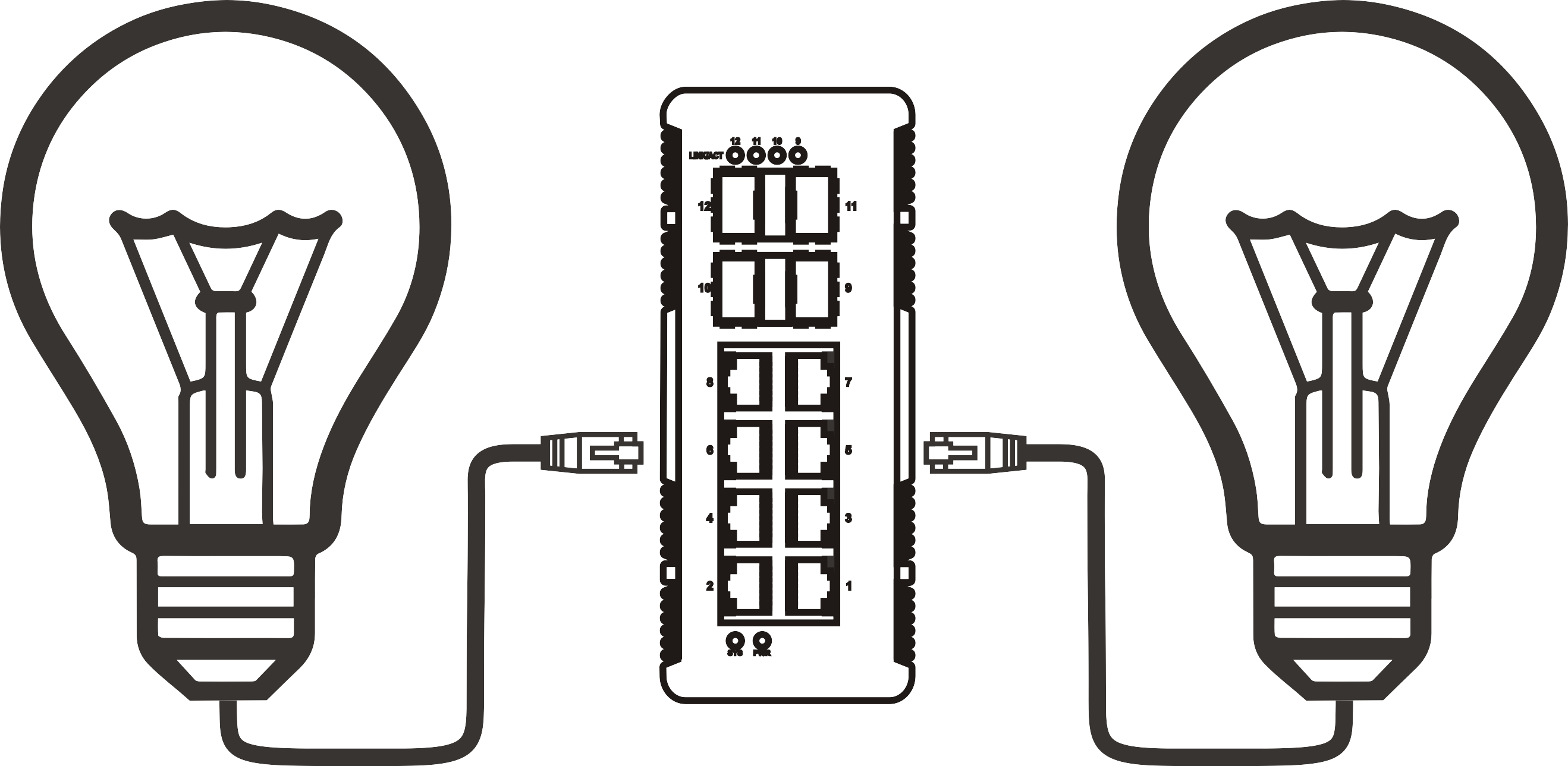


Setting Up Your Outdoor PoE Switch: A Step-by-Step Guide for Optimal Performance
Time: 2025-09-05
Setting Up Your Outdoor PoE Switch: A Step-by-Step Guide for Optimal Performance
Table of Contents
- Understanding PoE Technology: What You Need to Know
- Choosing the Right Outdoor PoE Switch for Your Needs
- Essential Tools and Equipment for Installation
- Planning Your Outdoor PoE Switch Installation
- Step-by-Step Installation Guide for Your Outdoor PoE Switch
- Configuring Your Network Settings for Optimal Performance
- Troubleshooting Common Issues with Your Outdoor PoE Switch
- Maintaining Your Outdoor PoE Switch for Longevity
- FAQs About Outdoor PoE Switches
Understanding PoE Technology: What You Need to Know
Power over Ethernet (PoE) technology has revolutionized the way we install and power network devices. By delivering both power and data through a single cable, PoE simplifies connectivity and reduces the need for multiple power sources. This is especially beneficial for outdoor installations where access to traditional power outlets may be limited. In this section, we will explore the fundamentals of PoE technology, including its benefits, types, and applications.
The Benefits of Using PoE Technology
Using PoE technology offers numerous advantages:
- Cost-Effective: Reduces the need for additional electrical infrastructure.
- Flexibility: Allows for the installation of devices in locations that lack power supply.
- Simplified Installation: Fewer cables mean quicker and easier setups.
- Enhanced Safety: Low-voltage delivery minimizes the risk of electrical hazards.
Types of PoE Standards
Understanding PoE standards is crucial when selecting your outdoor switch:
- IEEE 802.3af: Provides up to 15.4W per port.
- IEEE 802.3at (PoE+): Delivers up to 30W per port, suitable for devices requiring more power.
- IEEE 802.3bt (PoE++): Offers up to 60W or 100W per port, ideal for high-power applications.
Choosing the Right Outdoor PoE Switch for Your Needs
Selecting the right PoE switch is a critical step in ensuring optimal performance and reliability for your outdoor network. Here are the factors you should consider:
Port Count and Power Budget
Determine how many devices you need to connect. Make sure the switch has enough ports to accommodate your current and future network demands. Additionally, check the power budget to ensure it can support all connected devices.
Weather Resistance and Durability
Outdoor switches should be built to withstand environmental conditions. Look for switches with an IP67 or higher rating, ensuring they are dust-tight and can handle wet conditions.
Management Features
Consider whether you need a managed or unmanaged switch. Managed switches offer advanced features like VLAN support, network monitoring, and enhanced security, which can be beneficial for complex outdoor setups.
Essential Tools and Equipment for Installation
Before starting your installation, gather the necessary tools and equipment. Here’s a list of essentials:
Tools Required
- Drill: For mounting the switch and running cables.
- Cable Stripper: To prepare Ethernet cables.
- Crimping Tool: For attaching connectors to cables.
- Tester: To ensure cable integrity and connection.
Materials Needed
- Outdoor-Rated Ethernet Cables: Use Cat5e or Cat6 cables for optimal performance.
- Weatherproof Enclosure: Protects the switch from environmental exposure.
- Power Supply: Ensure you have a reliable power source available.
Planning Your Outdoor PoE Switch Installation
Effective planning is essential for a successful installation. Follow these steps to ensure a seamless setup:
Site Survey
Conduct a thorough site survey to identify the best location for the switch. Consider factors such as proximity to power sources, cable routing, and environmental hazards.
Cable Routing
Plan your cable routing carefully to minimize exposure to the elements. Use conduit or cable protectors to shield cables from UV rays and physical damage.
Device Placement
Decide where to place all connected devices, including security cameras, access points, and other network hardware. Ensure they are within the maximum cable length limit (100 meters for Ethernet).
Step-by-Step Installation Guide for Your Outdoor PoE Switch
Once you have planned your installation, follow these steps to set up your outdoor PoE switch:
Step 1: Mount the PoE Switch
Securely mount the PoE switch inside the weatherproof enclosure, ensuring it is protected from moisture and dirt. Use screws or brackets appropriate for the surface material.
Step 2: Connect the Power Supply
Attach the power supply to the switch. Ensure connections are secure and weatherproof to prevent moisture ingress.
Step 3: Run Ethernet Cables
Run your outdoor-rated Ethernet cables from the switch to your devices, following the planned routing. Make sure to leave some slack in the cable for any adjustments.
Step 4: Terminate Cables
Use the cable stripper and crimping tool to terminate the Ethernet cables with connectors. Test each cable for continuity to ensure a strong connection.
Step 5: Connect Devices
Plug each device into the respective ports on the PoE switch, ensuring that they are powered and connected correctly.
Step 6: Power On and Test
Power on the switch and test the connectivity of each device. Ensure that they receive adequate power and can communicate with the network.
Configuring Your Network Settings for Optimal Performance
After installation, configuring your network settings is crucial for optimal performance. Follow these guidelines:
Accessing the Switch Interface
Access the switch’s management interface via a web browser. Use the default IP address provided in the user manual to log in and configure settings.
Setting Up VLANs
If using a managed switch, consider setting up VLANs to segregate traffic and enhance security. This is particularly useful in multi-device environments.
Monitoring Network Performance
Regularly monitor your network performance through the switch’s interface. Look for any unusual activity or traffic bottlenecks.
Troubleshooting Common Issues with Your Outdoor PoE Switch
Even with careful planning and installation, issues may arise. Here are some common troubleshooting tips:
Device Not Powering On
If a connected device does not power on, check the Ethernet cable connection and ensure the switch is receiving power. Test the cable with a tester if needed.
Intermittent Connectivity
Intermittent connectivity may result from damaged cables or improper connections. Inspect all cables and connectors for signs of wear or damage.
Slow Network Speeds
Slow network speeds can be due to bandwidth limitations. Check if multiple devices are drawing too much power, or consider upgrading to a switch with a higher power budget.
Maintaining Your Outdoor PoE Switch for Longevity
Regular maintenance ensures that your outdoor PoE switch continues to perform optimally. Follow these maintenance tips:
Routine Inspections
Conduct routine inspections of the switch, cables, and connected devices for any signs of damage or wear. Address issues promptly to avoid bigger problems.
Firmware Updates
Keep your switch’s firmware updated to benefit from the latest features and security patches. Check the manufacturer’s website for updates regularly.
Cleaning the Enclosure
Periodically clean the weatherproof enclosure to prevent dust and debris buildup. Ensure all vents are clear for proper airflow.
FAQs About Outdoor PoE Switches
1. What is the maximum distance for PoE connections?
The maximum distance for PoE connections is 100 meters (328 feet) using standard Ethernet cabling. Beyond this distance, signal loss may occur.
2. Can I use a standard PoE switch outdoors?
No, it's recommended to use a weather-resistant PoE switch specifically designed for outdoor use to ensure durability and protection against the elements.
3. How do I know if my device is PoE compatible?
Check the device specifications; if it lists PoE support, then it is compatible. Most PoE-enabled devices will have the PoE logo on the packaging.
4. Can I connect non-PoE devices to a PoE switch?
Yes, non-PoE devices can be connected to a PoE switch. However, they will not receive power, so ensure they are plugged into a separate power source.
5. What should I do if my PoE switch overheats?
Ensure that the switch is installed in a well-ventilated area and that all vents are clear. If overheating persists, contact the manufacturer for support.
Conclusion
Setting up your outdoor PoE switch may seem daunting, but with the right guidance, it can be a straightforward process. By following this comprehensive step-by-step guide, you can ensure your outdoor network is robust, reliable, and efficient. From selecting the right equipment to troubleshooting common issues, we have covered all essential aspects to help you achieve optimal performance. Regular maintenance and monitoring will further enhance the longevity of your outdoor PoE setup, making it a valuable asset to your connectivity needs. Embrace the advantages of PoE technology and enjoy seamless outdoor connectivity.
More News




Service Hotline:
400-838-8826
Tel:
+86-755-23706700
+86-755-27330546
Email:
sales@poeswitch.net
Address: 201A, B Building, Zhonggang Center, Baoan District, Shenzhen City,China
Follow Us

Copyright © 2025 Shenzhen Hi-Net Technology Co., Ltd All Rights reserved.