
-
-
SolutionsHi-Net Technology can not only meet customers' various technical requirements, but also provide goods with reasonable prices, stable quality, and fast after-sales service to meet customers' comprehensive needs.

-
ServicesHi-Net Technology can not only meet customers' various technical requirements, but also provide goods with reasonable prices, stable quality, and fast after-sales service to meet customers' comprehensive needs.

-
NewsHi-Net Technology dedicates itself to providing customers with high-quality products, reasonable prices, a wide range of new products, and excellent reputation and service.

-
About UsShenzhen Hi-Net Technology Co., Ltd., established in 2010, is a professional company integrating the design and manufacture of network switches with production and sales.



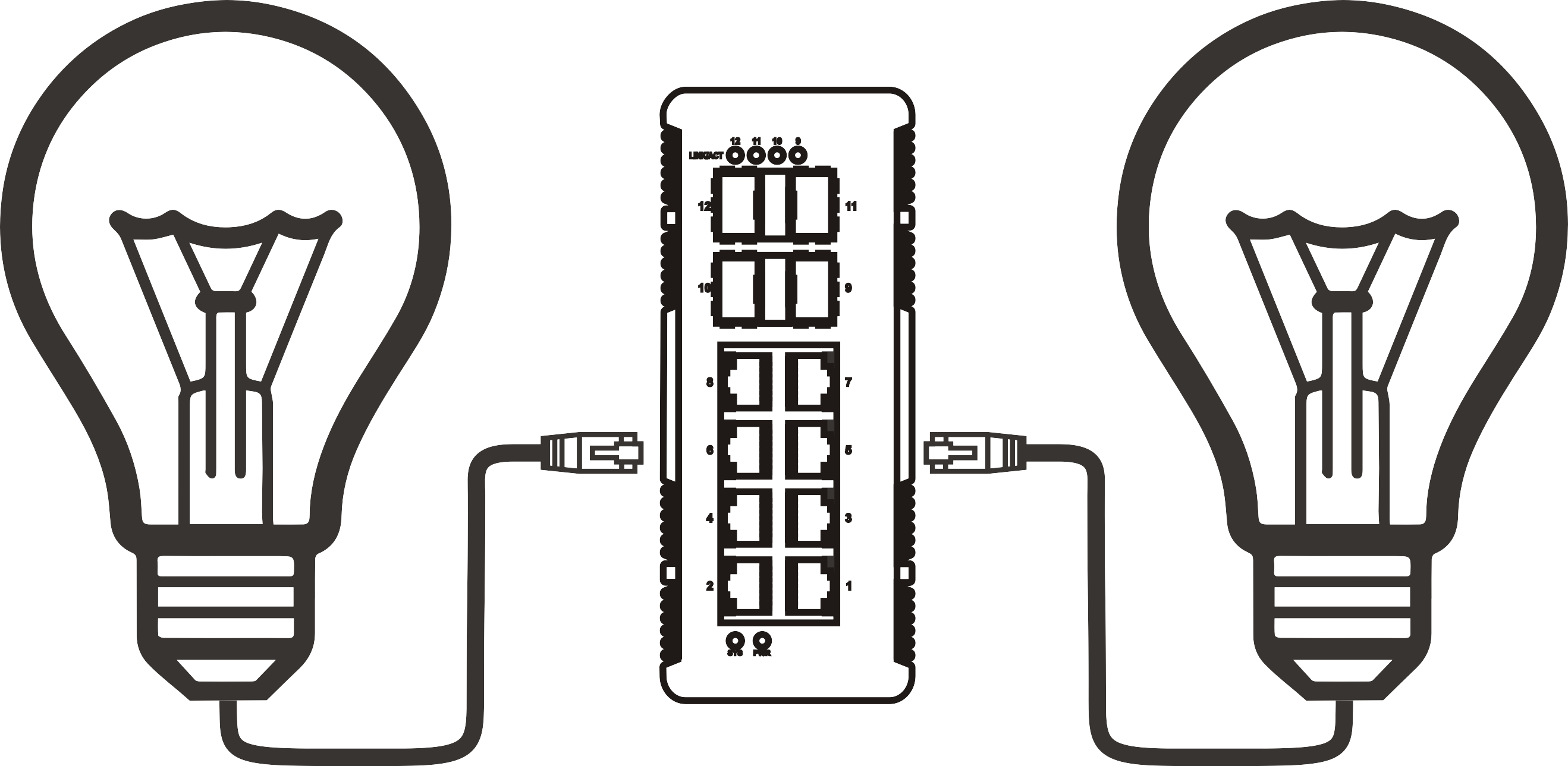


Outdoor PoE Switch Installation: Weighing DIY vs. Professional Help for Optimal Results
Time: 2025-12-21
Outdoor PoE Switch Installation: DIY vs. Professional Help
Table of Contents
- Understanding Power over Ethernet (PoE)
- Benefits of Using Outdoor PoE Switches
- DIY Installation Guide for Outdoor PoE Switch
- Common DIY Installation Challenges
- When to Hire a Professional for Installation
- Cost Analysis: DIY vs. Professional Installation
- Long-term Maintenance and Support
- Frequently Asked Questions
Understanding Power over Ethernet (PoE)
Power over Ethernet (PoE) technology has revolutionized the way we manage network connectivity and power supply. By delivering both data and electrical power through a single Ethernet cable, PoE simplifies the installation of network devices like cameras and access points, especially in outdoor settings where traditional power outlets may be unavailable.
As we delve into the installation of an Outdoor PoE Switch, it's crucial to understand how PoE works. The technology primarily operates using two standards: IEEE 802.3af (PoE) and IEEE 802.3at (PoE+). The former provides up to 15.4 watts of power, while the latter boasts up to 30 watts, making them suitable for various network devices.
Benefits of Using Outdoor PoE Switches
Outdoor PoE switches offer several advantages that make them an appealing choice for network expansion. These benefits include:
- Cost Efficiency: By combining power and data in a single cable, users can save on installation costs and reduce the need for additional electrical outlets.
- Flexible Installation: The flexibility to place devices like security cameras or access points in optimal locations enhances network performance and coverage.
- Simplified Wiring: With fewer cables to manage, troubleshooting and maintenance become easier.
- Protection Against Elements: Outdoor PoE switches are designed to withstand environmental challenges, ensuring longevity and reliable performance.
DIY Installation Guide for Outdoor PoE Switch
For those considering a DIY approach to installing an Outdoor PoE switch, we present a step-by-step guide to ensure a successful installation:
Step 1: Gather Required Tools and Materials
Before starting your installation, ensure you have the following tools and materials:
- Outdoor-rated PoE switch
- Ethernet cables (preferably outdoor-rated)
- Mounting hardware
- Drill
- Screwdriver
- Weatherproof cable connectors
- Network configuration software (if necessary)
Step 2: Choose an Optimal Location
Select a location that is easily accessible, away from potential water exposure, and close to your network devices. Ensure the switch is mounted securely on a surface that can support its weight.
Step 3: Run Ethernet Cables
Run the Ethernet cables from the switch location to your devices, ensuring minimal bends and avoiding interference from electrical sources. Utilize weatherproof connectors to safeguard against moisture.
Step 4: Connect the Devices and Power
Connect your devices to the switch ports. If your switch is not PoE-enabled, ensure that a power source is available. For PoE switches, plug in the switch to a power outlet.
Step 5: Test the Network Connectivity
Before finalizing your installation, perform a connectivity test on each device. Verify that data transmission and power supply are functioning as expected.
Common DIY Installation Challenges
While DIY installation can be rewarding, several challenges may arise, including:
- Weather Conditions: Outdoor installations can be impacted by rain, wind, and extreme temperatures, which may affect equipment performance.
- Cable Length Limitations: Ethernet cable runs longer than 100 meters can result in signal degradation, necessitating the use of signal repeaters or switches.
- Technical Knowledge: A lack of understanding of network basics can lead to installation errors, affecting overall performance.
When to Hire a Professional for Installation
While DIY may seem appealing, there are situations where hiring a professional is the best course of action:
- Complex Network Setups: If your installation requires intricate configurations or additional equipment, a professional can ensure a seamless setup.
- Limited Time or Expertise: If you lack the time or technical expertise, hiring an experienced technician can save you hassle and potential issues.
- Safety Concerns: If your installation involves working with high-voltage electrical systems or climbing heights, it's wise to leave it to the experts.
Cost Analysis: DIY vs. Professional Installation
Understanding the financial implications of both approaches is essential for making an informed decision.
DIY Installation Costs
The costs associated with a DIY installation typically include the purchase of materials, tools, and any additional hardware required. On average, homeowners can expect to spend between $200 to $600, depending on the complexity of the setup.
Professional Installation Costs
Hiring professionals can vary widely based on location, expertise, and project scope. Costs can range from $500 to over $1,500. While this may seem steep, professional installation can save you time and ensure that the setup is completed correctly.
Long-term Maintenance and Support
Regardless of the installation method chosen, long-term maintenance and support are crucial. Regular checks on the equipment and cables can prevent potential issues, ensuring optimal performance:
- Scheduled Inspections: Regular inspections can identify and rectify any issues before they escalate.
- Firmware Updates: Keeping your devices updated ensures optimal performance and security.
- Technical Support: Consider investing in a maintenance plan that includes technical support for troubleshooting.
Frequently Asked Questions
1. What is a Power over Ethernet (PoE) switch?
A PoE switch is a network switch that delivers both data and electrical power to connected devices via Ethernet cables, eliminating the need for additional power sources.
2. Can I use a regular switch for outdoor installations?
No, regular switches are not designed to withstand outdoor conditions. Always opt for outdoor-rated switches to ensure durability and performance.
3. How far can Ethernet cables run without losing signal strength?
Ethernet cables can typically run up to 100 meters (328 feet) without significant signal loss. For longer distances, consider using repeaters or additional switches.
4. Are DIY installations safe?
Yes, DIY installations can be safe if performed correctly. However, it's crucial to follow guidelines and safety measures, especially when dealing with electrical components.
5. How do I troubleshoot connectivity issues after installation?
Start by checking cable connections, ensuring power supply, and testing devices individually. Additionally, reviewing the switch settings can help identify configuration issues.
Conclusion
Whether you're considering a DIY approach or opting for professional help, understanding the intricacies of Outdoor PoE Switch installation is vital. Each method has its advantages and challenges, and the right choice depends on your specific needs, expertise, and budget. By weighing these factors, you can ensure a successful installation that meets your networking requirements and provides reliable connectivity for years to come.
More News



Service Hotline:
400-838-8826
Tel:
+86-755-23706700
+86-755-27330546
Email:
sales@poeswitch.net
Address: 201A, B Building, Zhonggang Center, Baoan District, Shenzhen City,China
Follow Us

Copyright © 2025 Shenzhen Hi-Net Technology Co., Ltd All Rights reserved.