
-
-
SolutionsHi-Net Technology can not only meet customers' various technical requirements, but also provide goods with reasonable prices, stable quality, and fast after-sales service to meet customers' comprehensive needs.

-
ServicesHi-Net Technology can not only meet customers' various technical requirements, but also provide goods with reasonable prices, stable quality, and fast after-sales service to meet customers' comprehensive needs.

-
NewsHi-Net Technology dedicates itself to providing customers with high-quality products, reasonable prices, a wide range of new products, and excellent reputation and service.

-
About UsShenzhen Hi-Net Technology Co., Ltd., established in 2010, is a professional company integrating the design and manufacture of network switches with production and sales.



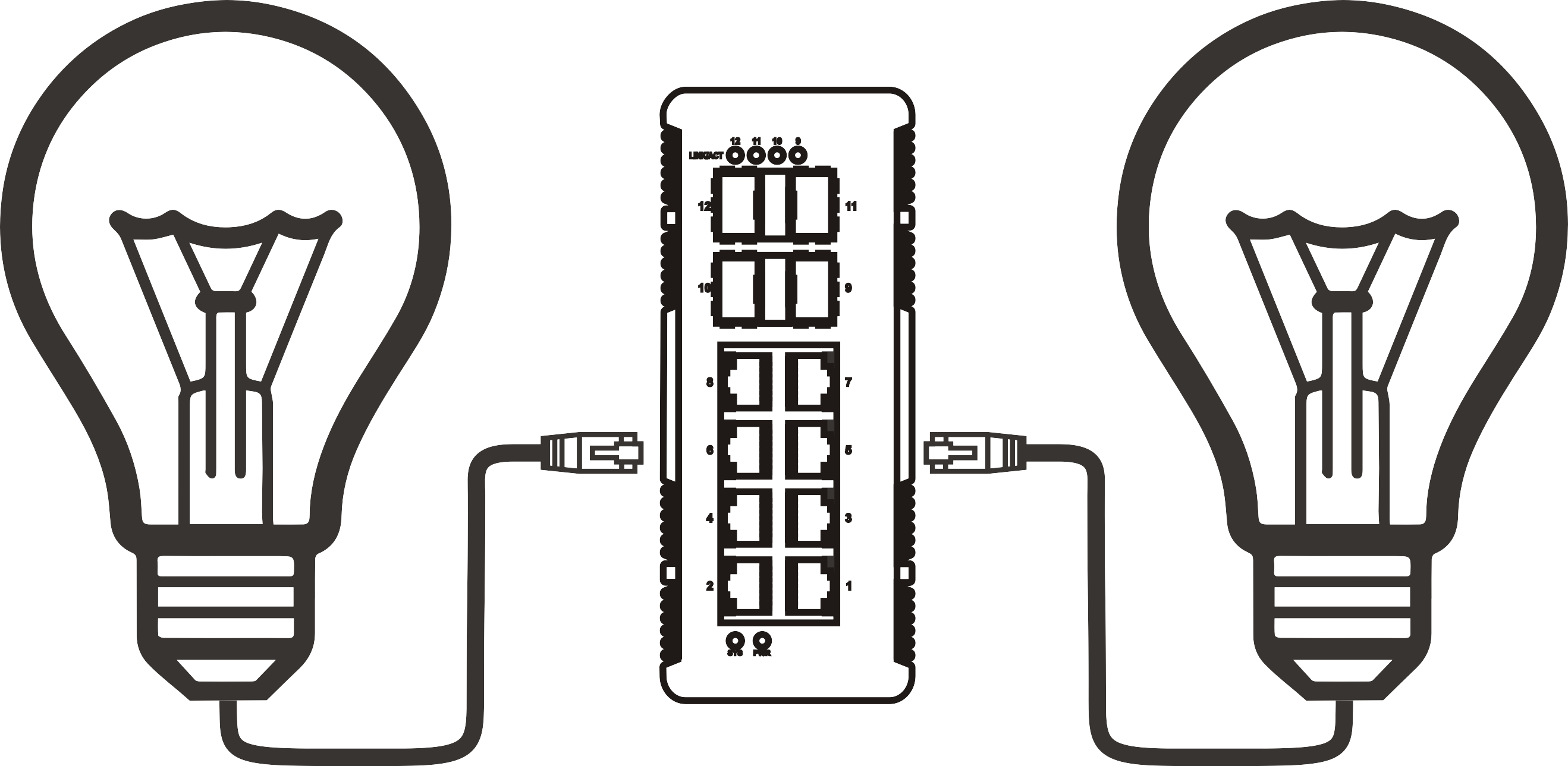


Integrating 802.3bt High-Power PoE Switches into Your Existing Network: A Comprehensive Guide
Time: 2026-03-25
Integrating 802.3bt High-Power PoE Switches into Your Existing Network: A Comprehensive Guide
Table of Contents
1. Understanding 802.3bt High-Power PoE Technology
2. Benefits of Using 802.3bt High-Power PoE Switches
3. Evaluating Your Current Network Infrastructure
4. Requirements for Integration
4.1 Hardware Requirements
4.2 Software and Firmware Considerations
5. Step-by-Step Guide to Integration
5.1 Planning Your Installation
5.2 Connecting Your 802.3bt PoE Switch
5.3 Configuring Network Settings
6. Common Challenges and How to Overcome Them
7. Maintenance Tips for Your High-Power PoE Network
8. FAQs About 802.3bt High-Power PoE Switches
9. Conclusion
1. Understanding 802.3bt High-Power PoE Technology
The **802.3bt standard**, also known as PoE++ or 4PPoE, represents a significant advancement in Power over Ethernet technology. This standard allows for up to **90 watts of power** to be delivered through Ethernet cables, accommodating a wider range of devices than previous PoE standards (like 802.3af and 802.3at). The implications of this power capacity are profound, especially for modern networking environments that require robust support for high-demand devices such as **IP cameras, wireless access points, and VoIP phones**.
2. Benefits of Using 802.3bt High-Power PoE Switches
Integrating **802.3bt high-power PoE switches** into your network offers numerous advantages:
- **Reduced Cabling Costs**: With power and data transmitted over a single cable, the need for separate power supply installations is eliminated.
- **Flexibility and Scalability**: Easily add new devices to your network without the need for additional electrical outlets.
- **Improved Reliability**: Centralized power management enhances the reliability of your devices by providing consistent power delivery.
- **Simplified Installation**: Plug-and-play capability allows for straightforward installation and configuration.
3. Evaluating Your Current Network Infrastructure
Before integrating new technology, it is crucial to assess your existing network infrastructure. Identify the devices currently in use, the network topology, and any potential bottlenecks. Understanding these components will help you determine how to best incorporate the new **802.3bt PoE switches**.
- **Inventory Devices**: List all devices that will be powered by PoE, including their power requirements.
- **Network Layout**: Analyze your current network topology to see how the new switches will fit in.
- **Performance Metrics**: Gather performance metrics to establish a baseline for comparison after integration.
4. Requirements for Integration
Integrating **802.3bt high-power PoE switches** necessitates some specific requirements:
4.1 Hardware Requirements
- **802.3bt-Compatible Switches**: Ensure that the switches you are purchasing are compliant with the 802.3bt standard.
- **Ethernet Cables**: Use high-quality Ethernet cables (Category 5e or higher) to support data transmission and power delivery.
- **Power Budget Calculation**: Calculate the total power budget to ensure the PoE switch can handle the combined power needs of all connected devices.
4.2 Software and Firmware Considerations
- **Firmware Updates**: Ensure that all network devices, including switches and access points, are running the latest firmware for optimal performance and security.
- **Network Management Software**: Consider utilizing software that can manage PoE settings, monitor power usage, and provide alerts for any issues.
5. Step-by-Step Guide to Integration
Integrating your **802.3bt high-power PoE switches** requires a methodical approach:
5.1 Planning Your Installation
- **Design the Network**: Create a detailed plan that includes device locations, switch placement, and cable routing.
- **Address Security**: Incorporate security measures such as VLAN segmentation and access controls to safeguard your network.
5.2 Connecting Your 802.3bt PoE Switch
- **Power Down Devices**: Before making any connections, ensure that all devices are powered down to avoid damage.
- **Connect Cables**: Use Ethernet cables to connect the PoE switch to your routers and the devices requiring power.
- **Power Up**: Turn on the PoE switches and allow all devices to boot up before proceeding to the configuration phase.
5.3 Configuring Network Settings
- **Access Switch Interface**: Log into the switch interface using a web browser or management software.
- **Configure VLANs**: Set up VLANs based on your network design to optimize traffic flow and enhance security.
- **Monitor Power Allocation**: Use the switch's monitoring tools to ensure proper power distribution across devices.
6. Common Challenges and How to Overcome Them
As with any technology integration, challenges may arise. Here are some common issues and their solutions:
- **Insufficient Power Budget**: If the total power demand exceeds the switch’s capacity, consider redistributing the load or upgrading to a higher-capacity switch.
- **Device Compatibility Issues**: Ensure that all devices are compatible with the 802.3bt standard. If not, consider using adapters.
- **Network Performance Degradation**: Monitor your network's performance and make adjustments to the configuration as needed to optimize efficiency.
7. Maintenance Tips for Your High-Power PoE Network
Maintaining your **802.3bt high-power PoE network** is vital for ensuring long-term reliability:
- **Regular Firmware Updates**: Keep all network devices updated to protect against vulnerabilities and ensure compatibility.
- **Monitor Power Usage**: Use network management tools to track power consumption and usage patterns.
- **Conduct Routine Inspections**: Periodically check cables and connections for wear and tear to prevent potential failures.
8. FAQs About 802.3bt High-Power PoE Switches
Q1: What devices can be powered by 802.3bt high-power PoE switches?
A1: Devices such as high-definition IP cameras, video conferencing equipment, wireless access points, and even certain types of IoT devices can be powered using 802.3bt switches.
Q2: Can I mix different PoE standards in the same network?
A2: Yes, but ensure that the devices are compatible. Only devices that support the lower standards (802.3af, 802.3at) will receive power when connected to an 802.3bt switch.
Q3: How do I calculate the power budget for my PoE switch?
A3: Add up the power requirements of all PoE devices connected to the switch. Ensure this total does not exceed the switch's power output capacity.
Q4: What should I do if my devices are not receiving power?
A4: Check the cable connections, ensure the switch is powered on, and verify that the devices are compatible with the PoE standard being used.
Q5: Is it necessary to use a specific type of Ethernet cable for 802.3bt switches?
A5: While standard Ethernet cables (Cat 5e or higher) can be used, it is advisable to use Cat 6 or higher for enhanced performance and power delivery.
9. Conclusion
Integrating **802.3bt high-power PoE switches** into your existing network can significantly enhance operational efficiency and enable the deployment of advanced technologies. By carefully evaluating your current infrastructure, understanding the requirements for integration, and following a structured installation process, you can ensure a smooth transition. Regular maintenance and monitoring will further enhance the longevity and performance of your network. As technology continues to evolve, adapting your network to meet these demands will keep your organization at the forefront of innovation.
More News



Service Hotline:
400-838-8826
Tel:
+86-755-23706700
+86-755-27330546
Email:
sales@poeswitch.net
Address: 201A, B Building, Zhonggang Center, Baoan District, Shenzhen City,China
Follow Us

Copyright © 2025 Shenzhen Hi-Net Technology Co., Ltd All Rights reserved.
Business License