
-
-
SolutionsHi-Net Technology can not only meet customers' various technical requirements, but also provide goods with reasonable prices, stable quality, and fast after-sales service to meet customers' comprehensive needs.

-
ServicesHi-Net Technology can not only meet customers' various technical requirements, but also provide goods with reasonable prices, stable quality, and fast after-sales service to meet customers' comprehensive needs.

-
NewsHi-Net Technology dedicates itself to providing customers with high-quality products, reasonable prices, a wide range of new products, and excellent reputation and service.

-
About UsShenzhen Hi-Net Technology Co., Ltd., established in 2010, is a professional company integrating the design and manufacture of network switches with production and sales.



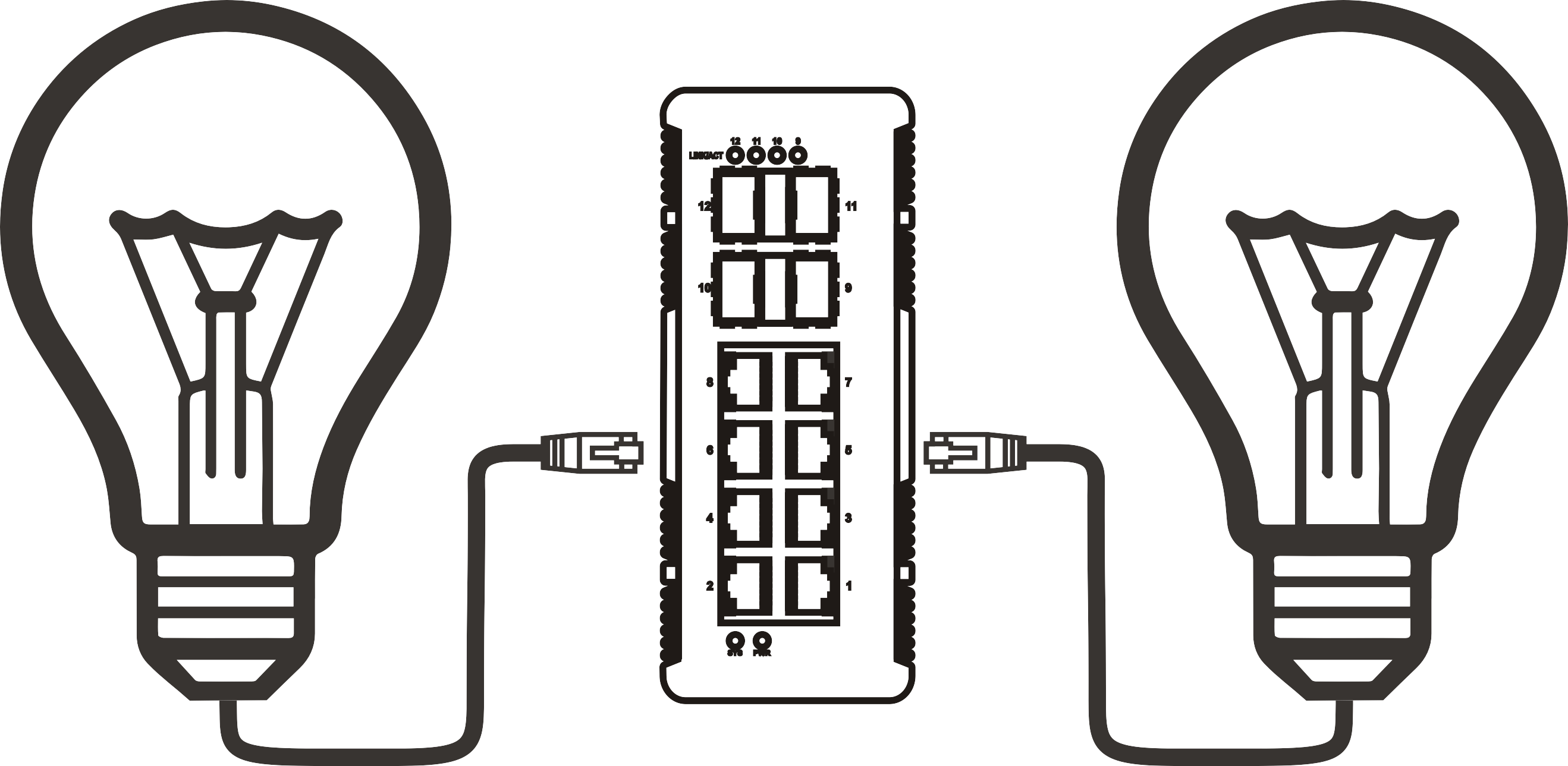


How to Optimize Your Outdoor PoE Switch for Peak Performance
Time: 2026-06-01
How to Optimize Your Outdoor PoE Switch for Peak Performance
Table of Contents
- Understanding PoE Switches: The Backbone of Outdoor Networks
- The Importance of Optimizing Your Outdoor PoE Switch
- Choosing the Right Location for Your PoE Switch
- Configuring Your Switch Settings for Optimal Performance
- Network Cabling Best Practices for PoE Switches
- Monitoring and Maintaining Peak Performance
- Troubleshooting Common PoE Switch Issues
- Frequently Asked Questions
- Conclusion
Understanding PoE Switches: The Backbone of Outdoor Networks
Power over Ethernet (PoE) switches are revolutionary devices that simplify network management by combining data and power delivery through a single cable. This capability is particularly beneficial for outdoor applications where running separate power lines can be impractical and costly. Outdoor PoE switches support various devices, including IP cameras, wireless access points, and VoIP phones. Understanding their functionality is crucial for optimizing performance.
What is a PoE Switch?
A PoE switch is designed to deliver electrical power along with data to connected devices over Ethernet cabling. This technology eliminates the need for additional power sources, making it ideal for outdoor installations where access to electrical outlets may be limited.
Types of PoE Standards
PoE switches adhere to various standards, including IEEE 802.3af, 802.3at (PoE+), and 802.3bt (PoE++). Each standard has specific power delivery capacities, which influence the types of devices that can be powered:
- IEEE 802.3af: Provides up to 15.4 watts per port.
- IEEE 802.3at (PoE+): Offers up to 30 watts per port, supporting devices with higher power demands.
- IEEE 802.3bt (PoE++): Delivers up to 60 watts or 100 watts, enabling high-performance devices.
The Importance of Optimizing Your Outdoor PoE Switch
Optimizing your outdoor PoE switch is essential for ensuring reliable connectivity and performance in challenging environments. Proper optimization leads to enhanced power management, network stability, and prolonged device life.
Benefits of Optimization
- Increased Efficiency: Proper configuration minimizes energy consumption while maximizing output.
- Improved Device Performance: Well-optimized settings ensure connected devices receive adequate power and data transmission speed.
- Reduced Downtime: Regular maintenance and monitoring prevent potential failures, ensuring uninterrupted service.
Choosing the Right Location for Your PoE Switch
The physical placement of your outdoor PoE switch plays a critical role in performance. Here are key considerations:
Environmental Factors
Outdoor switches must withstand varying weather conditions. Choose a location that offers protection from extreme temperatures, moisture, and physical damage. Additionally, ensure that the switch is within the range of connected devices to prevent signal loss.
Accessibility
Position the switch in a location that is easily accessible for troubleshooting and maintenance. This accessibility is crucial for ensuring a swift response to any issues that arise.
Proximity to Devices
Minimize the distance between the switch and powered devices. Longer cable runs can lead to signal degradation and power loss. Aim to keep cable lengths within recommended limits—typically, no more than 100 meters for Ethernet cabling.
Configuring Your Switch Settings for Optimal Performance
Configuration plays a vital role in the performance of your outdoor PoE switch. By tailoring settings to your specific needs, you can ensure that your network operates at peak efficiency.
VLAN Configuration
Implementing Virtual Local Area Networks (VLANs) helps separate traffic types, improving network performance and security. By segmenting traffic, you reduce congestion and enhance bandwidth allocation.
Quality of Service (QoS)
Enable Quality of Service settings to prioritize critical traffic. This feature ensures that time-sensitive data, such as video streaming or VoIP calls, receives the necessary bandwidth for smooth operation.
Power Management Settings
Utilize power management features to allocate energy more efficiently. Set power budgets for individual ports to prevent overloading and ensure that each device receives the appropriate amount of power.
Network Cabling Best Practices for PoE Switches
The quality of your cabling significantly impacts the performance of your outdoor PoE switch. Follow these best practices for optimal results:
Using Quality Cabling
Invest in high-quality Ethernet cables, such as CAT5e, CAT6, or CAT6a. These cables support higher data rates and longer distances, making them ideal for outdoor applications.
Proper Cable Management
Maintain organized cabling to prevent tangling and physical damage. Use cable trays or conduits to protect cables from environmental factors.
Avoiding Interference
Keep Ethernet cables away from sources of electromagnetic interference (EMI), such as power lines and heavy machinery. EMI can disrupt data transmission, leading to decreased performance.
Monitoring and Maintaining Peak Performance
Regular monitoring and maintenance are critical to sustaining the performance of your outdoor PoE switch. Implement the following strategies:
Network Monitoring Tools
Utilize network monitoring tools to keep track of performance metrics, including bandwidth usage, power consumption, and device connectivity. This proactive approach allows for swift identification and resolution of potential issues.
Regular Firmware Updates
Keep your switch firmware up to date to benefit from the latest features and security enhancements. Regular updates help address vulnerabilities and improve overall functionality.
Conducting Routine Inspections
Schedule routine inspections to identify physical wear and tear on cables and devices. Early detection of issues can prevent costly downtime and repairs.
Troubleshooting Common PoE Switch Issues
Even with optimal setup and maintenance, issues may still arise. Here are common problems and their solutions:
Power Delivery Issues
If connected devices are not receiving power, check the following:
- Ensure that the PoE switch is powered on and properly connected to the network.
- Verify the power budget settings and ensure the switch can support the total power requirements of connected devices.
- Inspect cables for damage or improper connections.
Network Connectivity Problems
For connectivity issues, consider these troubleshooting steps:
- Check the status of the switch’s ports to ensure they are active.
- Inspect the physical connections of cables to ensure they are secure.
- Use network monitoring tools to identify bottlenecks or failures in the network.
Frequently Asked Questions
1. What is the maximum cable length for PoE connections?
The maximum recommended length for Ethernet cabling in PoE applications is 100 meters. Beyond this length, power and data integrity may be compromised.
2. Can I use any Ethernet cable for PoE devices?
While technically any Ethernet cable can be used, it is advisable to use at least CAT5e cables. Higher-quality cables, such as CAT6 or CAT6a, provide better performance and support higher power levels.
3. How can I determine if my switch supports PoE?
Check the specifications of your switch. Look for labels or documentation indicating PoE capabilities and the specific standard supported (802.3af, 802.3at, or 802.3bt).
4. What devices can I connect to a PoE switch?
You can connect a variety of devices to a PoE switch, including IP cameras, wireless access points, VoIP phones, and networking equipment, provided they meet the power requirements.
5. Is it safe to use PoE outdoors?
Yes, outdoor PoE switches are designed to withstand harsh weather conditions. However, ensure proper installation and protection from extreme elements to maintain longevity and performance.
Conclusion
Optimizing your outdoor PoE switch is vital for ensuring peak performance and reliability in network operations. By understanding the fundamentals of PoE technology, choosing the right location, configuring settings, adhering to cabling best practices, and maintaining regular monitoring, you can significantly enhance your network's efficiency. Troubleshooting should become a routine part of your maintenance strategy to preemptively address potential issues. By following the guidance in this article, you will be well-equipped to maximize the performance of your outdoor PoE switch, ensuring that your connected devices operate at their best.
More News



Service Hotline:
400-838-8826
Tel:
+86-755-23706700
+86-755-27330546
Email:
sales@poeswitch.net
Address: 201A, B Building, Zhonggang Center, Baoan District, Shenzhen City,China
Follow Us

Copyright © 2025 Shenzhen Hi-Net Technology Co., Ltd All Rights reserved.