
-
-
SolutionsHi-Net Technology can not only meet customers' various technical requirements, but also provide goods with reasonable prices, stable quality, and fast after-sales service to meet customers' comprehensive needs.

-
ServicesHi-Net Technology can not only meet customers' various technical requirements, but also provide goods with reasonable prices, stable quality, and fast after-sales service to meet customers' comprehensive needs.

-
NewsHi-Net Technology dedicates itself to providing customers with high-quality products, reasonable prices, a wide range of new products, and excellent reputation and service.

-
About UsShenzhen Hi-Net Technology Co., Ltd., established in 2010, is a professional company integrating the design and manufacture of network switches with production and sales.



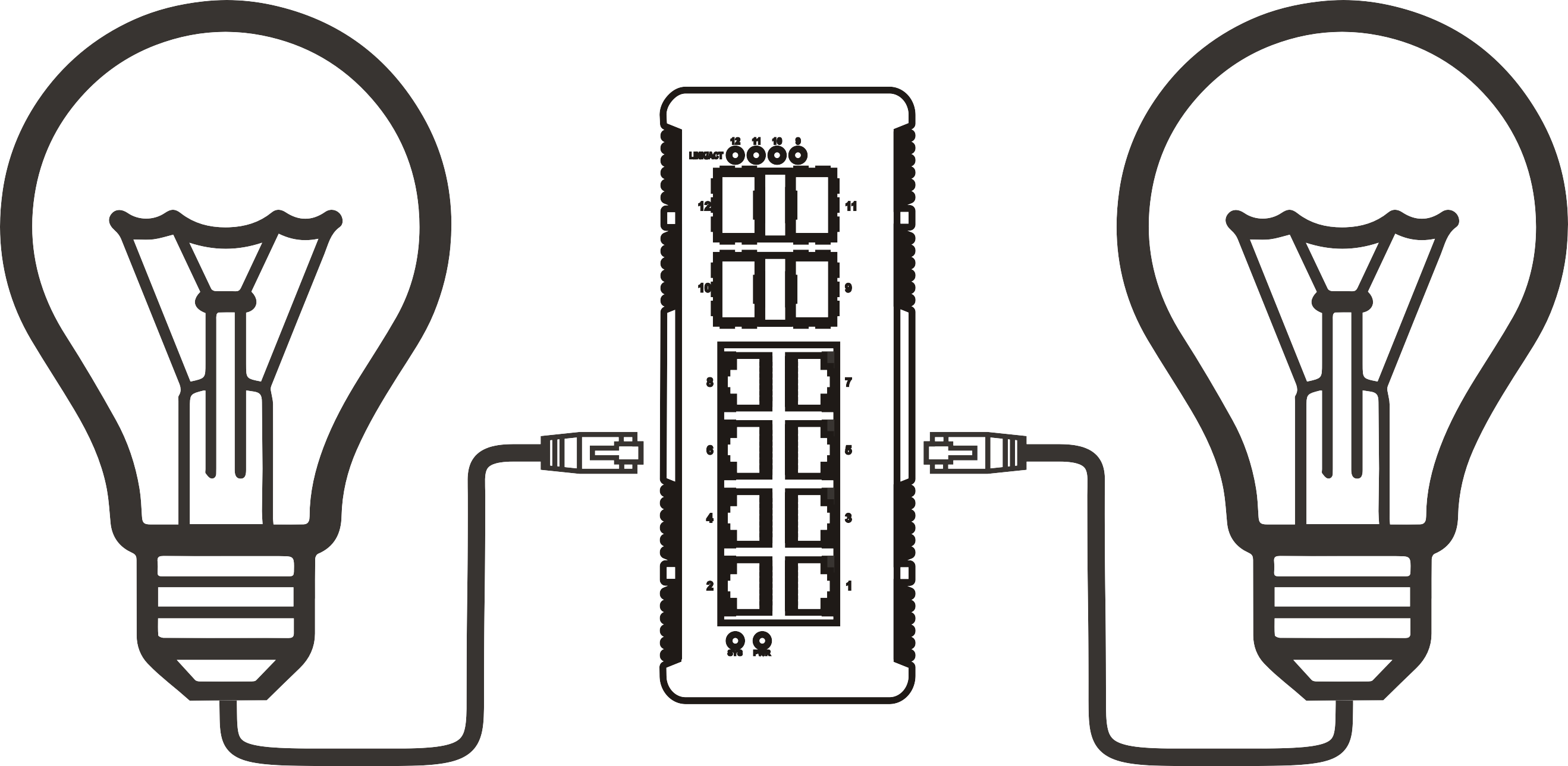


Gigabit PoE switch cooling requirements: what passive and active designs mean
Time: 2026-11-11
Gigabit PoE switch cooling requirements: what passive and active designs mean
Article overview
This guide explains how heat builds up inside a Gigabit PoE switch, how passive (fanless) and active (fan-cooled) designs differ, and how to match each to your PoE budget, port count, and room conditions. It includes standards data, worked heat calculations, a selection checklist, and answers to common buyer questions.
Table of contents
- 1. What cooling requirements mean for a Gigabit PoE switch
- 2. Where the heat comes from: PoE budget and efficiency
- 3. Passive cooling: how fanless designs work
- 4. Active cooling: how fan-cooled designs work
- 5. Passive vs active by use case
- 6. How to size cooling: steps and a worked example
- 7. Installation, ambient limits, and monitoring
- 8. Frequently asked questions
A Gigabit PoE switch delivers 10/100/1000 Mbps Ethernet and DC power to devices over one cable. Its cooling design, passive or active, decides how quietly it runs, where you can mount it, and how long its components last. The short answer: a compact Gigabit PoE switch with a modest PoE budget can usually run fanless, while a high-wattage, high-port-count unit generally needs fans. The details matter, though.
Why do two switches with the same port count behave so differently on a warm shelf? Because heat follows delivered power, not port count. This article explains the physics in plain terms, uses figures from IEEE standards, and ends with a sizing method for homes, small offices, and security installs. Treat every calculation as a planning estimate, and confirm limits on the manufacturer's datasheet before you buy.
What cooling requirements mean for a Gigabit PoE switch
A Gigabit PoE switch must move internal heat into the surrounding air fast enough to keep its power supply, PoE controllers, and switching chip inside rated temperatures. Passive designs do this with metal and natural convection. Active designs add fans. Neither approach is universally better, and the right choice depends on load and environment.
What is a Gigabit PoE switch, and why does it get warm?
A Gigabit PoE switch is a Power over Ethernet switch that supplies both power and 1 Gbps data through each port. It combines a Gigabit Ethernet switch with power sourcing equipment (PSE) circuitry, so the chassis carries two heat sources: the switching silicon and the power conversion stage.
In practice, the power stage usually dominates. Every watt a network switch with PoE sends to an IP camera or access point requires the internal supply to draw slightly more than a watt from the wall, and the difference becomes heat. Three components deserve attention. The power supply converts mains AC to the DC rail used for PoE and is often the largest single heat source. PoE controller chips and MOSFETs regulate each port and dissipate heat as current flows. The switching ASIC and PHY chips generate steady heat even when no device is powered. As a result, a PoE switch runs warmer than a data-only model with identical ports.
Do Gigabit PoE switches need fans?
Not always. Many 8-port Gigabit PoE switch models are fanless because their total PoE budget is low enough for the metal case to shed the heat. Larger units, such as a 24-port PoE+ switch with several hundred watts of budget, often include fans, although some manage with big heatsinks and vented housings. Why the split? Surface area. Heat leaves a fanless case through its skin, so a bigger budget demands either a bigger skin or forced airflow. Think of a fanless chassis as a cast-iron skillet: it holds heat beautifully until you ask it to do too much.
In field installs, the complaints that reach me most often trace back to a switch sealed in a closet or stacked under other gear, not to the cooling design itself. Placement, in other words, is half the thermal story for any Gigabit PoE switch.
Where the heat comes from: PoE budget and efficiency
Heat in a PoE switch is roughly the difference between the electrical power it draws and the useful power it delivers, so heavier PoE loads mean more heat. The PoE budget is the total wattage the switch can allocate across all ports at once, and it is usually lower than the port count multiplied by the per-port maximum.
How do PoE standards translate into per-port power?
IEEE standards define the power ladder. The figures below come from 802.3af, 802.3at, and 802.3bt, as summarized in this power over ethernet reference.
| Standard | Common name | Max power at PSE port | Power available at device |
|---|---|---|---|
| IEEE 802.3af | PoE (Type 1) | 15.4 W | 12.95 W |
| IEEE 802.3at | PoE+ (Type 2) | 30 W | 25.5 W |
| IEEE 802.3bt Type 3 | PoE++ / 4PPoE | 60 W | 51 W |
| IEEE 802.3bt Type 4 | PoE++ / 4PPoE | 90 W | 71.3 W |
Most Gigabit gear for homes and small offices relies on 802.3af or 802.3at. A PoE+ 802.3at switch can supply up to 30 W per port, but the PoE budget caps how many ports can reach that figure at once. A 24-port model rated at 370 W, for example, cannot feed 24 devices at 30 W each, because that would require 720 W. Higher-power 802.3bt ports also push more current through the cable, which adds heat along the cable run as well as inside the chassis.
How much heat does a typical switch release?
A simple planning model says heat equals delivered PoE power divided by supply efficiency, minus the delivered power. The table below assumes 90% efficiency, an illustrative figure rather than a measured one, and ignores switching-chip and fan power. One watt equals 3.412 BTU per hour, which helps when comparing against room cooling capacity.
| Example Gigabit PoE switch configuration | PoE load | PoE-related heat | BTU/hr | Typical cooling approach |
|---|---|---|---|---|
| 8-port, 65 W budget | 65 W | 7.2 W | 24.6 | Passive usually practical |
| 8-port, 120 W budget | 120 W | 13.3 W | 45.5 | Passive with ventilation |
| 16-port, 180 W budget | 180 W | 20.0 W | 68.2 | Passive or quiet fan |
| 24-port PoE+, 370 W budget | 370 W | 41.1 W | 140.3 | Fan often used |
| 48-port, 740 W budget | 740 W | 82.2 W | 280.6 | Active cooling expected |
These budgets are common planning configurations, not specifications of any product. Real efficiency shifts with load and supply design, and a Gigabit PoE switch running at full budget in a hot room behaves worse than the table suggests. Still, the trend is clear: heat scales roughly with delivered watts, and that trend drives the passive-versus-active decision.
Cable losses add a second layer. Resistance in the twisted pair converts a small portion of power into heat along the run, growing with current and cable length. That power never reaches the powered device, yet the switch must still supply it, so long runs at high wattage place a slightly larger burden on the Gigabit PoE switch.
Passive cooling: how fanless designs work
A passive design cools a Gigabit PoE switch through conduction and natural convection: heat moves from the chips into a metal chassis or heatsink and then into room air with no moving parts. It suits low-to-moderate PoE budgets and quiet spaces.
What makes a fanless Gigabit PoE switch work?
Designers spread heat across a thick metal enclosure, place thermal pads between hot components and the case, and cut vent slots to encourage convection. Fewer parts also means fewer failure points. Without fans there is no intake pulling in dust and no bearing wear, which explains why a fanless 8-port Gigabit PoE switch is popular in living rooms, home offices, and retail back rooms. An unmanaged PoE switch with a modest budget is the classic example.
Orientation matters more than most buyers realize. Vent slots and heatsink fins assume warm air rises, so mounting the unit on its side against a wall, or flipping it upside down, can undercut the convection path the engineers designed. The manual usually states approved mounting positions.

Is a fanless PoE switch always better?
No. Silent operation is attractive, but passive cooling has a ceiling. As PoE load climbs, case temperature rises and internal components run closer to their limits. Stacking gear on top, mounting in a hot attic, or pushing the budget near its maximum erodes the safety margin. Fanless wins on noise and moving-part reliability; it loses on thermal headroom. Extended-temperature fanless models exist for industrial and outdoor use, but those ratings are model-specific and should be verified in the datasheet. Does that mean a fanless unit will fail in a warm closet? Not necessarily. You simply have less room for error.
During hands-on deployments, I have seen a fanless switch feel merely warm on a desk and noticeably hotter after being moved above a router in an unvented rack. The hardware did not change; the airflow did.
Active cooling: how fan-cooled designs work
An active design uses one or more fans to force air across heatsinks and power components, which lets a Gigabit PoE switch handle larger PoE budgets in a compact chassis, especially in 1U rack formats such as 24-port and 48-port models.
How do fans change the thermal envelope?
Forced airflow removes heat far faster than natural convection, so a rack-mount 24-port PoE+ switch can deliver hundreds of watts without an oversized case. Many designs use temperature-controlled fan speeds: fans idle quietly at light load and ramp up as PoE draw increases. Airflow direction matters, too. Front-to-back or side-to-back patterns should match the rack's layout, and blocked vents can cancel the benefit entirely. Fans work like a ventilation system in a crowded room: helpful only if the doors and windows are open.
Redundancy is another consideration. Some larger models use two or more fans so a single failure does not immediately cause overheating, and some include thermal shutdown to protect hardware. Thermal shutdown is a safety net, not a plan; if you see it trigger, treat it as a design problem.
What are the trade-offs: noise, dust, and fan failure?
Fans add noise, consume extra power, and are mechanical parts that wear out. Dust accumulates on blades and heatsink fins, particularly in garages, workshops, and storage rooms. A failed fan in an unmonitored Gigabit PoE switch can go unnoticed until the unit throttles or shuts down. That is why a managed PoE switch that reports fan status through SNMP or a web interface is valuable in security installs. Some models offer replaceable fan modules; others require replacing the whole unit, so ask before you buy.
Quiet is relative as well. A fan that disappears into the hum of a data closet can be intolerable in an open-plan office or a bedroom. Fan noise is often listed in dBA on datasheets, and comparing those figures is more reliable than trusting words like "whisper-quiet." When the switch sits near people, noise should weigh as heavily as port count.
Passive vs active by use case
Choose passive cooling for small, lightly loaded Gigabit PoE switch deployments in occupied rooms, and choose active cooling for high-port-count, high-budget deployments in racks or warm enclosures. The table summarizes the trade-offs.
Passive vs active at a glance
| Factor | Passive (fanless) | Active (fan-cooled) |
|---|---|---|
| Noise | Silent | Audible; varies with fan speed |
| Common port counts | 5 to 16 ports | 24 to 48 ports |
| PoE budget suitability | Low to moderate | Moderate to high |
| Moving parts | None | One or more fans |
| Dust sensitivity | Lower | Higher; periodic cleaning |
| Ambient tolerance | Less headroom | More headroom if airflow is clear |
| Typical mounting | Desktop, wall, shelf | Rack, ventilated cabinet |
| Main risk | Overheating when over budget | Fan failure, clogged filters |
Does managed vs unmanaged change cooling needs?
The cooling design is independent of management features, but management helps you verify it. A managed PoE switch can report per-port power draw, total PoE consumption, and sometimes temperature, which lets you catch budget overruns before they turn into thermal problems. Many managed models operate as a Layer 2 PoE switch with VLAN and QoS support. An unmanaged model is simpler and cheaper, but it offers little visibility. For an IP camera PoE switch in a business, I lean toward managed; for a small home setup, unmanaged is usually adequate.
What is the best Gigabit PoE switch for home network use?
The best Gigabit PoE switch for home network use is typically a fanless 5- to 8-port model whose PoE budget matches your devices, not the biggest number on the box. A home with two access points and four cameras rarely needs more than a 10/100/1000 Mbps PoE switch with a mid-range budget. Consider PoE injector vs PoE switch as well: an injector powers a single link and suits one remote device, while a switch scales better beyond two or three powered devices.
For planning, these starting points use a 20% headroom rule and allocated class wattage (Class 3 at 15.4 W, Class 4 at 30 W). They are illustrative, not product recommendations:
- Home: one access point plus three cameras totals 76.2 W allocated, so an 8-port Gigabit PoE switch with roughly 100 to 120 W of budget, fanless.
- Small office: three access points plus six cameras totals 182.4 W, so a 16-port Gigabit PoE switch with about 220 to 250 W of budget, fanless or quiet fan.
- Larger security install: sixteen cameras plus four access points totals 366.4 W, so about 440 W or more, typically a fan-cooled 24-port PoE+ switch, or two smaller units.
When comparing listings, look for the stated PoE budget, supported standards (802.3af/at/bt), operating temperature range, fan presence, and noise rating. Retail pages emphasize port counts; datasheets reveal thermal limits.
How to size cooling: steps and a worked example
Size cooling by totaling device wattage, comparing it with the PoE budget, estimating heat, and checking the installation environment. The numbered method below takes about ten minutes.
Step-by-step sizing method
- List every powered device with its IEEE class or datasheet wattage, such as 802.3af cameras or an 802.3at access point.
- Add the maximum draws and compare the total with the Gigabit PoE switch's stated PoE budget, keeping about 20% headroom as a common rule of thumb.
- Estimate heat by dividing the load by 0.9 and subtracting the load, as a planning figure.
- Estimate ambient temperature where the switch will sit, including summer peaks.
- Pick passive if heat is low and ambient is moderate; pick active if the load is high, the unit is rack-mounted, or the room is warm.
- Confirm clearances and airflow direction in the datasheet, then mount accordingly.
- After installation, review reported temperature and PoE consumption if available, and recheck after the first hot week.
Worked example: four IP cameras and one access point
Consider a small shop with four Class 3 cameras (15.4 W allocated each) and one Class 4 Wi-Fi access point (30 W allocated). The allocated total is 4 × 15.4 + 30 = 91.6 W. An 8-port Gigabit PoE switch with a 120 W budget leaves 28.4 W of headroom, about 24%. Under the 90% assumption, PoE-related heat is 91.6 ÷ 0.9 − 91.6 ≈ 10.2 W, comfortably fanless territory on a ventilated shelf. Real draw is usually lower than allocation, since cameras rarely hit their class maximum.
Now expand to sixteen cameras and four access points on a 24-port PoE+ switch rated at 370 W. Allocation reaches 16 × 15.4 + 4 × 30 = 366.4 W, leaving about 1% headroom, and heat climbs to roughly 40.7 W. Here, a fan-cooled unit with a larger budget, or a second switch to split the load, is the safer design. The first shop needed a quiet shelf; the second needs engineering.
Common mistakes are easy to avoid. Buyers often compare ports instead of budget, assume the budget equals ports times 30 W, ignore ambient temperature, or forget that PTZ cameras and multi-radio access points can draw more under load. Overbuying is another: a 48-port unit running at 10% load in a quiet office adds fan noise and cost without improving anything.
Installation, ambient limits, and monitoring
Keep the Gigabit PoE switch in a ventilated space within its rated ambient range, leave clearance around vents, and monitor temperature and PoE load over time. Installation conditions often matter more than the cooling type itself.
How hot is too hot for a PoE switch?
Rated operating temperature varies by model, so read the datasheet instead of guessing. For reference, ASHRAE's recommended air-intake envelope for data-center equipment is 64.4 to 80.6°F (18 to 27°C), a useful target for small closets as well. Commercial-grade gear is often rated for higher ambient temperatures, but components tend to age faster when run hot. A good habit: if the closet feels uncomfortably warm to you, assume it is stressing the switch.
Paraphrased from TIA TSB-184-A guidance on power delivery over balanced twisted-pair cabling: cable bundles carrying PoE can warm as current rises, so cable category, bundle size, and ambient temperature should be considered together.
Cooling, then, spans the whole cable plant and not just the chassis. Higher-category cable and smaller bundles help, and so does keeping cable runs away from heat sources.
Can a PoE switch live in a closed cabinet?
Sometimes, with conditions. A sealed cabinet traps heat, so a fanless unit inside can end up several degrees hotter than the room. If you must use an enclosure, choose one with vents or a small filtered fan, leave clearance around vent openings as the manual specifies, and never stack equipment on top of the switch. Dust matters too, so schedule cleaning to suit the environment. A garage or attic closet in much of the United States can swing widely between seasons, and summer is the real test.
Finally, monitor. A managed switch can send SNMP traps for temperature, fan, or PoE overload events, while an unmanaged one depends on you noticing a warm case or dropped devices. Log PoE consumption for a few weeks after installation. In the U.S., also check for a recognized safety listing such as UL and follow local low-voltage wiring rules; for permanent installations, consult a licensed installer.
Frequently asked questions
Q: Does a fanless Gigabit PoE switch overheat more easily?
A: Not inherently. It has less thermal headroom, so heavy PoE loads, warm rooms, or blocked vents raise the risk. Operated within its PoE budget and rated ambient range, a fanless Gigabit PoE switch is designed to run normally for years.
Q: How much PoE budget do I need?
A: Add the allocated wattage of every powered device, then add roughly 20% headroom as a planning rule of thumb. Compare that figure with the total PoE budget, not the per-port maximum, because budgets are usually lower than ports times maximum wattage.
Q: Is a PoE injector or a PoE switch easier to cool?
A: A single injector produces little heat and suits one device. A network switch with PoE concentrates heat from many ports in one chassis, so cooling design matters more as the number of powered devices grows.
Q: Does a managed PoE switch help with thermal monitoring?
A: Often yes. Managed models commonly expose per-port PoE consumption and may report temperature or fan status, supporting early warnings. Features vary by model, so confirm them in the datasheet before buying.
Q: Are 24-port PoE+ switches always fan-cooled?
A: No. Some use large heatsinks and vented housings, but many 24-port PoE+ switch models with large budgets include fans. Check the datasheet for cooling type, PoE budget, and operating temperature before you decide.
Cooling is a practical specification, not a footnote. A well-matched Gigabit PoE switch pairs its PoE budget with a cooling design that fits the room: fanless for light, quiet deployments and fan-cooled for dense, high-wattage ones. Add up device wattage, leave headroom, respect ambient limits, and monitor after install. Do that, and your Gigabit PoE switch should run reliably through 2026 and beyond.
More News




Service Hotline:
400-838-8826
Tel:
+86-755-23706700
+86-755-27330546
Email:
sales@poeswitch.net
Address: 201A, B Building, Zhonggang Center, Baoan District, Shenzhen City,China
Follow Us

Copyright © 2025 Shenzhen Hi-Net Technology Co., Ltd All Rights reserved.