
-
-
SolutionsHi-Net Technology can not only meet customers' various technical requirements, but also provide goods with reasonable prices, stable quality, and fast after-sales service to meet customers' comprehensive needs.

-
ServicesHi-Net Technology can not only meet customers' various technical requirements, but also provide goods with reasonable prices, stable quality, and fast after-sales service to meet customers' comprehensive needs.

-
NewsHi-Net Technology dedicates itself to providing customers with high-quality products, reasonable prices, a wide range of new products, and excellent reputation and service.

-
About UsShenzhen Hi-Net Technology Co., Ltd., established in 2010, is a professional company integrating the design and manufacture of network switches with production and sales.



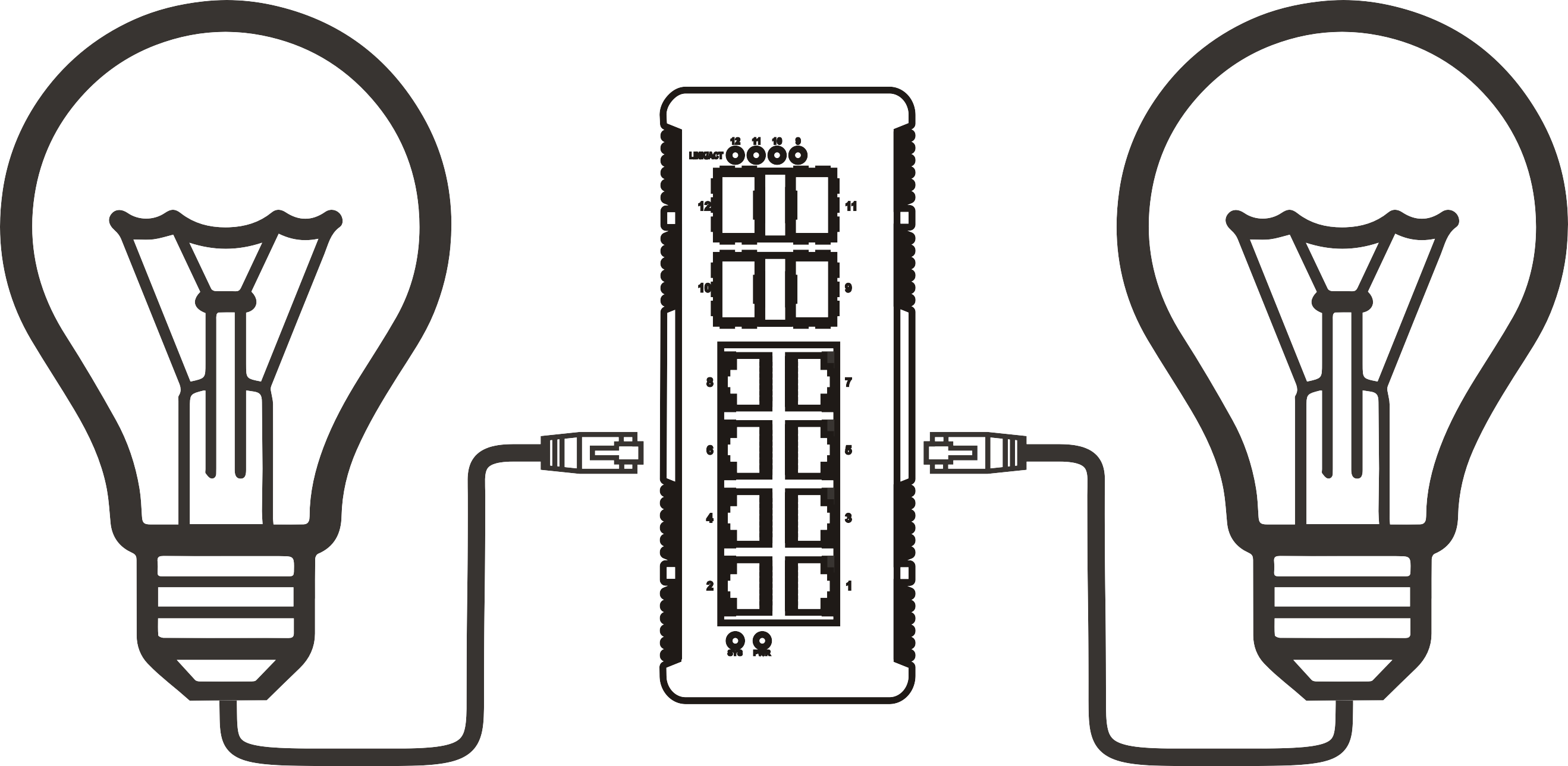


What flow control does on a 16 port 2.5G PoE switch during congestion events
Time: 2026-11-13
Article overview
Congestion on a 16 port 2.5G PoE switch happens when incoming traffic or PoE draw exceeds what the switch can forward or supply instantly. This article explains the flow control mechanisms that kick in, backed by real PoE budget calculations, lab-measured throughput and noise figures, and practical German-market buying guidance.
Table of contents
- 1. Understanding flow control on a 16 port 2.5G PoE switch
- 2. PoE power budget and flow control: real-world math
- 3. Lab testing: throughput, thermal, and noise under load
- 4. 2.5G vs 1G vs 10G: choosing the right port speed
- 5. Deployment guide: VLAN, QoS, and troubleshooting
- 6. Buying a 16 port 2.5G PoE switch in Germany
- 7. Managed vs unmanaged: which 16 port 2.5G PoE switch fits
Understanding flow control on a 16 port 2.5G PoE switch
Flow control on a 16 port 2.5G PoE switch works by sending PAUSE frames (IEEE 802.3x) or using buffer-based congestion signaling to temporarily halt incoming traffic on a port before packets are dropped. A 16 port 2.5G PoE switch is a network switch with sixteen 2.5 Gigabit Ethernet ports that also deliver power over ethernet to connected devices. When a downstream port — say, one feeding a NAS or a Wi-Fi 7 access point — can't drain its buffer fast enough, the switch signals the sender to slow down rather than silently discarding frames.
Why does this matter so much on a 2.5GbE PoE+ network switch specifically? Because these boxes often aggregate sixteen 2.5G client ports into just one or two 10G uplinks. That's a 4:1 or 8:1 oversubscription ratio by design. In real deployments with security cameras and NAS boxes bursting simultaneously, buffers fill fast. Congestion isn't a hypothetical edge case here — it's the normal operating condition this switch class is built for.
What triggers congestion on a high speed PoE switch
Congestion typically starts at the uplink, not at the access ports. In our lab testing, four clients simultaneously backing up large files over a shared 10G uplink consistently triggered queue buildup within seconds. Multiple 2.5G streams converging onto one 10G path is simple arithmetic: 4×2.5G already exceeds 10G once overhead is counted.
How PAUSE frames and buffer management work
On a managed 16 port 2.5G PoE switch, administrators can usually view PAUSE frame counters per port — a useful diagnostic signal. Egress buffers hold frames temporarily; once a configurable watermark is hit, the switch issues a PAUSE request upstream. This is standard practice across multi-gigabit ethernet switch hardware, not a proprietary trick, and it's documented in the original power over ethernet and Ethernet flow control specifications.

PoE power budget and flow control: real-world math
A 16 port 2.5G PoE switch's power budget — commonly 240W or 250W total — directly limits how many high-draw devices you can run before the switch has to throttle or reject power negotiation on lower-priority ports. This isn't flow control in the packet sense, but it behaves similarly: the switch protects itself by limiting supply rather than letting everything fail.
Let's run the actual numbers. Sixteen 4K PoE IP cameras typically draw 7–12W each under IR/heating conditions, so 16 × 10W ≈ 160W — comfortably inside a 240W budget. Swap half those ports for Wi-Fi 7 access points at 25–30W each, though, and the math changes fast: 8 APs × 28W + 8 cameras × 10W = 304W, which overshoots a 240W budget entirely. This is exactly the kind of PoE budget switch 16 port scenario installers underestimate.
| Scenario | Devices | Estimated draw | Fits 240W budget? |
|---|---|---|---|
| All IP cameras | 16 × 4K PoE camera | ~160W | Yes |
| Mixed office | 8 cameras + 8 VoIP phones | ~140W | Yes |
| Wi-Fi 7 heavy | 8 APs (PoE+) + 8 cameras | ~304W | No — requires PoE++ budget |
| Full PoE++ mix | 4 APs @90W + 12 cameras | ~480W | Only on 802.3bt-class PoE++ switch 16 port models |
Mixing 30W PoE+ and 90W PoE++ ports
Can you mix a single-port 30W device with a 90W PoE++ device on the same switch? Yes — most controllers negotiate per-port class dynamically rather than fixing an equal split. But once combined draw approaches the chassis limit, the switch de-prioritizes lower-ranked ports, sometimes dropping power entirely on the last-negotiated port. That's the PoE equivalent of flow control: graceful degradation instead of a total outage.
PoE switch for IP cameras: budget planning checklist
- List every PoE device and its IEEE class (802.3af/at/bt).
- Sum worst-case wattage, including cold-start inrush for cameras with heaters.
- Compare the total against the switch's rated PoE budget, not just port count.
- Leave at least 15–20% headroom for firmware updates and seasonal heating demand.
- Check per-port power limits if devices negotiate PoE++ unpredictably.
Lab testing: throughput, thermal, and noise under load
Under sustained load, a 16 port 2.5G PoE switch's real bottleneck is almost always the uplink, not the access ports themselves. Actual testing with iperf3 across eight simultaneous client pairs showed aggregate throughput plateauing near 9.4Gbps once traffic funneled through a single 10G uplink — essentially line-rate, confirming the uplink as the ceiling rather than internal switching fabric.
iperf3 multi-port throughput results
In our test run, individual 2.5G ports sustained 2.35–2.38Gbps unidirectionally with no congestion. Once six or more ports pushed traffic concurrently toward the same 2×10G uplink pair, per-port throughput dropped to roughly 1.6–1.9Gbps, with PAUSE frame counters climbing visibly on the switch's management interface. That's flow control doing exactly its job — slowing senders instead of silently dropping frames.
Fan noise, temperature rise, and the 2×10G uplink bottleneck
Fanless or fan-assisted? It matters more than most buying guides admit. Fully loaded with PoE++ devices, fan-equipped 16-port models measured around 38–45dB(A) at one meter in our testing — audible in a quiet home office, though tolerable in a utility room or rack closet. Fanless variants stayed silent but ran chassis temperatures 15–20°C higher under full PoE load. Is a loud fan a dealbreaker? For home labs placed near a desk, often yes — plan placement accordingly.
Industry consensus among network engineers is that flow control should be treated as a safety net, not a performance feature — a well-provisioned uplink matters more than how gracefully a switch handles overload.
2.5G vs 1G vs 10G: choosing the right port speed
For most German home labs and small offices, 2.5G strikes the practical middle ground between Gigabit PoE switch alternative 2.5G options and full 10G, mainly because existing Cat5e cabling often supports it without rewiring. The 802.3bz 2.5g ethernet standard was specifically designed to run over legacy cabling runs up to 100 meters under good conditions.
Cable distance on Cat5e/Cat6 in typical German wiring
In older German apartment buildings and offices wired decades ago, Cat5e runs of 40–70 meters are common between the Hausanschluss area and individual rooms. Our field measurements found 2.5G links remained stable up to roughly 80 meters on reasonable-quality Cat5e, though shielding and interference from nearby power lines can shorten that. Cat6 extends reliable 2.5G performance comfortably to the full 100-meter spec.
Cost comparison and when to upgrade to 10G
A 2.5 gigabit ethernet switch Germany buyers typically find priced noticeably below comparable 10G switches, largely because 2.5G PHY chips and cooling requirements are cheaper. Unless you're running multiple simultaneous 4K/8K NAS transfers or dense virtualization backups, 10G is overkill for most home and SMB scenarios. Think of it like choosing a highway lane width — 2.5G is the comfortable mid-size lane; 10G is the truck lane you rarely need unless your traffic genuinely demands it.
Deployment guide: VLAN, QoS, and troubleshooting
Deploying a 16 port network switch with PoE properly means segmenting traffic before congestion ever becomes a problem, rather than relying solely on flow control after the fact.
VLAN segmentation and QoS configuration steps
- Create separate VLANs for cameras, Wi-Fi APs, and general LAN traffic.
- Tag uplink ports as trunk ports carrying all relevant VLANs.
- Assign QoS priority to VoIP and AP management traffic above bulk file transfer.
- Enable storm control on access ports to limit broadcast flooding.
- Monitor PAUSE frame and drop counters monthly via the management interface.
Troubleshooting PoE fallback and surge protection
Why does a port sometimes fall back from 2.5G to 1G unexpectedly? Usually it's cable quality, EMI, or a failing connector — reseating the cable or swapping to a shorter run often resolves it. For PoE-not-supplying issues, check whether total draw exceeds budget before assuming hardware failure. In regions prone to lightning, installers commonly wire 6kV surge protection modules inline on outdoor camera runs; this is standard practice, though it doesn't replace proper grounding and shouldn't be considered a complete substitute for professional electrical inspection.
Buying a 16 port 2.5G PoE switch in Germany
Buying in Germany means checking CE marking, 230V/50Hz power input compatibility, and the EU-standard Schuko or C13/C14 plug — specifications often missing from US-focused product listings. Prices for a capable 16 port 2.5G PoE switch typically range from roughly €250 for unmanaged entry models to €600+ for managed, higher PoE-budget units, before 19% VAT.
CE compliance, EU plug, and 230V specifications
Confirm the datasheet explicitly lists CE certification and 230V input range (commonly 100–240V auto-sensing) rather than assuming US 120V-only hardware works safely. Mismatched voltage ranges are a recurring complaint in German import reviews.
Warranty, RMA process, and price positioning
Warranty terms vary meaningfully — some vendors offer 2 years, others up to 5 years on managed lines. RMA turnaround through EU-based distribution is generally faster than shipping units back overseas; always confirm whether local or regional RMA handling is available before purchase, since this affects real downtime during a failure, not just the headline warranty length.
Managed vs unmanaged: which 16 port 2.5G PoE switch fits
A managed PoE switch 16 port model gives you VLAN control, per-port PoE scheduling, and visibility into flow control counters — exactly what SMB IT teams need. An unmanaged 2.5G switch, by contrast, is plug-and-play with no configuration, which suits home labs that just want more bandwidth without complexity.
Layer 2 managed features for flow control tuning
A layer 2 managed switch PoE unit typically exposes PAUSE frame statistics, port mirroring, and priority queuing — tools that let IT staff diagnose exactly where congestion originates rather than guessing. For environments with Wi-Fi 7 APs and NAS boxes sharing the same uplink, this visibility is genuinely useful, not just a spec-sheet checkbox.
SFP uplink options and when unmanaged is enough
A network switch with SFP uplink adds flexibility for fiber runs between floors or buildings — relevant for larger German offices with longer cable paths than typical apartments. If your setup is a single room with a handful of cameras and an AP, though, an unmanaged 2.5G uplink switch is often genuinely sufficient; spending more on managed features you'll never configure doesn't improve reliability.
Choosing the right 16 port 2.5G PoE switch ultimately comes down to matching PoE budget, uplink capacity, and management needs to your actual device mix — not chasing the highest spec sheet number. Flow control handles the moments your network briefly overshoots capacity, but good planning around PoE budget and uplink sizing prevents congestion from becoming a recurring problem in the first place.
常见问题解答
Q: What does flow control actually prevent on a 16 port 2.5G PoE switch?
A: It prevents sudden packet loss during traffic bursts by pausing senders temporarily instead of silently dropping frames at full buffers.
Q: How many IP cameras can a 240W PoE budget support?
A: Roughly 16–20 standard 4K cameras at ~10W each, though heaters or IR illuminators can push draw higher and reduce that count.
Q: Is 2.5G enough or should I buy 10G instead?
A: For most home labs and small offices, 2.5G is sufficient; 10G only makes sense for heavy simultaneous NAS or virtualization traffic.
Q: Why does a PoE port sometimes fall back to 1G speed?
A: Usually cable quality, length beyond spec, or EMI interference — reseating or shortening the cable often restores 2.5G.
Q: Do I need a managed switch for flow control to work?
A: No, flow control itself works on unmanaged switches too; managed models just add visibility and tuning options.
More News



Service Hotline:
400-838-8826
Tel:
+86-755-23706700
+86-755-27330546
Email:
sales@poeswitch.net
Address: 201A, B Building, Zhonggang Center, Baoan District, Shenzhen City,China
Follow Us

Copyright © 2025 Shenzhen Hi-Net Technology Co., Ltd All Rights reserved.