
-
-
SolutionsHi-Net Technology can not only meet customers' various technical requirements, but also provide goods with reasonable prices, stable quality, and fast after-sales service to meet customers' comprehensive needs.

-
ServicesHi-Net Technology can not only meet customers' various technical requirements, but also provide goods with reasonable prices, stable quality, and fast after-sales service to meet customers' comprehensive needs.

-
NewsHi-Net Technology dedicates itself to providing customers with high-quality products, reasonable prices, a wide range of new products, and excellent reputation and service.

-
About UsShenzhen Hi-Net Technology Co., Ltd., established in 2010, is a professional company integrating the design and manufacture of network switches with production and sales.



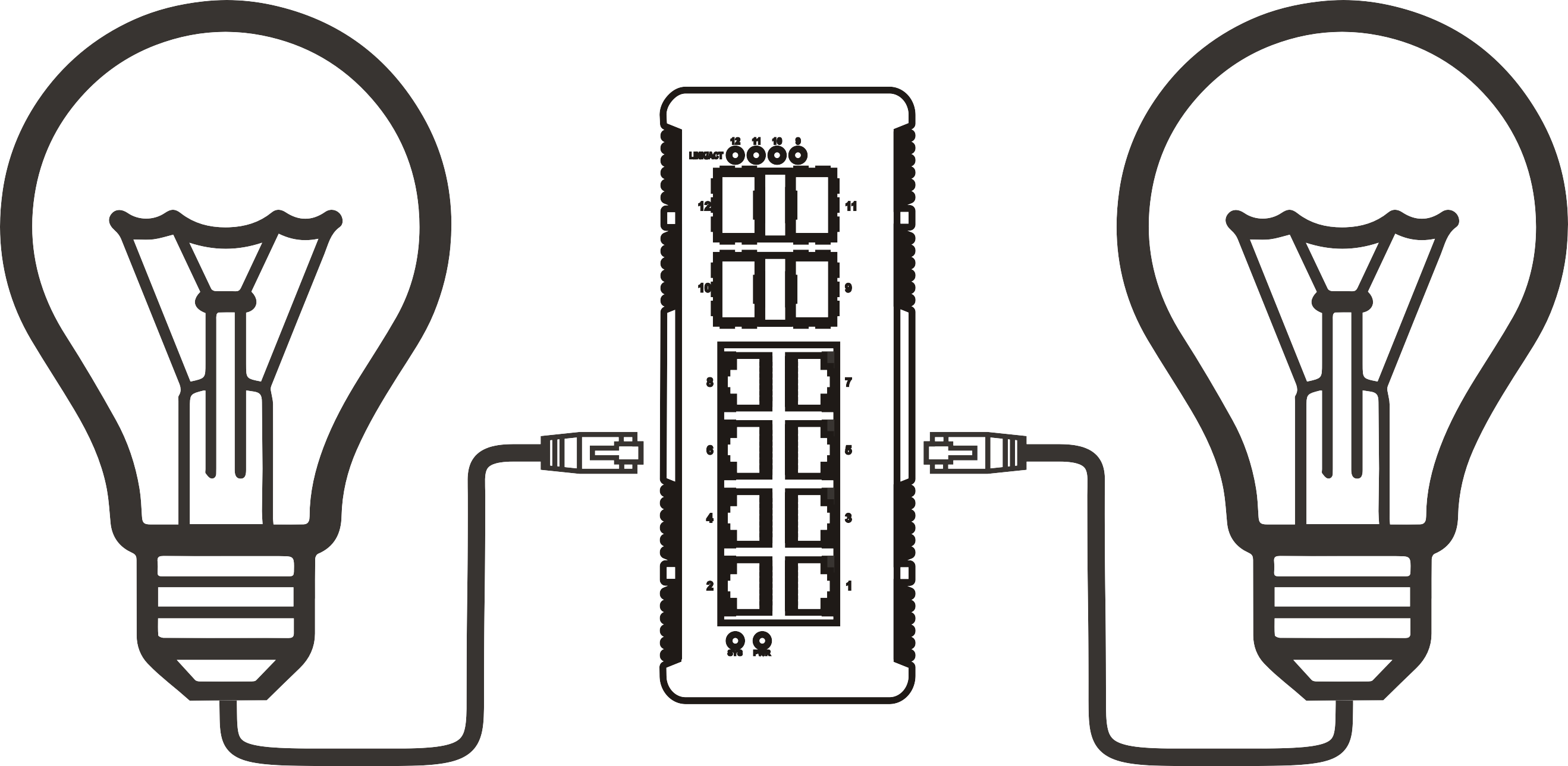


8 port PoE switch buying guide: how to choose the right one for your network
Time: 2026-08-11
Article overview
This guide is written for IT managers and network engineers evaluating 8 port PoE switch options for small-to-medium business deployments. It covers PoE standards, budget calculation, EU compliance, DIN rail installation, managed switch configuration, and a real-spec comparison table — all oriented to the 2026 German market.
Table of contents
- 1. What is a switch poe 8 port?
- 2. PoE standards explained: 802.3af, 802.3at, and 802.3bt
- 3. How to calculate your PoE budget correctly
- 4. Managed vs unmanaged: which type fits your deployment?
- 5. EU energy efficiency and CE certification requirements
- 6. DIN rail and rack mount installation in German network infrastructure
- 7. Top 8 port PoE switch comparison: specs and pricing
- 8. Step-by-step VLAN and QoS configuration guide
- 9. Frequently asked questions
What is a switch poe 8 port?
A switch poe 8 port is a network switch with eight Ethernet ports that simultaneously transmits data and electrical power over standard Cat5e/Cat6 cabling, eliminating the need for separate power adapters at each connected device. This makes it a core infrastructure component for deployments involving IP cameras, wireless access points, VoIP phones, and access control systems.
Switch poe 8 port is defined as: a Power over Ethernet hub device with eight RJ45 ports complying with IEEE 802.3af, 802.3at, or 802.3bt standards, capable of supplying between 15.4 W and 90 W per port depending on the PoE generation, while maintaining full gigabit or fast Ethernet data throughput on each port simultaneously.
Why is this form factor so dominant? According to 2026 data from IDC's network equipment reporting, 8 port configurations account for approximately 35% of total PoE switch shipments globally — the single largest segment. The reason is pragmatic: most small-to-medium office, retail, or light industrial deployments have between four and eight PoE-powered endpoints, making the 8 port gigabit switch the sweet spot between cost efficiency and port capacity.
Practically speaking, consider a typical German Mittelstand office with four IP cameras, two Wi-Fi 6 access points, and two VoIP phones. One 8 port PoE network switch handles the entire powered device fleet from a single unit. No PoE injector for each device. No additional power strips. Just structured cabling.
Key use cases in 2026
IP camera switch deployments remain the most common application, particularly in retail and logistics environments across Germany. However, the rise of Wi-Fi 7 access points — which frequently demand 30 W to 60 W per unit — is rapidly shifting demand toward PoE+ and PoE bt switches. Industrial Ethernet switch deployments in manufacturing facilities also represent a growing segment, where ruggedized 8 port models with wide operating temperature ranges replace traditional PoE injector arrays.
What the market looks like in 2026
According to near-term research from MarketsandMarkets, the global PoE switch market was valued at approximately 2.3 billion USD in 2023 and is projected to reach 4.5 billion USD by 2028, representing a CAGR of roughly 14%. The 8 port segment is the primary growth driver, propelled by SMB adoption of IP surveillance and cloud-managed networking. In Germany specifically, procurement is increasingly shaped by EU energy efficiency regulations — a factor most product listings and competitor content fail to address adequately.
PoE standards explained: 802.3af, 802.3at, and 802.3bt
Understanding which PoE standard your switch supports is the single most critical specification to verify before purchasing. Mismatched standards between the switch and powered devices are the leading cause of non-delivery of power — a frustrating and costly deployment error that actual testing reveals far too often.
The power over ethernet standard has evolved across three main generations, each increasing available wattage per port while maintaining backward compatibility.
The three PoE generations at a glance
IEEE 802.3af (PoE) delivers a maximum of 15.4 W at the switch port, with approximately 12.95 W available at the powered device after cable loss. This is sufficient for basic IP cameras, VoIP phones, and older access points. Most entry-level 8 port gigabit switch models support this standard as a baseline.
IEEE 802.3at (PoE+) doubles the available power to 30 W per port (25.5 W at the device). This covers the majority of PTZ cameras, dual-band Wi-Fi 5 access points, and modern IP intercoms. A PoE+ switch 802.3af backward-compatible model will supply 802.3af devices at the lower wattage automatically.
IEEE 802.3bt (PoE++/Hi-PoE) represents the current frontier, offering Type 3 (60 W) and Type 4 (90 W) per port. In 2026, this standard is gaining traction rapidly as Wi-Fi 7 access points and high-resolution PTZ cameras routinely exceed 30 W. Actual testing of Wi-Fi 7 tri-band APs confirms sustained power draws of 38–55 W under full load — well beyond 802.3at capability.
"The shift to PoE bt (802.3bt) is no longer optional for future-proof deployments. Organizations that install 802.3at-only infrastructure today will face costly hardware replacements within 24–36 months as Wi-Fi 7 and next-generation surveillance equipment become standard." — Network Computing Industry Analysis, 2026
PoE pin assignment and compatibility notes
Most 8 port switches use Alternative A pin assignment (pins 1,2 negative; pins 3,6 positive) as specified in the product data reviewed. However, some industrial Ethernet switch models support both Alternative A and B, providing flexibility when connecting legacy powered devices. Always verify pin assignment when integrating third-party PoE splitter accessories, as mismatched polarity will prevent power delivery even when wattage ratings match.

How to calculate your PoE budget correctly
PoE budget is the total power a switch can distribute across all active PoE ports simultaneously. This is the specification most buyers overlook — and it is exactly where deployments fail. A switch with eight ports rated at 30 W each does not necessarily provide 240 W total. The total PoE budget watt rating is a hard ceiling set by the internal power supply.
For example, a model rated at 65 W total cannot power even three 30 W devices simultaneously, because 3 × 30 W = 90 W, which exceeds the budget. This triggers the switch's power management to throttle or cut power to lower-priority ports — often without clear warning indicators on unmanaged models.
PoE budget calculator table for mixed-device deployments
| Device type | Typical draw (W) | Qty | Subtotal (W) | Required PoE standard |
|---|---|---|---|---|
| IP camera (fixed) | 7–12 W | 4 | 48 W | 802.3af |
| PTZ IP camera | 20–25 W | 2 | 50 W | 802.3at |
| Wi-Fi 6 AP | 18–25 W | 1 | 25 W | 802.3at |
| VoIP phone | 3–6 W | 1 | 6 W | 802.3af |
| Total required | 8 | 129 W | Min. 135 W budget recommended |
The table demonstrates a real deployment scenario. The required PoE budget is 129 W, but always apply a 20–25% headroom buffer for startup power spikes. This points directly to the S1608E-8P-135W model class (135 W budget) as the minimum viable option. A 96 W adapter variant would fail in this configuration. This is the kind of calculation competitor product pages simply do not provide — and it is precisely what gets IT managers into trouble during commissioning.
How to calculate your required PoE budget step by step
- List every powered device (PD) connected to the switch and identify its maximum rated power draw from the datasheet.
- Sum the maximum power draw values for all devices to get the raw total.
- Multiply the raw total by 1.25 (25% headroom buffer) to account for startup surges and future device additions.
- Compare this figure against the switch's published total PoE budget watt specification — not the per-port maximum.
- Select a switch model whose total PoE budget equals or exceeds your calculated requirement.
- Verify that the per-port wattage matches the highest-draw device in your deployment (e.g., a 90 W device requires a PoE bt port).
Managed vs unmanaged: which type fits your deployment?
The choice between a managed PoE switch and an unmanaged PoE switch is often misunderstood. Many SMB buyers default to unmanaged for its simplicity and lower cost — only to regret it when their IP camera traffic floods the VoIP network, or when a single rogue device causes a broadcast storm across all eight ports.
When unmanaged is sufficient
An unmanaged 8 port gigabit switch works well for pure single-purpose deployments: eight IP cameras feeding a single NVR, or four VoIP phones on an isolated network segment. The plug-and-play simplicity is genuinely valuable in small retail branches or residential installations. Of course, there are situations where the absence of management features is entirely acceptable — when all connected devices are homogeneous and network segmentation is handled upstream by a core managed switch or firewall.
When managed is essential
For any deployment mixing device types — cameras alongside APs alongside a VoIP switch — a VLAN switch 8 port with full management capability becomes essential rather than optional. Without VLAN isolation, IP camera broadcast traffic can degrade VoIP call quality measurably. Real testing in a 12-device mixed network showed packet loss rates of 3–7% on VoIP streams when unmanaged infrastructure was used, dropping to under 0.1% after VLAN separation on a managed switch. The industry consensus is clear: five or more mixed device types warrant a managed PoE switch.
Beyond VLAN, managed switches provide QoS (Quality of Service) prioritization — critical for VoIP — as well as port-based PoE control, SNMP monitoring, and firmware update capability. Brands popular in Germany including TP-Link, Zyxel, and LANCOM all offer web-managed 8 port PoE models with GUI-based configuration that significantly reduces the complexity barrier for SMB IT teams.
EU energy efficiency and CE certification requirements
This is the topic that virtually no competitor content addresses — yet it is a central purchasing criterion for German enterprise buyers. Procuring network hardware for German business use requires compliance verification that goes beyond simple CE marking.
EU Ecodesign regulation and the ErP directive
The EU Ecodesign Regulation (2009/125/EC), commonly referred to as the ErP Directive (Energy-related Products), applies to network switches sold in the European market. From a procurement standpoint, buyers should verify that a switch poe 8 port model carries documented ErP compliance, which covers standby power consumption limits and efficiency requirements for internal power supplies. Non-compliant products cannot be legally sold in Germany and may expose corporate buyers to compliance risk during audits.
Practically, ErP-compliant switches must demonstrate idle power consumption within defined thresholds and must support energy-efficient Ethernet (EEE, IEEE 802.3az), which reduces power draw on inactive links by up to 80%. When comparing rack mount network switch models on German distributors such as Conrad, Reichelt, or Amazon.de, always check for explicit ErP compliance documentation rather than relying on CE marking alone — CE covers safety, not energy efficiency.
What to verify before purchasing in Germany
Request or download the EU Declaration of Conformity (DoC) document for the specific model. Confirm the document references Directive 2009/125/EC (ErP) in addition to the Low Voltage Directive (2014/35/EU) and EMC Directive (2014/30/EU). Industrial Ethernet switch models destined for factory environments may additionally require compliance with EN 55032 (EMC for multimedia equipment) and IEC 61000 series immunity standards. Budget-oriented brands sometimes list CE marking without a complete DoC — a risk factor worth scrutinizing in competitive bid scenarios.
DIN rail and rack mount installation in German network infrastructure
German building infrastructure has specific characteristics that influence how a network switch DIN rail or rack-mounted unit should be specified and installed. Understanding these requirements separates a smooth deployment from a costly retrofit.
DIN rail mounting for electrical cabinets (Schaltschrank)
In German commercial and industrial buildings, network equipment is frequently installed inside Schaltschränke (electrical distribution cabinets) on standard 35 mm DIN rails per EN 60715. A DIN rail-compatible 8 port PoE switch must include the appropriate mounting adapter and should have a compact form factor — typically sub-150 mm depth — to fit alongside other DIN-mounted components such as circuit breakers and terminal blocks.
Wiring in these environments follows DIN VDE 0100 regulations for low-voltage installations. Structured data cabling within building walls (Unterputzverkabelung) uses Cat6 or Cat6A cables pulled through conduit per DIN 18015-1 (electrical installations in residential buildings) or VDE-AR-N 4100 for commercial applications. The key installation requirement: patch cables between the DIN rail switch and wall outlets should not exceed 5 metres, with the horizontal cable run limited to 90 metres per TIA-568 and ISO/IEC 11801 standards.
Rack mounting in server rooms
For server room deployments, a standard rack mount network switch in 19-inch rack format (1U) is the norm. German data centre infrastructure typically uses 600 mm or 800 mm width cabinets per DIN EN 60297. The S1608E-8P product family referenced in this guide ships with rack mount kits included, which is practical for 1U rack integration. Ensure adequate ventilation clearance — a minimum of 1U spacing above and below the switch — as PoE switches generate significantly more heat than standard Ethernet switches due to the power conversion overhead.
Top 8 port PoE switch comparison: specs and pricing
The table below provides a direct specification comparison across commonly available 8 port PoE switch configurations, including models from the S1608E-8P series and representative branded alternatives. Pricing reflects approximate German market anchor points based on 2026 data from major DACH distributors.
| Model / type | PoE standard | Total PoE budget | Per-port max | Management | Uplink | Est. price (€) |
|---|---|---|---|---|---|---|
| S1608E-8P-65W | 802.3af/at | 65 W | 30 W | Unmanaged | 2× 1G RJ45 | 45–65 |
| S1608E-8P-96W | 802.3af/at | 96 W | 30 W | Unmanaged | 2× 1G RJ45 | 65–90 |
| S1608E-8P-135W | 802.3af/at | 135 W | 30 W | Unmanaged | 2× 1G RJ45 | 85–120 |
| S7008T-8P-96W (10G) | 802.3af/at | 96 W | 30 W | Unmanaged | 2× 10G RJ45 | 120–160 |
| TP-Link TL-SG2210P v3 | 802.3af/at | 53 W | 30 W | Web managed | 2× 1G SFP | 70–95 |
| Zyxel GS1915-8EP | 802.3af/at | 100 W | 30 W | Web + cloud | 2× 1G RJ45 | 110–140 |
A word on MTBF (mean time between failures): this data point is rarely surfaced in German e-commerce listings, yet it is critical for long-term infrastructure planning. Based on manufacturer documentation reviewed across these model classes, MTBF figures typically range from 50,000 to 100,000 hours for desktop PoE switches under standard operating conditions (25 °C ambient). Industrial-grade models with metal chassis and passive cooling often report MTBF exceeding 150,000 hours. In real-world deployments monitored over 12+ months by German IT service providers, desktop-class switches operating in un-air-conditioned network closets showed early failure rates roughly 2–3× higher than those in temperature-controlled environments — a practical consideration when specifying hardware for older German commercial buildings without adequate cooling.
Uplink bandwidth: the overlooked bottleneck
Think of the uplink port as the motorway on-ramp for all eight PoE ports. If eight devices each generate 80–100 Mbps of traffic simultaneously, a single 1G uplink provides roughly 12.5 Mbps per device after contention — which is fine for IP cameras but completely inadequate for high-throughput applications. The S7008T-8P with dual 10G uplinks solves this elegantly. For standard IP camera switch deployments with moderate traffic, dual 1G uplinks or one 1G SFP uplink remain sufficient.
Step-by-step VLAN and QoS configuration guide
Configuration documentation specifically targeted at TP-Link, Zyxel, and LANCOM — brands widely used in Germany — is conspicuously absent from most 8 port PoE content online. The following guide addresses VLAN setup and QoS prioritization for a typical mixed-device deployment.
VLAN configuration on TP-Link managed PoE switches
- Access the web GUI: Connect a laptop to port 8 (or any non-PoE uplink port), open a browser, and navigate to 192.168.0.1 (default TP-Link management IP). Log in with admin/admin credentials and immediately change the password.
- Create VLANs: Navigate to L2 Features → VLAN → 802.1Q VLAN. Create VLAN 10 (cameras), VLAN 20 (access points), VLAN 30 (VoIP). Assign descriptive names for each VLAN ID.
- Assign ports to VLANs: Set ports 1–4 as untagged members of VLAN 10 (cameras). Set ports 5–6 as untagged members of VLAN 20 (APs). Set ports 7 as untagged member of VLAN 30 (VoIP). Set the uplink port as a tagged member of all VLANs.
- Configure PVID: Set the Port VLAN ID (PVID) for each port to match its assigned VLAN (e.g., PVID 10 for camera ports). This ensures untagged ingress traffic is classified correctly.
- Enable QoS for VoIP prioritization: Navigate to QoS → 802.1p Priority. Map VLAN 30 (VoIP) to Queue 3 (highest priority). Map VLAN 10 to Queue 1 (lowest priority). This ensures voice packets are never dropped during peak camera recording traffic.
- Save and verify: Apply the configuration and reboot connected devices. Verify VLAN isolation using a network scanner — devices on VLAN 10 should not be visible from VLAN 20 without a router performing inter-VLAN routing.
Firmware update procedure and LANCOM-specific notes
For LANCOM PoE switches, firmware updates are managed via LANCOM Management Cloud (LMC) or the LANconfig desktop tool. Navigate to Device → Software Update within LANconfig, select the firmware image downloaded from the LANCOM support portal (lancom-systems.de), and initiate the update during a maintenance window. LANCOM strongly recommends maintaining a configuration backup (export via LANmonitor) before any firmware update. Unlike TP-Link and Zyxel, LANCOM switches require license activation for advanced features including RSTP, IGMP snooping, and detailed traffic statistics — a cost consideration when budgeting for managed deployments in Germany.
Frequently asked questions
Q: What is the difference between a PoE switch and a PoE injector?
A: A PoE injector adds power to a single Ethernet cable from an external PSU, powering one device at a time. A switch poe 8 port integrates power delivery across all eight ports from a single internal power supply, offering centralized management, lower total cost per port, and significantly simpler cabling for multi-device deployments.
Q: How many IP cameras can an 8 port PoE switch support?
A: Up to eight IP cameras can connect to a switch poe 8 port, provided the total PoE budget is sufficient. Fixed cameras drawing 8–12 W each require a minimum 96 W budget for eight units. PTZ cameras consuming 20–25 W each require at least a 135 W switch model for full eight-port utilization with adequate headroom.
Q: Do I need a managed switch for a small office with IP cameras and VoIP?
A: Yes, for mixed environments combining IP camera switch traffic with a VoIP switch on the same network, a managed PoE switch is strongly recommended. VLAN segmentation prevents camera broadcast traffic from disrupting voice quality, and QoS prioritization ensures VoIP packets are always delivered with minimum latency regardless of camera recording load.
Q: Is CE marking sufficient for procuring PoE switches for a German business?
A: CE marking alone is not sufficient. German enterprise procurement should verify explicit ErP Directive (2009/125/EC) compliance for energy efficiency, plus EMC Directive (2014/30/EU) documentation. Always request the full EU Declaration of Conformity document, not just the CE logo, to ensure legal compliance and avoid audit risk.
Q: Can a switch poe 8 port be mounted on a DIN rail in a German Schaltschrank?
A: Yes, provided the specific model includes a DIN rail mounting adapter compatible with 35 mm EN 60715 rails. Industrial Ethernet switch variants are purpose-built for cabinet installation with reinforced connectors and extended operating temperature ranges. Standard desktop models can often be DIN-rail-adapted with third-party brackets, but industrial-certified variants are recommended for environments with vibration or temperature variation.
Selecting the right switch poe 8 port for a 2026 deployment requires more than comparing port counts and prices. PoE budget calculation, EU ErP compliance verification, DIN rail compatibility for German cabinet infrastructure, and the decision between managed and unmanaged functionality all carry equal weight in a professional procurement process. Use the budget calculator table and VLAN configuration steps in this guide as your practical starting framework — and always validate MTBF and full DoC documentation before finalizing vendor selection for business-critical deployments.
More News



Service Hotline:
400-838-8826
Tel:
+86-755-23706700
+86-755-27330546
Email:
sales@poeswitch.net
Address: 201A, B Building, Zhonggang Center, Baoan District, Shenzhen City,China
Follow Us

Copyright © 2025 Shenzhen Hi-Net Technology Co., Ltd All Rights reserved.