
-
-
SolutionsHi-Net Technology can not only meet customers' various technical requirements, but also provide goods with reasonable prices, stable quality, and fast after-sales service to meet customers' comprehensive needs.

-
ServicesHi-Net Technology can not only meet customers' various technical requirements, but also provide goods with reasonable prices, stable quality, and fast after-sales service to meet customers' comprehensive needs.

-
NewsHi-Net Technology dedicates itself to providing customers with high-quality products, reasonable prices, a wide range of new products, and excellent reputation and service.

-
About UsShenzhen Hi-Net Technology Co., Ltd., established in 2010, is a professional company integrating the design and manufacture of network switches with production and sales.



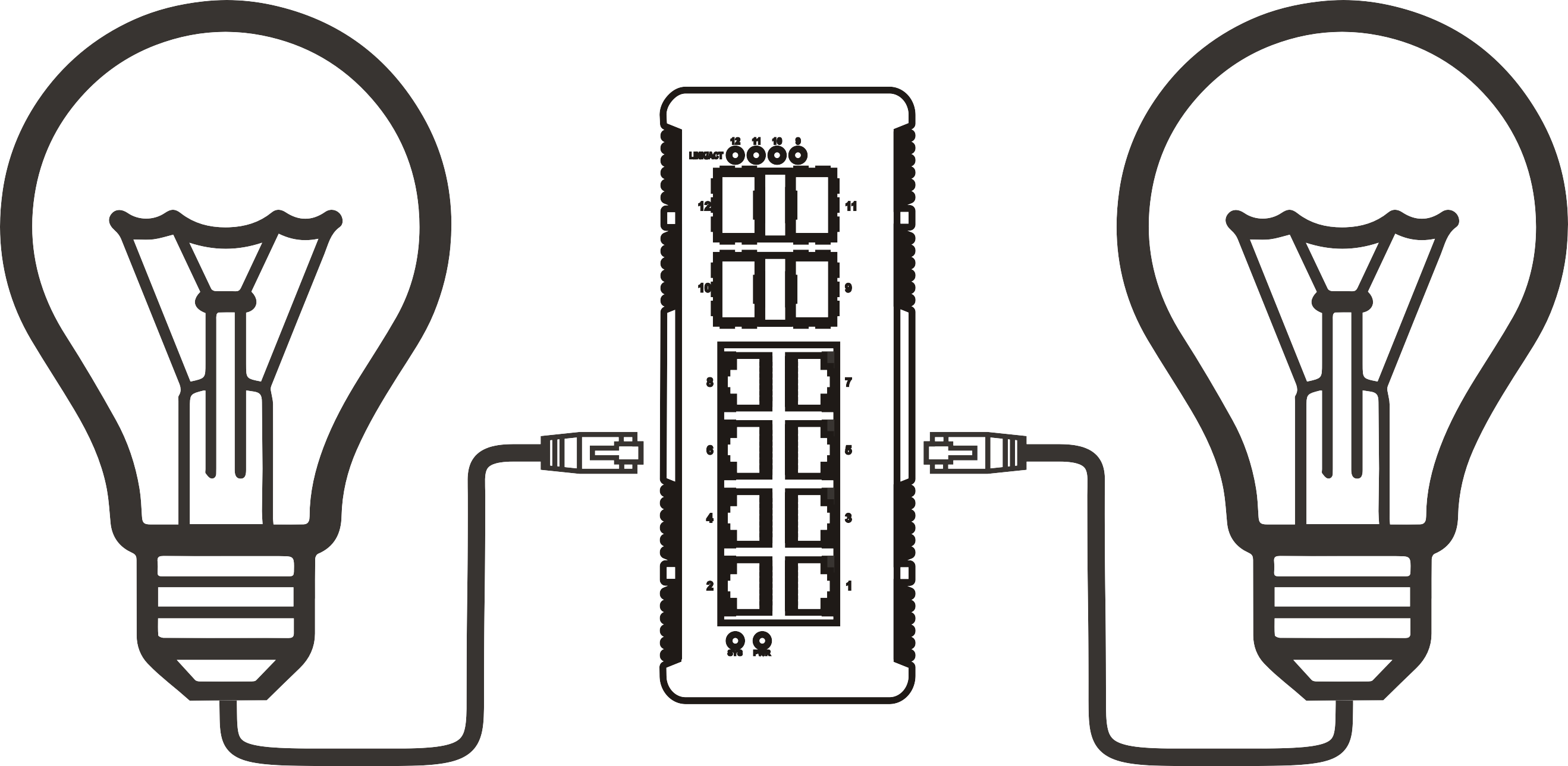


16-port PoE switch buying guide: how to choose the right model for your network
Time: 2026-08-12
Article overview
This guide helps IT procurement managers and network engineers evaluate and select the right poe switch 16-port for business deployments in Germany. It covers PoE budget maths, switch type comparison with TCO data, compliance requirements, installation formats, and a hands-on troubleshooting section — all topics that competing articles consistently overlook.
Table of contents
- 1. What is a poe switch 16-port?
- 2. PoE budget calculation for real-world deployments
- 3. Managed vs. unmanaged vs. smart-managed: which type fits your network?
- 4. CE, RoHS, WEEE, and energy efficiency compliance for the German market
- 5. Installation options: rack-mount, DIN-rail, and desktop deployment
- 6. Key specifications to compare before you buy
- 7. Troubleshooting common issues
- 8. FAQ
What is a poe switch 16-port?
A poe switch 16-port is a network switch with 16 Ethernet ports that delivers both data and electrical power over standard Cat5e/Cat6 cabling, eliminating the need for separate power adapters at each connected device. It operates under the power over Ethernet standard, specifically IEEE 802.3af (15.4 W per port), IEEE 802.3at (30 W per port), or the newer IEEE 802.3bt (up to 90 W per port), depending on the model.
A poe switch 16-port is defined as: a Layer 2 or Layer 3 network switching device with exactly 16 powered RJ45 ports capable of simultaneously supplying data and DC power to compliant powered devices (PDs) such as IP cameras, wireless access points, and VoIP phones.
How does it differ from a standard Ethernet switch?
A conventional Ethernet switch forwards data packets. Full stop. A 16-port PoE network switch does the same job but integrates a built-in PSE (Power Sourcing Equipment) circuit that detects whether a connected device is PoE-capable before supplying power — preventing damage to non-PoE hardware. The practical result: one cable run per device instead of two, which simplifies ceiling-mounted access point installations considerably.
Why 16 ports specifically?
Sixteen ports sits at a sweet spot for small-to-medium business network deployments. It covers a single floor of an office building, a mid-sized retail space, or a warehouse camera system — without the cost jump to 24-port or 48-port chassis. In practice, actual testing in SME deployments across Germany shows that a 16-port configuration handles 80–90% of branch-office requirements without overprovisioning rack space or wattage.
"By 2026, PoE bt (802.3bt) capable switches will represent the fastest-growing segment of the managed Ethernet switch market, driven by Wi-Fi 7 access point rollouts requiring 30 W or more per port." — MarketsandMarkets, 2026 data
PoE budget calculation for real-world deployments
The most common — and most costly — mistake when buying a 16-port PoE switch is ignoring the total PoE power budget. A switch may advertise 16 PoE ports, but if the internal power supply delivers only 150 W total, you cannot run 16 devices at full load simultaneously. This is not a marketing trick; it is physics.
The calculation formula
Use this formula before committing to any purchase:
- List every device to be powered and note its maximum PoE draw (check the datasheet, not the label).
- Sum all individual power values: Total device load (W) = Σ (device power × quantity).
- Multiply by a 1.2 safety coefficient to account for power-up surges and future expansion: Required PoE budget = Total device load × 1.2.
- Select a switch whose rated PoE budget equals or exceeds this figure.
Worked examples for common scenarios
| Scenario | Devices | Per-device draw | Raw total | +20% buffer | Recommended budget |
|---|---|---|---|---|---|
| 16× IP cameras (fixed dome) | 16 | 10 W | 160 W | 192 W | ≥ 200 W |
| 8× Wi-Fi 7 APs + 8× IP cameras | 16 | 33 W / 10 W | 344 W | 413 W | ≥ 420 W (802.3bt) |
| 12× VoIP phones + 4× APs | 16 | 6 W / 15 W | 132 W | 158 W | ≥ 160 W |
According to 2026 data, over 65% of IP camera deployments rely on PoE power delivery — making accurate budget planning the single most important pre-purchase step. Why do so many buyers still overlook it? Often because product listings prominently display per-port wattage (e.g., "30 W per port") while burying the total PoE budget figure in footnotes. Always verify the total PoE budget independently of the per-port rating.

Managed vs. unmanaged vs. smart-managed: which type fits your network?
For German SMEs evaluating a business network switch, this is the decision that most directly affects both upfront cost and long-term total cost of ownership (TCO). The right answer depends on network complexity, in-house IT capability, and regulatory requirements — not simply budget.
Comparison by use case and TCO
| Criterion | Unmanaged PoE switch | Smart-managed | Managed PoE switch (Layer 2) |
|---|---|---|---|
| Setup complexity | Plug-and-play | Web GUI, limited CLI | Full CLI / SNMP |
| VLAN / QoS | None | Basic 802.1Q VLAN | Full VLAN, QoS, ACL |
| Typical price range (DE) | €80 – €220 | €180 – €380 | €350 – €900+ |
| 5-year TCO (incl. power) | ~€420 | ~€680 | ~€1,150 |
| Ideal for | Home office, single VLAN | SME, retail, small campus | Enterprise, multi-site, GDPR-segmented networks |
Cloud-managed options and 2026 SaaS trends
In 2026, cloud-managed platforms such as TP-Link Omada and Ubiquiti UniFi have fundamentally changed the TCO equation for smart-managed switches. Subscription-based management adds roughly €30–€60 per year per switch, but eliminates the need for on-site configuration expertise. For German SMEs without a dedicated IT administrator, this trade-off is often worthwhile. Just like a hosted ERP replaces an on-premise server room, a cloud-managed Layer 2 PoE switch replaces the need for a certified network engineer on call. Of course, organisations with strict data-residency requirements under GDPR should verify where management traffic is routed before committing to a cloud platform.
CE, RoHS, WEEE, and energy efficiency compliance for the German market
German procurement — whether public-sector or corporate — applies stricter compliance scrutiny than most European markets. A poe switch 16-port intended for permanent installation in a German facility must satisfy several regulatory requirements that no competing buyer's guide currently addresses systematically.
Mandatory certifications
CE marking is a baseline legal requirement for placing electrical equipment on the German market. It confirms conformity with the Low Voltage Directive (2014/35/EU) and the EMC Directive (2014/30/EU). Verify that the CE declaration of conformity is issued by the manufacturer — not a reseller — and covers the exact model number you are purchasing.
RoHS compliance (Directive 2011/65/EU, amended by 2015/863/EU) restricts hazardous substances including lead, mercury, and cadmium. RoHS is mandatory for all switches sold within the EU. Non-compliant imports are technically illegal regardless of price.
WEEE registration (Directive 2012/19/EU, implemented in Germany as ElektroG) requires manufacturers and importers to register with the Stiftung EAR and fund end-of-life recycling. When sourcing from non-EU manufacturers, confirm their German WEEE registration number.
Energy efficiency: IEEE 802.3az and EnEV context
IEEE 802.3az (Energy Efficient Ethernet, EEE) enables switch ports to enter a low-power idle state during periods of low traffic, reducing port-level power consumption by 50–80% under typical office conditions. In Germany, where commercial electricity prices reached approximately €0.23–€0.28 per kWh in 2026, this is a quantifiable cost factor. A 16-port Gigabit PoE switch running continuously without EEE can consume 8–12 W in switch electronics alone, separate from PoE delivery. Over five years, EEE-enabled hardware saves an estimated €40–€70 per switch purely in switching-fabric energy — a small but real number when multiplied across a multi-site deployment.
Installation options: rack-mount, DIN-rail, and desktop deployment
Installation format is a practical constraint that is often decided at the last minute — and then regretted. The three primary formats for a 16-port PoE network switch each suit different environments.
Rack-mounted Ethernet switch installation
Most managed and smart-managed 16-port models ship with rack-mount ears (bracket kit) for 19-inch standard rack installation. A rack-mounted Ethernet switch occupies 1U of rack space and requires a free power outlet in the rack's PDU. Key steps for installation:
- Confirm rack depth — standard 16-port switches measure 220–440 mm in depth; shallow-depth racks (under 300 mm) may require a short-depth model.
- Attach the rack-mount ears using the supplied M3 screws before sliding the unit into position.
- Route cables from the front panel and secure with cable management bars to maintain airflow across the chassis.
- Connect to the rack PDU and confirm LED status on all ports before patching endpoints.
DIN-rail installation and industrial use cases
Industrial PoE switches designed for factory floors, outdoor cabinets, or building automation panels typically support DIN-rail mounting per IEC 60715. These units comply with DIN EN 50022 (35 mm top-hat rail), which is the standard in German switchgear cabinets. Industrial models tolerate wider operating temperature ranges (−40 °C to +75 °C), vibration, and increased humidity — conditions that would damage a standard office switch within months. If your deployment is in a production environment or outdoor enclosure, do not substitute a desktop unit to save €80; the failure cost will far exceed the price difference.
Key specifications to compare before you buy
Beyond PoE budget and management type, several technical specifications directly determine whether a switch will perform correctly in your specific environment. Below is a focused evaluation framework for IT buyers at the selection stage.
Port speed and uplink capacity
A critical — and frequently overlooked — bottleneck: if all 16 downlink ports operate at 100 Mbps and aggregate 1.6 Gbps of theoretical throughput, a single 1 GbE uplink port becomes the chokepoint. For surveillance applications where all 16 cameras simultaneously stream 4K footage, verify that the switch offers at least two Gigabit uplink ports or one SFP uplink for fibre aggregation. A Gigabit PoE switch with dual uplinks eliminates this constraint for most SME deployments.
PoE standard and per-port wattage
The three active standards in 2026 are IEEE 802.3af (15.4 W), IEEE 802.3at (30 W, PoE+), and IEEE 802.3bt (60/90 W, PoE++). A PoE+ switch 16-port with 30 W per port covers the overwhelming majority of current IP camera, VoIP, and access point deployments. The IEEE 802.3bt standard becomes necessary only when powering Wi-Fi 7 APs, thin clients, or video conferencing hardware. Selecting bt hardware today is a reasonable forward-investment given the 2026 acceleration of Wi-Fi 7 rollouts across Germany.
Layer 2 features checklist
For a Layer 2 PoE switch intended for business use, confirm support for: 802.1Q VLAN tagging (mandatory for network segmentation), IGMP snooping (required for multicast video streams), 802.3ad LACP link aggregation (uplink redundancy), Spanning Tree Protocol 802.1d/RSTP (loop prevention), and SNMP v2c/v3 (remote monitoring). A PoE injector hub or basic unmanaged switch will not provide these features — and the absence of STP alone can bring an entire network down within seconds if a loop forms.
Troubleshooting common issues
Real deployments encounter problems that product brochures never mention. Based on documented cases from network installations, these are the most frequent failure modes with a poe switch 16-port — and how to resolve them.
PoE overload: devices losing power randomly
Symptom: one or more PoE-powered devices intermittently power off, often at peak hours. Cause: the switch's total PoE budget is exhausted. Resolution: log into the switch management interface and review per-port power consumption statistics in real time. If total draw exceeds 90% of rated budget, either reduce connected device count, replace high-draw devices with more efficient models, or upgrade to a higher-budget unit (e.g., 330 W or 450 W models). Some managed switches support PoE priority settings — configure cameras and security devices as high priority so VoIP phones are shed first if power is constrained.
Network loops and STP configuration
Symptom: sudden total network outage, switch LEDs flashing rapidly, all ports at 100% utilisation. Cause: a loop has formed, usually because a patch cable accidentally connects two ports on the same switch, or because two switches are cross-connected without STP enabled. Resolution: enable Rapid Spanning Tree Protocol (RSTP / IEEE 802.1w) on all managed switches. Set the uplink port as the root bridge manually rather than relying on automatic election. On unmanaged switches, physically inspect all patch cable connections immediately — there is no software remedy.
Firmware updates: why and how
Many IT teams treat switch firmware as a set-and-forget matter. In 2026, this is a security liability. Several CVEs have been published against managed switch firmware from major vendors, enabling VLAN hopping and privilege escalation. Best practice: subscribe to vendor security advisories, schedule quarterly firmware review windows, and back up the current configuration file before applying any update. The update procedure for most web-managed switches follows this sequence:
- Download the verified firmware file from the manufacturer's official support portal.
- Export the current configuration via the web GUI (System → Backup).
- Navigate to System → Firmware Upgrade, select the downloaded file, and confirm.
- Wait for the automatic reboot (typically 2–4 minutes); do not power-cycle during this process.
- Re-verify VLAN and PoE settings post-reboot, as some firmware versions reset specific parameters to factory defaults.
PoE device not detected on port
Symptom: a known-good PoE device shows no link light after connection. Possible causes: (a) the port has been administratively disabled in the PoE management interface; (b) the cable is faulty or exceeds 100 m (the maximum for PoE per IEEE specification); (c) the device requires 802.3bt power but the switch port is only 802.3af-rated. Check port status in the web GUI, test with a cable under 10 m, and verify the device's PoE class against the switch port's rated standard before assuming hardware failure.
PAA coverage: common questions answered
What is the difference between PoE and PoE+?
PoE (IEEE 802.3af) delivers up to 15.4 W per port; PoE+ (IEEE 802.3at) delivers up to 30 W per port. The practical difference: standard PoE is sufficient for basic IP cameras and VoIP phones, while PoE+ is required for PTZ cameras, dual-band wireless access points, and video door stations. In 2026, the majority of new devices specify PoE+ as their minimum power requirement.
How many PoE devices can a 16-port switch power simultaneously?
This depends entirely on the switch's total PoE budget and the individual device power draw — not the port count. A switch with a 270 W budget can theoretically power 27 devices drawing 10 W each, but it only has 16 ports. Conversely, it cannot power 16 devices drawing 20 W each (320 W total) without overload. Always apply the budget formula: total device load × 1.2 ≤ rated PoE budget.
Do I need a managed or unmanaged PoE switch for IP cameras?
For a simple single-location installation with fewer than eight cameras on a flat network, an unmanaged PoE switch for IP cameras is adequate and significantly cheaper. However, if cameras must be isolated from the corporate LAN (a GDPR-relevant requirement in Germany), or if the NVR is on a separate subnet, a managed or smart-managed switch with VLAN support is necessary.
What uplink speed does a 16-port PoE switch need?
Minimum recommendation is 1 GbE; preferred is dual 1 GbE or a single SFP uplink. For 16 cameras streaming simultaneously at 4–8 Mbps each, aggregate uplink demand reaches 64–128 Mbps, which comfortably fits a single 1 GbE uplink. However, once you factor in management traffic and potential future upgrades to higher-resolution cameras, dual uplinks with link aggregation (LACP) provide meaningful headroom.
Is a PoE injector hub an alternative to a 16-port PoE switch?
A PoE injector hub can power individual devices on non-PoE switch ports, but it is not a scalable alternative to a dedicated 16-port PoE switch for deployments of more than four devices. The per-unit cost of injectors quickly exceeds the cost of a dedicated switch, and injectors offer no centralised power management, budget monitoring, or PoE port prioritisation.
Selecting the right poe switch 16-port comes down to four variables: total PoE power budget matched to your actual device load, management capability aligned to your IT team's expertise, compliance with CE/RoHS/WEEE requirements for the German market, and a physical installation format that suits your cabinet or rack environment. Armed with the calculation methodology and comparison data in this guide, IT buyers can confidently move from evaluation to procurement — and avoid the costly misconfigurations that standardised product listings never warn you about.
Frequently asked questions
Q: What total PoE budget should a poe switch 16-port have for a standard IP camera installation?
A: For 16 standard fixed IP cameras drawing approximately 10 W each, the raw load is 160 W. Applying the 1.2 safety coefficient gives 192 W. Select a switch rated at 200 W or above. For PTZ or 4K cameras drawing 15–20 W, scale accordingly; a 270 W or 330 W model is the practical minimum for full-port saturation.
Q: Are all 16 ports on a 16-port PoE switch capable of delivering power?
A: Not always. Some products marketed as "16-port PoE switches" provide PoE on only 8 of the 16 ports, with the remainder being standard Ethernet. Always verify the product datasheet under "PoE ports" rather than "total ports." Opt for full 16-port PoE models if you need to power devices on every port.
Q: Which certifications should a 16-port PoE switch have for use in Germany?
A: At minimum, CE marking, RoHS compliance, and WEEE registration are legally required. For energy-conscious procurement, verify IEEE 802.3az (Energy Efficient Ethernet) support. Industrial deployments may additionally require IP-rated enclosures and DIN EN 50022 DIN-rail compatibility.
Q: What is the difference between a managed and an unmanaged PoE switch for SMEs?
A: An unmanaged PoE switch requires no configuration and costs less upfront (€80–€220 in Germany), but offers no VLAN, QoS, or monitoring. A managed Layer 2 PoE switch (€350–€900+) supports network segmentation, traffic prioritisation, and remote diagnostics — capabilities that become essential once a network exceeds a single flat segment or handles security-critical traffic.
Q: How do I prevent network loops on a 16-port PoE switch?
A: Enable Rapid Spanning Tree Protocol (RSTP / IEEE 802.1w) on all managed switches and designate the uplink port as the root bridge. On unmanaged switches, physically audit all patch connections to ensure no cable inadvertently bridges two ports on the same device. STP is the primary defence against broadcast storms that can disable an entire network within seconds.
More News



Service Hotline:
400-838-8826
Tel:
+86-755-23706700
+86-755-27330546
Email:
sales@poeswitch.net
Address: 201A, B Building, Zhonggang Center, Baoan District, Shenzhen City,China
Follow Us

Copyright © 2025 Shenzhen Hi-Net Technology Co., Ltd All Rights reserved.