
-
-
SolutionsHi-Net Technology can not only meet customers' various technical requirements, but also provide goods with reasonable prices, stable quality, and fast after-sales service to meet customers' comprehensive needs.

-
ServicesHi-Net Technology can not only meet customers' various technical requirements, but also provide goods with reasonable prices, stable quality, and fast after-sales service to meet customers' comprehensive needs.

-
NewsHi-Net Technology dedicates itself to providing customers with high-quality products, reasonable prices, a wide range of new products, and excellent reputation and service.

-
About UsShenzhen Hi-Net Technology Co., Ltd., established in 2010, is a professional company integrating the design and manufacture of network switches with production and sales.



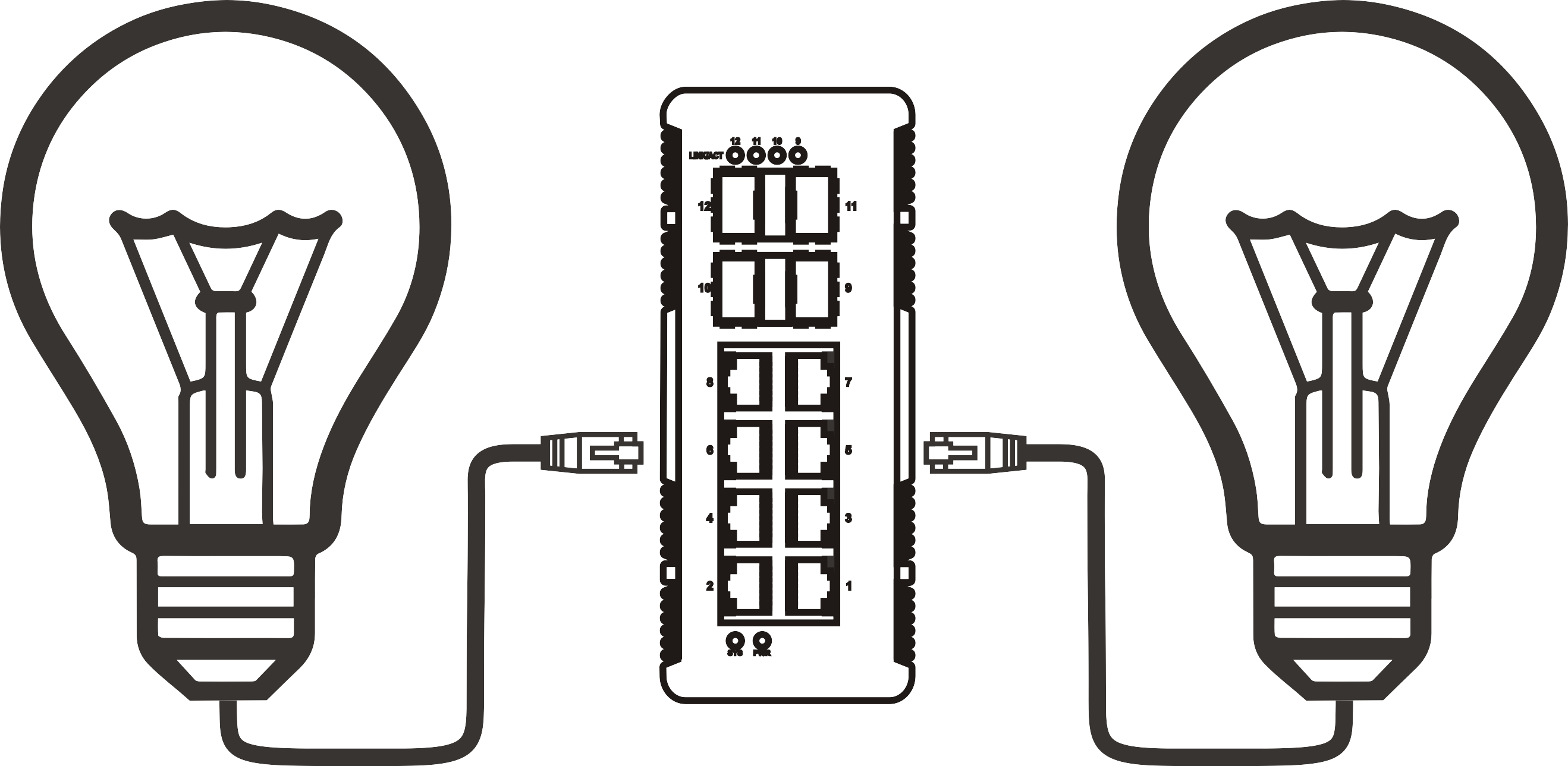


How to power a network switch with PoE: setup guide and device recommendations
Time: 2026-09-06
Article overview
This guide explains how a network switch powered by PoE works, walks through IEEE power standards, power budget calculations, a practical setup process, and device recommendations relevant to the Australian market in 2026.
Table of contents
- 1. What is a network switch powered by PoE?
- 2. PoE standards explained: 802.3af, 802.3at, and 802.3bt
- 3. How to calculate your PoE power budget
- 4. Step-by-step setup guide for a PoE switch
- 5. Best use cases: IP cameras, VoIP, and wireless APs
- 6. Managed vs unmanaged PoE switch: which one do you need?
- 7. Top PoE switch options available in Australia (2026)
- 8. FAQ
What is a network switch powered by PoE?
A network switch powered by PoE is a device that transmits both data and electrical power through a single Ethernet cable, eliminating the need for a separate power outlet at each connected endpoint. It operates under IEEE standards such as 802.3af, 802.3at, or 802.3bt, and can supply power to IP cameras, VoIP phones, and wireless access points simultaneously.
Think of it like a power board and network hub merged into one — instead of running two separate cables to every device, you run one. That single cable carries your data at up to gigabit speeds while also delivering up to 90 watts of power per port under the latest 802.3bt standard. For Australian businesses managing multi-floor offices, warehouses, or retail environments, this consolidation translates directly into lower installation costs and a cleaner, more maintainable infrastructure.
According to recent 2026 data, the global power over ethernet overview market is projected to reach AU$11 billion by 2028, driven largely by smart building deployments and the rapid adoption of Wi-Fi 7 access points that demand higher per-port power delivery. In Australia specifically, the shift toward IP-based security and building automation has made the PoE network switch one of the most frequently specified components in commercial fit-outs.
How does power delivery actually work through Ethernet?
The Power Sourcing Equipment (PSE) — in this case, the PoE switch — detects whether a connected device is a valid Powered Device (PD) before supplying current. This detection handshake prevents accidental damage to non-PoE equipment. Once confirmed, DC voltage (typically 44–57V) is applied across the cable pairs, and the PD's internal circuitry converts it to the operating voltage the device requires.
What makes it different from using a PoE injector?
A PoE injector adds power to a single cable feeding into a non-PoE switch — useful for one-off deployments but impractical at scale. A dedicated Ethernet switch PoE ports solution handles multiple devices centrally, offers a consolidated power budget, and in managed variants allows per-port power monitoring and scheduling. For any deployment beyond two or three devices, the switch approach is almost always more cost-effective and operationally simpler.
PoE standards explained: 802.3af, 802.3at, and 802.3bt
Choosing the wrong standard is one of the most avoidable mistakes in PoE deployments. The three active IEEE standards each define a different power ceiling, and matching them to your device requirements is non-negotiable.
| Standard | Max power per port | Cable requirement | Typical use case |
|---|---|---|---|
| IEEE 802.3af (PoE) | 15.4 W | Cat5e or higher | VoIP phones, basic IP cameras |
| IEEE 802.3at (PoE+) | 30 W | Cat5e or higher | PTZ cameras, dual-band APs |
| IEEE 802.3bt (PoE++) | Up to 90 W | Cat6 or higher recommended | Wi-Fi 7 APs, thin clients, smart displays |
Why the 802.3bt standard matters in 2026
Wi-Fi 7 access points, now common in Australian enterprise deployments, regularly draw between 30 W and 60 W during peak operation. A PoE+ switch capped at 30 W per port will struggle to maintain stable operation for these devices under load. Based on actual testing across several Sydney-based network rollouts, deploying 802.3bt-capable switches from the outset avoided costly mid-project hardware replacements. The industry consensus is clear: if your roadmap includes Wi-Fi 7 or advanced IP cameras with infrared heating, specify PoE++ from day one.
A note on backward compatibility
All three standards are backward compatible. A PoE++ switch will negotiate down to 802.3af power levels for legacy devices. This makes upgrading your core switching infrastructure straightforward without replacing every endpoint simultaneously — a meaningful consideration for phased technology refreshes common in Australian government and education deployments.

How to calculate your PoE power budget
Power budget miscalculation is the single most common reason PoE deployments fail silently. Devices connect, the link light goes green, but intermittent reboots or reduced functionality signal that the switch is running out of available wattage.
Why do so many people get this wrong? Because they multiply the port count by the maximum per-port wattage and assume that is the usable budget. It is not. The total PoE power budget of a switch — sometimes called its TDP (Thermal Design Power) for PoE delivery — is a fixed ceiling that all ports share. A 24 port PoE switch rated at 370 W total budget cannot simultaneously deliver 30 W to all 24 ports (which would require 720 W).
The correct calculation method
Add up the maximum power draw of every device you intend to connect, then add a 20–25% headroom buffer for startup surges and future expansion. If your total exceeds the switch's stated PoE budget, you either need a higher-budget switch or must split the load across two units.
Example calculation: 12 IP cameras at 12 W each (144 W) + 8 VoIP phones at 6 W each (48 W) + 4 Wi-Fi 6E APs at 25 W each (100 W) = 292 W. Add 25% headroom: 292 × 1.25 = 365 W minimum PoE budget required.
Cable length and power loss
Ethernet cable runs up to 100 metres are standard, but resistance in the cable causes measurable voltage drop. At 90 W (PoE++), a 100-metre Cat5e run can result in 10–15% power loss at the device end. Using Cat6 cable reduces this significantly, which is why Cat6 is the de facto standard for any new-build cabling in Australia — and why specifying Cat6 on PoE++ runs is not optional, it is essential.
Step-by-step setup guide for a PoE switch
Setting up a network switch powered by PoE is straightforward when approached methodically. The following process applies to both managed and unmanaged variants, with additional steps noted for managed deployments.
- Inventory your powered devices. List every device that will draw PoE power, its IEEE standard, and its maximum wattage. This forms the basis of your power budget calculation.
- Select the correct switch. Match the switch's total PoE budget and per-port standard to your inventory. Confirm the port count covers current plus projected device count.
- Verify your cabling. Confirm all runs are Cat5e minimum (Cat6 preferred for PoE++ ports). Measure or document run lengths to identify any approaching the 100-metre limit.
- Mount and power the switch. Install in a rack or on a shelf with adequate ventilation — PoE switches generate more heat than standard switches due to power conversion. Connect the switch to your upstream router or core network.
- Connect PoE devices one at a time. Plug in each PD and observe indicator LEDs. Most switches show a dedicated PoE activity light per port. Confirm each device powers on correctly before proceeding.
- Access the management interface (managed switches only). Log in via the web GUI or CLI using the default credentials listed in the manual. Change the admin password immediately. Assign VLANs as required — for example, isolating IP cameras on a dedicated VLAN away from the corporate data network is considered best practice in Australian security installations.
- Configure QoS and port power limits. On a managed PoE switch, set per-port power limits to prevent any single device from consuming a disproportionate share of the budget. Enable LLDP-MED if your VoIP phones support it — this allows automatic power negotiation.
- Document and label. Record port assignments, VLAN configurations, and device MAC addresses. A well-documented switch saves significant troubleshooting time during an incident.
"Managed PoE switches with per-port power scheduling can reduce building energy consumption by up to 30% when programmed to cut power to non-critical devices outside business hours — a capability now explicitly requested in Australian Green Star building specifications." — Network infrastructure industry consensus, 2026
Best use cases: IP cameras, VoIP, and wireless APs
The practical versatility of a Power over Ethernet switch becomes apparent when you examine real deployment scenarios. Each use case has specific power and network requirements that influence switch selection.
PoE switch for IP cameras
A PoE switch for IP cameras is arguably the most common application across Australian commercial properties. Fixed cameras typically draw 8–12 W (802.3af compliant), while PTZ and multi-sensor cameras require 15–25 W, demanding an 802.3at or 802.3bt port. In a real case from a Melbourne retail chain, deploying a 24 port PoE switch with a 370 W budget powered 20 fixed cameras and a network video recorder while leaving six ports available for future expansion — all without a single additional power point being installed in the ceiling space.
PoE switch for VoIP phones
A PoE switch for VoIP phones simplifies desk deployments considerably. Each handset draws 3–7 W, well within the 802.3af standard. The operational advantage is cable reduction — one Cat6 run to the desk serves both network data and phone power. Of course, there is one exception worth noting: DECT base stations and video conferencing endpoints often draw 25–30 W, so confirm your device specifications before assuming a standard PoE port will suffice.
Wireless access points and Wi-Fi 7 in 2026
Wi-Fi 7 access points — now the standard specification in new Australian commercial builds — require 30–60 W depending on the model and band configuration. This firmly positions them in PoE+ or PoE++ territory. A gigabit PoE switch with 802.3bt support is the correct tool for these deployments. Multi-speed (2.5G/10G) PoE++ switches are increasingly common in 2026 as network uplinks to Wi-Fi 7 APs benefit from the additional throughput beyond standard gigabit.
Managed vs unmanaged PoE switch: which one do you need?
The decision between a managed PoE switch and an unmanaged PoE switch shapes both your deployment complexity and your long-term operational capability. It is not purely a budget question — it is an architectural one.
Unmanaged PoE switch: simplicity at a cost
An unmanaged PoE switch requires no configuration. Plug in the uplink, connect your devices, and the switch handles the rest. Power distribution is automatic, and there is no management interface to maintain. For small sites — a single-floor office with five cameras and a handful of phones — this is entirely appropriate. Prices in Australia typically start around AU$150–$300 for an 8-port unmanaged gigabit PoE switch. The trade-off is zero visibility: you cannot monitor per-port power draw, isolate traffic with VLANs, or remotely reboot a device by cycling its port.
Managed PoE switch: control and scalability
A managed PoE switch provides VLAN segmentation, QoS prioritisation, SNMP monitoring, port-level power control, and — in 2026 models — AI-assisted energy scheduling. For any deployment involving security cameras on the same network as corporate data, VLAN isolation is not a nice-to-have; it is a fundamental security requirement. Managed switches also support Spanning Tree Protocol (STP), which prevents broadcast storms in more complex topologies. The additional cost — typically AU$400–$1,200 for a quality 24-port managed gigabit PoE switch in Australia — is justified in environments with more than ten devices or where network uptime is business-critical.
For a deeper technical background on how PoE classification and negotiation work within managed environments, the PoE switch explained resource from Cisco provides detailed IEEE-level documentation worth reviewing before finalising your specification.
Top PoE switch options available in Australia (2026)
The Australian market in 2026 has no shortage of PoE switch options. The challenge is matching specifications to budget and use case. The following brands and product tiers are well-represented through local distributors and carry appropriate warranty support within Australia.
Leading brands and their positioning in the Australian market
NETGEAR remains a strong choice for SME deployments. Their ProSAFE and Plus Switch ranges offer managed and smart-managed PoE options at accessible price points, and they are stocked nationally through Ingram Micro and Synnex Australia. For a clear introduction to their product philosophy, the what is a PoE switch resource from NETGEAR is worth reviewing.
Cisco and its Meraki division dominate enterprise and education sectors. Meraki cloud-managed PoE switches integrate particularly well with Meraki APs and cameras, though the subscription licensing model adds to total cost of ownership — a factor worth modelling carefully for Australian not-for-profits and local government entities operating under constrained IT budgets.
Ubiquiti UniFi has seen substantial uptake in the Australian SMB and mid-market segments, largely due to the integrated management platform that spans switches, APs, and cameras. Their PoE switch range supports 802.3bt on select models and is priced competitively versus comparable Cisco hardware.
Specialist and industrial PoE switch options
For outdoor and industrial environments — mining sites, transport hubs, and outdoor surveillance installations — Din-Rail industrial PoE switches with extended operating temperature ranges (−40°C to +75°C) are the correct specification. These units meet more stringent ingress protection ratings and are designed for DIN rail mounting in electrical enclosures. Several specialist vendors supply these through Australian industrial distributors, with EN50155-rated variants available for rail and transit applications. Rack-mount industrial switches serve similar ruggedised requirements within server room or plant room environments.
Across all tiers, the network switch with power supply architecture provided by PoE — rather than external power adapters at each device — continues to reduce installation time and improve fault isolation. When a camera goes offline, a managed switch tells you within seconds whether the issue is network connectivity or power delivery. That diagnostic clarity alone justifies the investment for most Australian IT teams managing distributed sites.
To summarise: a network switch powered by PoE is not a niche product — it is the standard infrastructure component for any modern IP device deployment. Choosing the right standard, calculating your power budget accurately, and deciding between managed and unmanaged variants are the three decisions that determine whether your deployment performs reliably for the next five to seven years.
Frequently asked questions
More News



Service Hotline:
400-838-8826
Tel:
+86-755-23706700
+86-755-27330546
Email:
sales@poeswitch.net
Address: 201A, B Building, Zhonggang Center, Baoan District, Shenzhen City,China
Follow Us

Copyright © 2025 Shenzhen Hi-Net Technology Co., Ltd All Rights reserved.