
-
-
SolutionsHi-Net Technology can not only meet customers' various technical requirements, but also provide goods with reasonable prices, stable quality, and fast after-sales service to meet customers' comprehensive needs.

-
ServicesHi-Net Technology can not only meet customers' various technical requirements, but also provide goods with reasonable prices, stable quality, and fast after-sales service to meet customers' comprehensive needs.

-
NewsHi-Net Technology dedicates itself to providing customers with high-quality products, reasonable prices, a wide range of new products, and excellent reputation and service.

-
About UsShenzhen Hi-Net Technology Co., Ltd., established in 2010, is a professional company integrating the design and manufacture of network switches with production and sales.



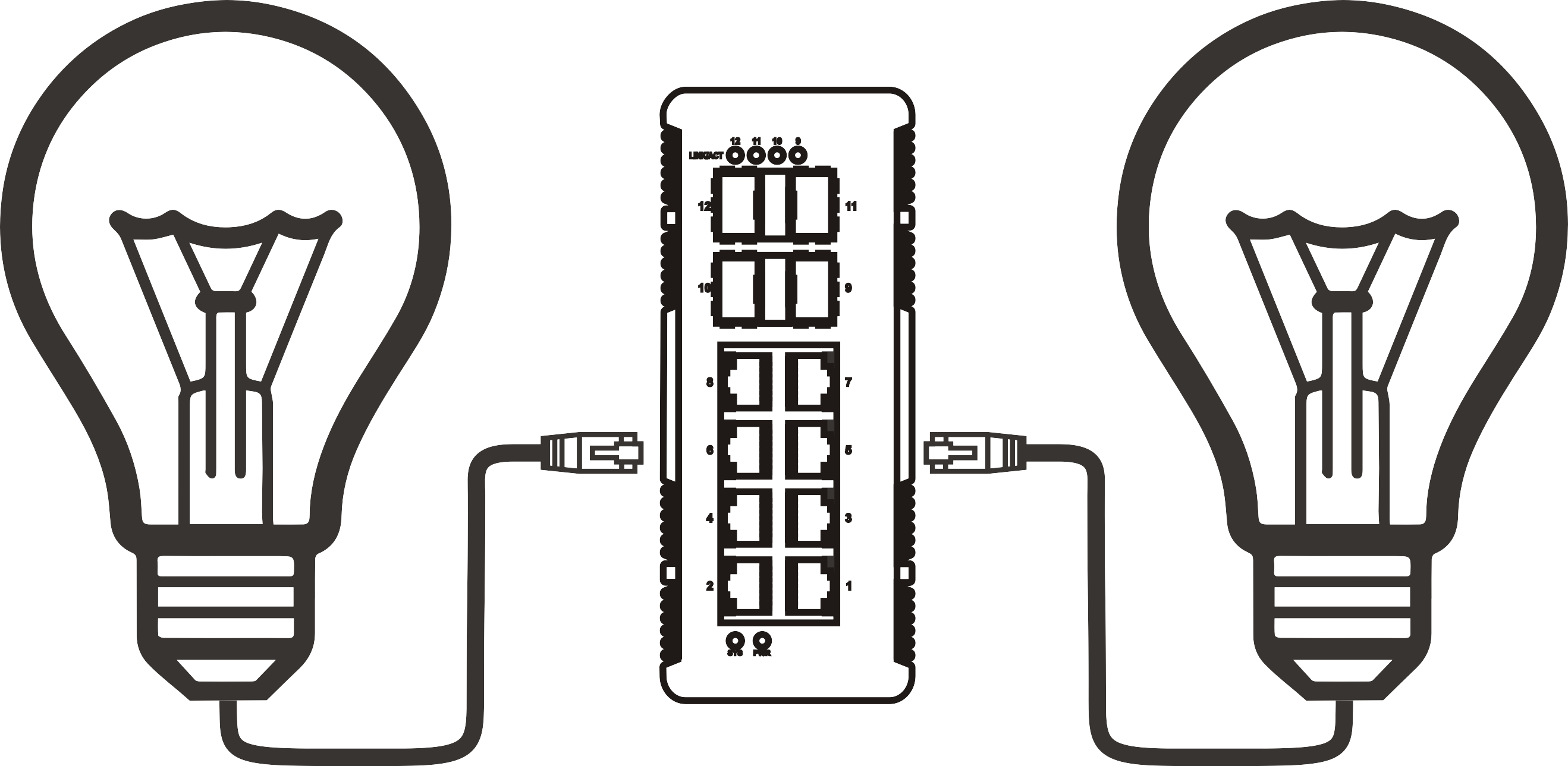


Integrating an Outdoor PoE Switch into Your Smart Home System: A Comprehensive Guide
Time: 2025-11-28
Integrating an Outdoor PoE Switch into Your Smart Home System
Table of Contents
- 1. Introduction to Outdoor PoE Switches
- 2. Understanding PoE Technology
- 3. Benefits of Using an Outdoor PoE Switch
- 4. Selecting the Right Outdoor PoE Switch for Your Needs
- 5. Installation Process for Outdoor PoE Switches
- 6. Integrating the Switch into Your Smart Home System
- 7. Troubleshooting Common Issues
- 8. Future-Proofing Your Outdoor Network
- 9. Frequently Asked Questions
- 10. Conclusion
1. Introduction to Outdoor PoE Switches
As smart home technology continues to advance, integrating various devices for improved functionality and convenience has become paramount. One essential component in this ecosystem is the Outdoor Power over Ethernet (PoE) switch. Designed to power and connect multiple devices, such as IP cameras, wireless access points, and other smart gadgets, an outdoor PoE switch ensures that your smart home remains effective, even in open environments.
2. Understanding PoE Technology
Power over Ethernet (PoE) technology allows network cables to carry both data and electrical power to devices. This means that you can eliminate the need for separate power supplies for devices like IP cameras or outdoor speakers. Understanding PoE involves grasping the different standards: IEEE 802.3af (PoE), IEEE 802.3at (PoE+), and IEEE 802.3bt (PoE++), each providing varying levels of power.
The Advantages of PoE Technology
- **Simplified Installation**: Reduces the need for electrical outlets, making installation easier and more cost-effective.
- **Flexibility**: Devices can be placed in optimal locations without being constrained by the proximity to power sources.
- **Centralized Power Management**: Simplifies troubleshooting and management of power supply issues.
3. Benefits of Using an Outdoor PoE Switch
Integrating an outdoor PoE switch into your smart home system comes with numerous advantages:
Reliable Connectivity
Outdoor environments pose unique challenges such as weather fluctuations and varying temperatures. An outdoor PoE switch is designed to withstand these challenges while maintaining a stable connection.
Enhanced Security
By powering IP cameras and security devices with a PoE switch, you ensure comprehensive surveillance coverage, which is essential for enhancing the security of your property.
Cost-Effectiveness
With a single outdoor PoE switch, you can power and connect multiple devices, reducing installation costs and ongoing maintenance expenses.
4. Selecting the Right Outdoor PoE Switch for Your Needs
Choosing the right outdoor PoE switch involves several considerations:
Port Count
Determine the number of devices you plan to connect. Outdoor PoE switches typically come with 4, 8, or 16 ports.
Power Output
Check the power output of the switch. Ensure it meets the requirements of your devices, especially if you have power-hungry gadgets that require PoE+ or PoE++.
Weather Resistance
Select a switch with a high Ingress Protection (IP) rating, ideally IP66 or higher, to ensure durability in outdoor conditions.
Managed vs. Unmanaged Switches
Managed switches offer advanced features for traffic management, while unmanaged switches provide simplicity. Assess your network needs to make the right choice.
5. Installation Process for Outdoor PoE Switches
Installing an outdoor PoE switch requires careful planning and execution:
Step-by-Step Installation
1. **Choose a Suitable Location**: Select an area that is dry and has adequate ventilation.
2. **Mount the Switch**: Use appropriate mounting hardware to secure the switch to a wall or pole.
3. **Connect the Network Cables**: Run Ethernet cables from the switch to your devices. Make sure to use weatherproof Ethernet cables for outdoor use.
4. **Power the Switch**: Connect the switch to a power source. If using PoE, connect it to your router or a PoE injector.
5. **Configure the Switch**: For managed switches, configure settings via a web interface as needed.
6. Integrating the Switch into Your Smart Home System
Once the outdoor PoE switch is installed, integration with your smart home system is the next crucial step:
Connecting Smart Devices
Link your outdoor smart devices to the PoE switch. Ensure compatibility with your home automation system, whether it’s Amazon Alexa, Google Home, or a proprietary system.
Network Configuration
Adjust your network settings to accommodate the new devices. For managed switches, implement VLANs for better traffic management.
Testing Connectivity
Conduct a thorough test of each connected device to ensure they are functioning correctly within your smart home ecosystem.
7. Troubleshooting Common Issues
Despite careful planning, issues may arise. Here are common problems and their solutions:
No Power to Devices
- **Check PoE Compatibility**: Ensure that your devices are compatible with the PoE switch.
- **Inspect Cables**: Look for any damage or disconnections in the Ethernet cables.
Connectivity Problems
- **Reboot the Switch**: Restarting the switch can resolve minor glitches.
- **Check Network Settings**: Ensure your router settings allow for connectivity with the new devices.
Overheating Issues
- **Provide Adequate Ventilation**: Ensure that the switch is mounted in a location with sufficient airflow to prevent overheating.
8. Future-Proofing Your Outdoor Network
To ensure longevity and reliability, consider these future-proofing strategies:
Investing in Higher Standards
Opt for PoE++ switches that support higher power outputs, accommodating future smart devices.
Regular Firmware Updates
Keep the switch’s firmware updated to benefit from improved security features and performance enhancements.
Scalable Solutions
Choose a switch with more ports than you currently need to allow for easy expansion as your smart home grows.
9. Frequently Asked Questions
1. What is the difference between PoE and PoE+?
PoE delivers up to 15.4 watts per port, while PoE+ can provide up to 30 watts, making it suitable for devices with higher power requirements.
2. Can I use an outdoor PoE switch indoors?
Yes, outdoor PoE switches can be used indoors, but their design is optimized for outdoor conditions.
3. How far can I run a PoE cable?
The maximum distance for a PoE cable run is typically 100 meters (328 feet) for standard Ethernet cables.
4. Do I need a PoE injector if my switch is PoE-enabled?
No, if your switch is PoE-enabled, you do not need a separate PoE injector.
5. What should I do if my devices are not connecting?
Check the cables, power supply, and ensure that the devices are configured correctly within your network.
10. Conclusion
Integrating an Outdoor PoE Switch into your smart home system is a strategic move that enhances connectivity and functionality. By understanding PoE technology, selecting the right switch, following a proper installation process, and troubleshooting effectively, you can create a robust network that powers your outdoor smart devices seamlessly. Investing in a high-quality outdoor PoE switch not only meets your current needs but also positions your network for future expansion, making your smart home a truly connected space.
More News



Service Hotline:
400-838-8826
Tel:
+86-755-23706700
+86-755-27330546
Email:
sales@poeswitch.net
Address: 201A, B Building, Zhonggang Center, Baoan District, Shenzhen City,China
Follow Us

Copyright © 2025 Shenzhen Hi-Net Technology Co., Ltd All Rights reserved.
Business License