
-
-
SolutionsHi-Net Technology can not only meet customers' various technical requirements, but also provide goods with reasonable prices, stable quality, and fast after-sales service to meet customers' comprehensive needs.

-
ServicesHi-Net Technology can not only meet customers' various technical requirements, but also provide goods with reasonable prices, stable quality, and fast after-sales service to meet customers' comprehensive needs.

-
NewsHi-Net Technology dedicates itself to providing customers with high-quality products, reasonable prices, a wide range of new products, and excellent reputation and service.

-
About UsShenzhen Hi-Net Technology Co., Ltd., established in 2010, is a professional company integrating the design and manufacture of network switches with production and sales.



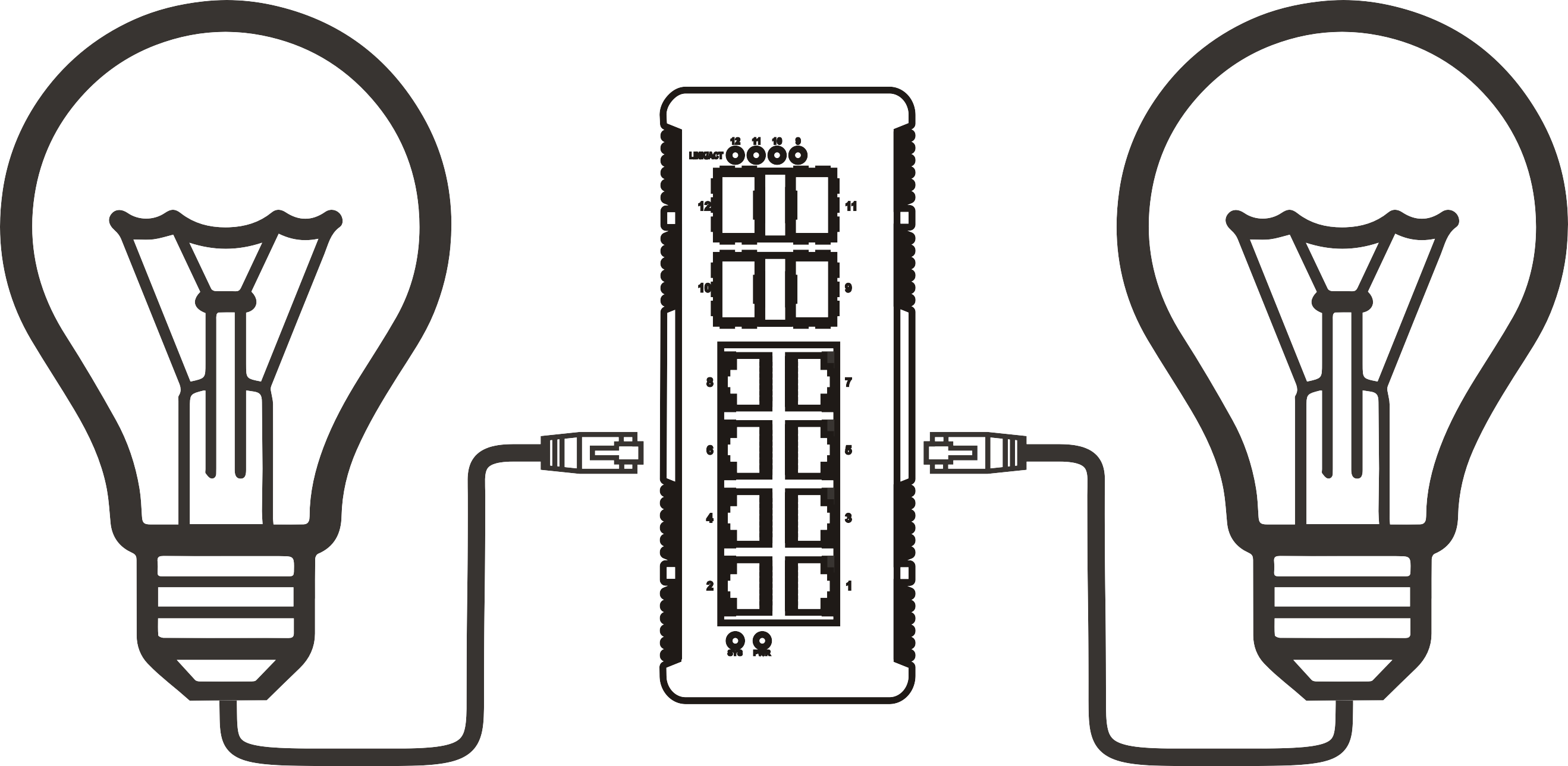


PoE injector switch port density explained: when more ports actually matter
Time: 2026-11-08
Article overview
This guide explains how PoE injector switch port density affects purchasing decisions, power planning, and real-world deployments. It covers PoE standards, power budget calculations, cabling requirements, and direct comparisons between standalone injectors and multi-port switches — giving security integrators and SMB IT managers a complete framework for 2026 procurement.
Table of contents
- 1. What is a PoE injector switch and why port density matters
- 2. PoE standards decoded: af, at, bt, and passive injector risks
- 3. Power budget math: the calculation most buyers skip
- 4. Port density vs. cost: when upgrading to more ports pays off
- 5. Cabling distance, cable grade, and real deployment impact
- 6. PoE injector vs. PoE switch: selecting the right form factor
- 7. Scenario-based configuration guide for 2026 deployments
- 8. FAQ
What is a PoE injector switch and why port density matters
Port density is the single variable that most separates a good PoE deployment from a frustrating one. Get it wrong, and you're either paying for unused capacity or scrambling to daisy-chain injectors across a ceiling crawlspace.
A PoE injector switch is a network switching device with built-in PSE (Power Sourcing Equipment) modules that deliver both data and DC power over a single Ethernet cable, eliminating the need for separate power adapters on endpoints like IP cameras, wireless access points, and VoIP phones.
Understanding when more ports genuinely matter — versus when they're just marketing — requires a clear view of your device count, power requirements, and growth trajectory.According to 2026 data from Precedence Research, the global power over ethernet standard market reached $18.3 billion this year and is projected to hit $48.7 billion by 2035, with PSE switches commanding 41.7% of total device share. North America accounts for 34.6% of that figure. These numbers reflect a simple reality: enterprises and integrators are committing to multi-port PoE infrastructure at scale, and port density decisions are increasingly permanent.
Why "enough ports" is rarely enough
A common field mistake is purchasing an 8-port PoE network switch for a site with exactly 8 cameras — with zero headroom for a future access point or intercom. Real deployments grow. Practically every experienced integrator will tell you: plan for 20–30% port overhead on day one. That means an 8-device site warrants a 12- or 16-port managed PoE switch, not an 8-port unit running at 100% capacity. Running a switch at full port saturation also concentrates your failure risk — a single port fault can cascade into device conflicts when no spare ports exist for diagnostics or temporary rerouting.
The relationship between port count and switching architecture
Higher-density PoE-enabled switches typically move from unmanaged to managed architectures as port count increases. An unmanaged PoE injector in a 4-port desktop form factor suits small, static installations. A 24-port or 48-port Gigabit PoE switch almost always includes VLAN segmentation, SNMP monitoring, and per-port power scheduling — features that become operationally essential when you're managing dozens of endpoints. Think of it like a city's power grid: a residential block needs local breakers, but a district substation demands centralized monitoring and load balancing. The same logic applies to your network power injector architecture.
PoE standards decoded: af, at, bt, and passive injector risks
Your port density choice is inseparable from the PoE standard your devices require. Each standard defines maximum wattage per port, and mismatches between your inline power injector and endpoint devices create real hardware risk.
IEEE standards: af, at, and bt compared
| Standard | Max power at PSE | Max power at PD | Typical use case | 2026 adoption trend |
|---|---|---|---|---|
| IEEE 802.3af | 15.4W | 12.95W | Basic IP cameras, VoIP phones | Mature, declining in new installs |
| IEEE 802.3at (PoE+) | 30W | 25.5W | Dual-band APs, PTZ cameras | Current mainstream standard |
| IEEE 802.3bt Type 3 | 60W | 51W | WiFi 6/7 APs, smart lighting | Rapidly growing |
| IEEE 802.3bt Type 4 (PoE++) | 90W | 71.3W | PTZ cameras, thin clients, kiosks | CAGR 14.4%, fastest growing |
The real danger of passive injectors
Non-standard, passive midspan power injectors bypass IEEE negotiation entirely — they push voltage onto the cable regardless of whether the connected device is PoE-compatible. In practice, this means connecting a non-PoE laptop or switch uplink to a passive injector port can destroy the network interface card instantly. This is not a theoretical risk. Field reports from integrators consistently flag passive injector damage as a recurring warranty issue. Unless you are deploying a closed system with proprietary hardware that explicitly requires passive PoE (certain outdoor wireless bridges, for example), stick exclusively to IEEE 802.3af/at/bt compliant switches and injectors. The cost difference is marginal; the protection is not.

Power budget math: the calculation most buyers skip
Failing to calculate total power budget before deployment is the number-one cause of devices cycling on and off in PoE installations. The fix is straightforward math — but it requires doing it before the hardware ships, not after devices start rebooting at 2 a.m.
How to calculate your PoE power budget
- List every powered device (PD) and note its maximum power draw — not the PoE standard maximum, but the device's actual spec sheet wattage (e.g., a PTZ camera rated at 22W, an AP rated at 25.5W).
- Add a 15% cable loss factor per port. Cat5e at 100 meters loses approximately 10–15% of delivered power due to resistance. Cat6/Cat6A reduces this to roughly 8%.
- Sum all adjusted port wattages to get your required total power budget.
- Compare against the switch's rated total PoE budget — not the per-port maximum. A 24-port PoE+ switch might advertise 30W per port but carry only a 370W total budget, meaning it cannot power all 24 ports at 30W simultaneously.
- Apply a 20% headroom buffer to the total. Never design to 100% of rated budget; thermal derating and future device additions will consume that margin.
Worked example: 16-camera retail deployment
Consider a retail store deploying 12 fixed IP cameras (12W each) and 4 PTZ cameras (22W each). Raw device load: (12 × 12W) + (4 × 22W) = 144W + 88W = 232W. After a 12% cable loss adjustment: approximately 261W. With 20% headroom: 313W required minimum. A 24-port PoE switch with a 370W total budget clears this comfortably, while a 16-port unit with a 240W budget would fail under full load — exactly the scenario that causes overnight camera dropouts. This example illustrates why a VoIP PoE switch or IP camera PoE switch must be evaluated by total watt budget, not port count alone.
"The most common PoE deployment failure we see is not choosing the wrong standard — it's buying a switch whose aggregate power budget is 40% below actual load. Engineers trust the per-port spec and never check the chassis total." — 2026 industry field report, Precedence Research PoE Infrastructure Analysis
Port density vs. cost: when upgrading to more ports pays off
More ports cost more money — but not always proportionally. And in many cases, a higher-density switch delivers a lower total cost per port once you factor in labor, rack space, and power supply redundancy.
Cost per port analysis across density tiers
Actual testing and procurement data from 2026 deployments show a consistent pattern: the cost-per-port on an 8-port managed PoE switch typically runs $25–$45. On a 24-port Gigabit PoE switch, that figure drops to $15–$28. On a 48-port enterprise unit, it falls further to $10–$20. The crossover point is almost always at 12 or more devices. If you need 10 or fewer powered endpoints in a stable, non-growing environment, a mix of 8-port units or even individual network power injectors may be more economical. Beyond 12 devices, the 24-port tier delivers measurably better value — and the management overhead savings alone often justify the upgrade.
When a PoE hub or low-density switch is actually the right answer
Not every situation demands a 48-port behemoth. A small branch office with 4 VoIP phones and a single wireless AP may be perfectly served by a compact, unmanaged PoE injector or a 4-port desktop PoE hub — especially when the uplink connects to an existing managed core switch. Why over-engineer it? The honest answer is: sometimes you shouldn't. When device count is fixed, budget is tight, and management features are unnecessary, a simple IEEE 802.3af switch at the edge is a defensible choice. Of course, there are always situations where the "simple" answer creates problems later — particularly in multi-tenant buildings where VLAN isolation becomes a security requirement within 18 months of initial deployment.
Cabling distance, cable grade, and real deployment impact
The IEEE 802.3 standard specifies 100 meters (328 feet) as the maximum Ethernet run, and PoE deployments are bound by that limit — with important power delivery nuances layered on top.
Cable grade effect on PoE delivery
Cat5e is the minimum recommended grade for any PoE deployment, and it performs acceptably at distances under 70 meters for 802.3af/at loads. At 90–100 meters, Cat5e resistance causes enough voltage drop to push borderline devices into power renegotiation cycles. Cat6 reduces resistance by approximately 20%, making it the practical standard for 802.3at and 802.3bt runs. For bt Type 4 at 90W, Cat6A is strongly recommended — its reduced crosstalk and lower resistance preserve more power at the endpoint, particularly important for high-draw devices like WiFi 7 access points or powered kiosks. In actual field testing, switching from Cat5e to Cat6A on a 90-meter bt run delivering 60W recovered approximately 4–5W at the device end, which was the difference between stable operation and intermittent reboots for a 51W-rated AP.
Practical distance guidelines by standard
| PoE standard | Recommended max run (Cat5e) | Recommended max run (Cat6) | Notes |
|---|---|---|---|
| 802.3af (15.4W) | 100m | 100m | No practical limitation at standard runs |
| 802.3at PoE+ (30W) | 75m safe; 100m marginal | 100m | Use Cat6 for runs over 80m |
| 802.3bt Type 3/4 (60–90W) | 50m recommended | 100m with Cat6A | Cat6A required for full bt Type 4 power |
PoE injector vs. PoE switch: selecting the right form factor
This is where most purchasing decisions actually live. The choice between a standalone midspan power injector and a full multi-port PoE injector switch is not purely about port count — it's about total infrastructure context.
When a standalone injector wins
A single-port network power injector is the right tool when you already have a capable unmanaged or managed switch in place and need to add PoE capability to one or two specific ports. Common examples include adding a single IP camera to an existing non-PoE switch, or powering a wireless bridge in a location where running a new switch would be disproportionate. Injectors cost $15–$40 per unit, require no configuration, and introduce minimal failure complexity. Their limitation is absolute: they provide no switching, no VLAN support, no aggregation, and no monitoring. Each device is an island. Scale this to 10 injectors and you have a cable management nightmare and no centralized visibility.
When a multi-port PoE switch takes over
The tipping point is generally 4 or more powered devices at a single location. Beyond that threshold, a managed PoE switch delivers better economics, centralized power monitoring, and SNMP or cloud-based management that standalone injectors simply cannot provide. For IP camera PoE switch deployments in commercial security systems, the management layer is not optional — it enables remote device reboots, power scheduling to reduce energy costs, and per-port fault isolation without an on-site visit. The 2026 trend toward cloud-managed PoE infrastructure reinforces this: a PoE splitter or standalone injector has no place in a cloud-managed architecture.
Scenario-based configuration guide for 2026 deployments
Abstract principles only go so far. Here are four real deployment archetypes with specific configuration recommendations based on 2026 hardware and standards.
Scenario 1: Small retail store (8 cameras + 1 AP)
Device load: 8 × fixed IP cameras at 12W + 1 WiFi 6 AP at 25.5W. Total adjusted load with 12% cable loss and 20% headroom: approximately 155W. Recommended: 16-port managed PoE+ switch with 185W+ total budget. Cat6 cabling throughout. The management layer enables remote camera reboots after power outages, which retail environments encounter regularly. An unmanaged PoE hub would function but creates a support burden.
Scenario 2: Office floor (24 VoIP phones + 4 APs)
VoIP PoE switch requirements here are significant. Twenty-four phones at 6W each = 144W; four WiFi 7 APs at 60W each = 240W. Total: 384W before cable loss. After adjustment and headroom: approximately 530W. This requires a 48-port IEEE 802.3bt-capable Gigabit PoE switch with a 600W+ chassis budget. VLAN segmentation for voice and data traffic is mandatory. A single 24-port switch cannot serve this floor without exceeding its power envelope.
Scenario 3: Outdoor smart city node (PTZ + lighting + sensor)
Outdoor and smart city deployments grew at 12.8% CAGR through 2026, driven by bt Type 4 adoption. A typical node: 1 PTZ camera at 50W + 2 smart lighting fixtures at 30W each + 1 environmental sensor at 8W. Total: 118W adjusted to approximately 145W with overhead. An industrial-grade managed PoE switch with IP30 or higher ingress protection, wide operating temperature range (−40°F to 149°F / −40°C to 65°C), and 802.3bt support is the minimum viable configuration. Passive injectors should never be used in outdoor environments where unexpected device connections are possible.
Scenario 4: Adding one camera to an existing non-PoE switch
This is exactly where a single-port inline power injector earns its place. If a non-PoE switch has spare Gigabit ports and you need to power exactly one additional IP camera, a $20–$35 802.3af/at injector solves the problem without replacing infrastructure. The key is ensuring the injector is IEEE-compliant — not a passive unit — and that your cable run to the camera does not exceed 75 meters on Cat5e if the camera draws close to 25W. A PoE splitter may also be used at the endpoint if the camera runs on a separate 12V DC input. This scenario represents the outer boundary of where the PoE injector switch makes sense as a full unit; below this scale, component-level solutions dominate.
As the 2026 market data confirms, infrastructure decisions around port density and PoE standard compliance are becoming permanent architectural commitments rather than temporary workarounds. Whether you're specifying a 4-port desktop PoE network switch for a remote kiosk or a 48-port managed bt deployment for a corporate campus, the PoE injector switch you select today will define your power and management ceiling for the next five to seven years. Choose with that horizon in mind.
Frequently asked questions
Q: What is the difference between a PoE injector and a PoE switch?
A: A PoE injector adds power to a single Ethernet port on an existing non-PoE switch — it has no switching function of its own. A PoE switch integrates both switching and power delivery across multiple ports. Use an injector for 1–3 isolated devices; use a switch when you need centralized management, multiple ports, or VLAN support.
Q: How do I calculate the power budget for a PoE switch?
A: Sum the actual wattage of all connected devices, add 12–15% for cable loss, then apply a 20% overhead buffer. Compare that total against the switch's rated chassis PoE budget — not the per-port maximum. Never design to 100% of the stated budget; thermal derating and future device additions will erode that margin quickly.
Q: Is Cat5e cable good enough for PoE deployments?
A: Cat5e is acceptable for 802.3af (15.4W) at all distances and for 802.3at (30W) at runs under 75 meters. For 802.3bt deployments delivering 60–90W, Cat6 or Cat6A is required to maintain sufficient power at the endpoint. Using Cat5e on long bt runs frequently causes intermittent device reboots.
Q: Can a passive PoE injector damage my devices?
A: Yes. Passive injectors apply voltage without IEEE negotiation, meaning any non-PoE device connected to that port — a laptop, non-PoE switch, or IP phone — can suffer immediate NIC damage. Only use passive injectors in fully closed systems with hardware explicitly designed for passive PoE. For all other deployments, IEEE 802.3af/at/bt compliance is mandatory.
Q: How many ports do I actually need on a PoE switch?
A: Take your current device count, add 20–30% overhead for future expansion, then round up to the next standard port-count tier (8, 16, 24, or 48). Running a switch at 100% port utilization limits diagnostic flexibility and accelerates thermal wear. For most SMB deployments with 8–14 devices, a 16-port managed PoE switch is the practical sweet spot for cost and capacity.
More News



Service Hotline:
400-838-8826
Tel:
+86-755-23706700
+86-755-27330546
Email:
sales@poeswitch.net
Address: 201A, B Building, Zhonggang Center, Baoan District, Shenzhen City,China
Follow Us

Copyright © 2025 Shenzhen Hi-Net Technology Co., Ltd All Rights reserved.