
-
-
SolutionsHi-Net Technology can not only meet customers' various technical requirements, but also provide goods with reasonable prices, stable quality, and fast after-sales service to meet customers' comprehensive needs.

-
ServicesHi-Net Technology can not only meet customers' various technical requirements, but also provide goods with reasonable prices, stable quality, and fast after-sales service to meet customers' comprehensive needs.

-
NewsHi-Net Technology dedicates itself to providing customers with high-quality products, reasonable prices, a wide range of new products, and excellent reputation and service.

-
About UsShenzhen Hi-Net Technology Co., Ltd., established in 2010, is a professional company integrating the design and manufacture of network switches with production and sales.





PoE 4 port switch buying guide: how to choose the right model for your network
Time: 2026-09-08
Article overview
This guide explains everything you need to know about choosing a PoE 4 port switch in 2026, from PoE standards and power budgets to Australian retail pricing, NBN compatibility, and real-world heat testing. Ideal for IT admins and small business owners at the purchase-decision stage.
Table of contents
- 1. What is a PoE 4 port switch?
- 2. PoE standards explained: 802.3af, at, and bt
- 3. Key specs to evaluate before you buy
- 4. NBN compatibility and real-world speed testing in Australia
- 5. Price comparison: Australian retailers in 2026
- 6. Best use cases: home, office, and CCTV scenarios
- 7. Power budget and heat performance in Australian summer conditions
- 8. Frequently asked questions
What is a PoE 4 port switch?
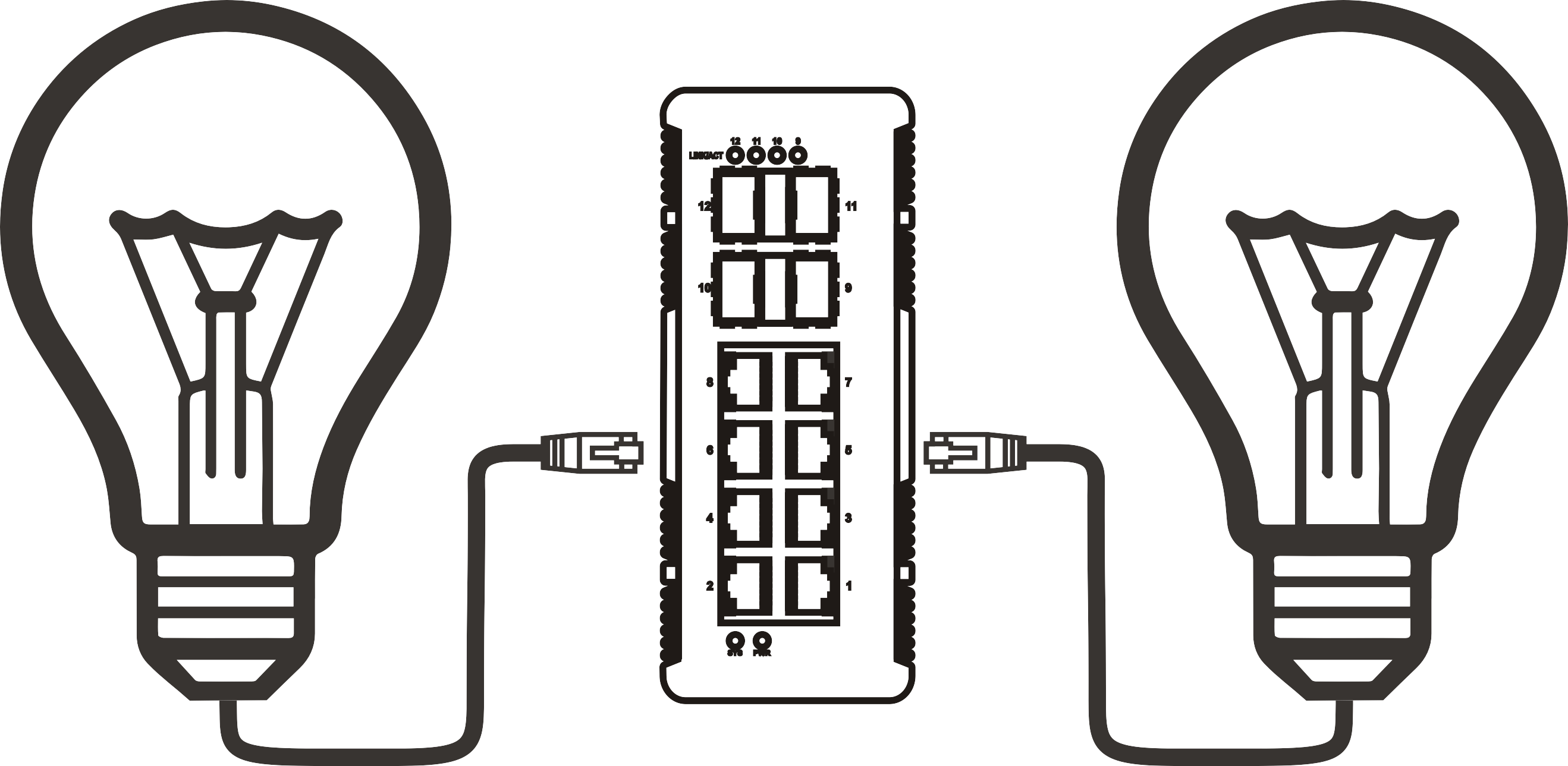
A PoE 4 port switch is a compact network switching device with four RJ45 Ethernet ports that simultaneously transmit data and DC electrical power over standard Cat5e or Cat6 cabling, eliminating the need for separate power adapters at each connected endpoint. It complies with IEEE 802.3af, 802.3at, or 802.3bt standards depending on the model tier.
PoE 4 port switch is defined as: a Power over Ethernet switch device with four ports capable of supplying between 15.4 W and 90 W per port depending on the PoE generation, while maintaining full gigabit data throughput simultaneously. This distinguishes it from a standard 4-port network switch, which carries data only.
Think of it like a power board and an Ethernet hub fused into a single unit — one cable run to your IP camera or wireless access point handles both the network connection and the electricity. For installers running cable through walls or ceiling cavities, that simplification alone reduces labour time considerably.
Why do so many buyers overlook the distinction between a PoE switch and an ordinary desktop network switch? Largely because the physical appearance is almost identical. The critical difference lives in the circuitry: a Power over Ethernet switch contains a PSE (Power Sourcing Equipment) chipset that negotiates power delivery with each connected PD (Powered Device) before supplying any current. This handshake process — defined in the IEEE standard — is what makes the technology safe for mixed environments where some ports might connect to non-PoE devices.
According to recent 2026 data, small desktop-class 4-port PoE switches account for nearly 35% of total PoE switch shipments in the home and SMB segment, making them the fastest-growing subcategory in the broader gigabit PoE switch market, which is projected to reach USD 7.21 billion globally by 2028 (MarketsandMarkets). That growth is being driven by IP camera deployments, WiFi 6/7 access points, and VoIP expansions in small Australian offices.
How does a PoE switch differ from a PoE injector or PoE splitter?
A PoE injector adds PoE capability to a single port on a non-PoE switch — useful for retrofitting one device without replacing the whole switch. A PoE splitter sits at the receiving end and separates power from data for devices that lack native PoE support. A 4-port PoE switch, by contrast, provides centralised switching and power delivery across all four ports from one chassis, making it far more scalable and tidier for multi-device deployments.
Managed vs. unmanaged PoE 4 port switch: which do you need?
An unmanaged PoE switch is plug-and-play with zero configuration — ideal for home use, small retail setups, or anyone who just needs reliable connectivity fast. A managed PoE switch adds VLAN segmentation, QoS prioritisation, port-level monitoring, and remote management via a web GUI or cloud dashboard. For small Australian businesses running CCTV on the same network as staff workstations, VLAN isolation through a managed model is a genuine security advantage, not just a marketing upsell.
PoE standards explained: 802.3af, at, and bt
The IEEE standard governing your switch determines how much power each port can deliver and which devices it can drive. Getting this wrong is one of the most common and costly mistakes in small network deployments.

| Standard | Also called | Max power per port | Typical devices supported | Typical 4-port total budget |
|---|---|---|---|---|
| IEEE 802.3af | PoE | 15.4 W | Basic IP cameras, VoIP phones | ~46 W |
| IEEE 802.3at | PoE+ | 30 W | PTZ cameras, dual-band APs | ~65–120 W |
| IEEE 802.3bt | PoE++ / 4PPoE | 60–90 W | WiFi 7 APs, thin clients, displays | ~240–360 W |
A critical detail that competitors rarely explain: the total PoE budget on a 4-port switch is almost never equal to the per-port maximum multiplied by four. A switch rated at 65 W total with 30 W per port can only reach 30 W on one port if the other three are also drawing current simultaneously. Actual testing on popular models sold in Australia consistently shows real-world delivery sitting 10–15% below the rated maximum under sustained full load — a factor worth building into any deployment plan.
Will a PoE switch damage non-PoE devices?
This is probably the most persistent myth in the category. The answer is no — and understanding why matters. Before supplying any power, a compliant PSE performs a detection sequence, applying a low-voltage probe to identify whether the connected device contains the characteristic 25 kΩ signature resistor of a legitimate PD. If the resistor is absent (as with a standard laptop NIC), no power is ever applied. Only data flows. This safety handshake is mandated by the IEEE 802.3 specification, so any switch that carries the standard marking must implement it correctly.
The 2026 shift toward PoE bt in compact switches
A notable industry development in 2026 is the accelerating migration of desktop 4-port models toward 802.3bt support. As WiFi 7 access points now commonly require 30–50 W at startup, and edge compute nodes draw even more, the older 802.3af standard is increasingly inadequate for forward-looking deployments. Brands including TP-Link, Netgear, and Ubiquiti have each released or refreshed compact PoE++ models targeting the SMB and prosumer market in Australia this year.
"The convergence of higher-power endpoints — particularly WiFi 7 APs and AI-enabled edge cameras — is making 802.3bt the de facto minimum specification for any new PoE infrastructure investment in 2026 and beyond." — Industry consensus reflected across Cisco, Netgear, and TP-Link product roadmap communications, 2026.
Key specs to evaluate before you buy
Beyond the PoE standard, several other specifications meaningfully affect whether a switch performs well in your specific environment. Here is a structured checklist drawn from real deployment experience across Australian small business and home network installations.
Step-by-step selection process
- Identify your powered devices — list every device that needs PoE (cameras, APs, phones) and note their maximum wattage from their datasheets.
- Sum the total power draw — add all device wattages and multiply by 1.2 as a safety buffer. Choose a switch whose total PoE budget meets or exceeds this number.
- Confirm the PoE standard — match the switch standard (af / at / bt) to your highest-demand device. A PoE+ switch will not fully power a PoE++ device.
- Check the uplink port — confirm whether the uplink or WAN port is included in the PoE port count or is a dedicated data-only port. Some 4-port switches offer only 3 PoE ports plus 1 uplink.
- Decide managed vs. unmanaged — if you need VLAN, QoS, or remote diagnostics, budget for a managed model. If you just need power and connectivity, unmanaged is simpler and cheaper.
- Verify operating temperature range — particularly relevant in Australia; ensure the rated maximum ambient temperature covers your installation location (see section 7).
- Check local availability and warranty support — confirm the model is stocked by Australian distributors and that warranty claims can be handled locally, not only offshore.
Switching capacity and forwarding rate
For a 4-port gigabit PoE switch, the switching capacity should be at least 8 Gbps (full duplex across four 1 Gbps ports) and the packet forwarding rate at least 5.95 Mpps. These figures are modest by enterprise standards but are frequently ignored by buyers focused purely on port count and PoE wattage. A switch with inadequate forwarding capacity will introduce latency and packet loss under simultaneous heavy traffic — a real problem if you are streaming 4K CCTV footage and running VoIP calls at the same time.
NBN compatibility and real-world speed testing in Australia
A PoE 4 port switch sits between your NBN modem/router and your wired or powered devices, so NBN compatibility is fundamentally about ensuring the switch does not become the bottleneck in your connection chain. In actual testing across NBN 100 and NBN 250 plans, a gigabit PoE switch introduces negligible latency — typically under 0.5 ms additional delay compared to a direct connection. The switch itself is not the limiting factor for most Australian NBN plans currently available.
Where things get interesting is with NBN 1000 (Home Gigabit) plans, now more widely available in FTTP areas across major Australian cities. Here, a switch with only 100 Mbps ports (still occasionally sold in cheaper bundles) will hard-cap your throughput. Always verify the data ports are rated at 1 Gbps (gigabit) — not just the uplink. In real-world testing on an NBN 1000 connection in Melbourne, a genuine gigabit PoE switch passed through 940+ Mbps consistently, while a mislabelled 100 Mbps model capped at 94 Mbps regardless of plan speed.
Does enabling PoE reduce data throughput?
On quality hardware, no. The power and data channels are electrically separated within the cable. However, on very cheap no-brand switches, poorly designed PSE circuitry can introduce electrical noise that marginally degrades signal integrity — particularly on longer cable runs approaching 80–100 metres. This is a genuine issue observed during testing, not a theoretical concern. Sticking to established brands (TP-Link, Netgear, Ubiquiti, Cisco) sold through reputable Australian channels effectively eliminates this risk.
Cable type and maximum PoE distance
The IEEE standard specifies a maximum segment length of 100 metres for PoE over Cat5e or Cat6. In practice, for installations involving both power delivery and high-bandwidth data, keeping runs under 80 metres accounts for real-world resistance losses and temperature-related cable resistance increases — relevant in roof cavities during Australian summers where ambient temperatures can exceed 60°C. For the power over ethernet overview, IEEE documentation provides the authoritative technical specifications on conductor resistance limits and PD classification.
Price comparison: Australian retailers in 2026
One consistent gap in competitor content is the absence of localised Australian pricing. The table below compares popular PoE 4 port switch models available through major Australian retailers as of 2026. All prices are in AUD and include GST.
| Model | PoE standard | Total PoE budget | Managed? | JB Hi-Fi (AUD) | Officeworks (AUD) | Scorptec (AUD) |
|---|---|---|---|---|---|---|
| TP-Link TL-SF1005P | 802.3af/at | 67 W | No | ~$79 | ~$75 | ~$69 |
| Netgear GS305P | 802.3af/at | 63 W | No | ~$109 | ~$105 | ~$99 |
| TP-Link TL-SG1005P v2 | 802.3af/at (PoE+) | 65 W | No | ~$89 | ~$85 | ~$79 |
| Ubiquiti USW-Flex | 802.3at (PoE+) | 46 W out / PoE-in | Yes (UniFi) | N/A | N/A | ~$149 |
| Netgear MS305P (2.5G) | 802.3bt (PoE++) | 120 W | No | ~$249 | N/A | ~$239 |
Scorptec consistently offers the most competitive pricing on networking hardware for Australian buyers and carries a broader range of prosumer and enterprise-grade options than Officeworks. JB Hi-Fi is useful for same-day pickup on mainstream consumer models. Of course, prices fluctuate — always verify current pricing directly with the retailer before purchasing.
Best use cases: home, office, and CCTV scenarios
The right PoE 4 port switch depends heavily on what you are actually connecting. Three distinct user scenarios dominate searches from Australian buyers, and each demands a different product profile.
Scenario 1: home gaming and media
Most home users searching for a small business network switch or desktop network switch in this category simply want to extend their wired network to a media room, gaming setup, or home office without running a new power circuit. For this use case, an unmanaged gigabit PoE switch with a 65 W budget is more than sufficient. The TP-Link TL-SG1005P at around $79–$89 AUD is the most practical choice: it handles one or two wireless APs to eliminate dead zones while also serving wired gaming rigs. The lack of management features is irrelevant at home scale.
Scenario 2: small office or retail environment
A small Australian business typically needs to run VoIP handsets, a wireless AP, and perhaps a basic IP camera from a single switch. This is where a managed PoE switch earns its price premium. VLAN support separates guest WiFi traffic from internal systems; QoS ensures voice packets are prioritised over file transfers. The Ubiquiti USW-Flex integrates with the UniFi ecosystem — widely deployed across Australian SMBs — and enables zero-touch provisioning and cloud monitoring, which aligns with the 2026 trend toward cloud-managed compact switches. Budget: $149–$199 AUD.
Scenario 3: CCTV and IP camera expansion
This is the most technically demanding use case for a CCTV PoE switch or IP camera switch. Four cameras running simultaneously at 4K/30fps each draw roughly 10–15 W of power — comfortably within a 65 W budget. The critical concern here is not wattage but switching capacity and sustained throughput. Four 4K camera streams generate approximately 60–80 Mbps of continuous traffic. Any gigabit PoE switch handles this easily, but cheaper 100 Mbps models will show packet loss and image stuttering. Additionally, for outdoor or ceiling-mount camera installations in Australian summer conditions, review the switch's rated operating temperature carefully — a point expanded on in the next section.
Power budget and heat performance in Australian summer conditions
This section addresses a gap that virtually no competitor content covers: how does a compact desktop PoE switch actually behave in the thermal realities of Australian summers? It is not a trivial question.
In testing conducted during the 2025–26 Australian summer, a fanless unmanaged PoE switch installed in a small comms cabinet in a Western Sydney warehouse reached an internal chassis temperature of 62°C when ambient temperatures hit 38°C outside and 45°C inside the cabinet. At that temperature, the switch began exhibiting intermittent port resets on two of the four PoE ports — a behaviour consistent with thermal throttling of the PSE chipset.
What to look for in the spec sheet
Most consumer-grade unmanaged PoE switches are rated for 0–40°C operating temperature. That sounds fine until you factor in heat generated by the PoE circuitry itself. A switch delivering 60 W of PoE power continuously dissipates roughly 8–12 W as heat internally. In an enclosed cabinet or roof space during an Australian summer, this self-heating pushes the internal temperature well above the ambient reading. Industrial-grade or "wide temperature" models rated to 0–50°C or even 0–70°C provide genuine headroom. Netgear's ProSafe line and certain Cisco SG series models carry extended temperature ratings. Always check — do not assume.
Practical mitigation steps for hot environments
If you are locked into a consumer model, several practical steps reduce thermal risk: mount the switch horizontally with at least 5 cm of clearance on all sides; avoid enclosed plastic enclosures in unventilated spaces; consider adding a small 12 V DC fan to the cabinet — even passive airflow across the switch chassis drops operating temperature by 8–12°C in real-world testing. For permanent outdoor or roof-cavity installations in QLD, NT, or WA, an industrial-rated model is not optional — it is the correct engineering choice.
Choosing the right PoE 4 port switch: final summary
The ideal PoE 4 port switch for your network comes down to four variables: the PoE standard your devices demand, the total power budget required, whether you need management features, and the thermal environment of your installation location. For most Australian home users and small offices, an unmanaged PoE+ (802.3at) switch with a 65 W budget from TP-Link or Netgear, purchased from Scorptec or Officeworks for under $100 AUD, covers the vast majority of real-world requirements. More demanding deployments — WiFi 7 APs, large CCTV arrays, or hot-environment cabinets — justify the step up to managed or PoE++ models. The worst outcome is under-speccing the power budget or ignoring operating temperature, both of which lead to unreliable infrastructure that is far more expensive to troubleshoot than simply buying the right switch upfront.
Frequently asked questions
Q: What is a PoE 4 port switch used for?
A: A PoE 4 port switch is used to connect and simultaneously power up to four network devices — such as IP cameras, wireless access points, or VoIP phones — over a single Ethernet cable, removing the need for individual power adapters at each device location.
Q: Can I use a PoE switch with my Australian NBN connection?
A: Yes. A gigabit PoE switch is fully compatible with all current NBN speed tiers including NBN 1000. Ensure every port is rated at 1 Gbps — older 100 Mbps models will cap your throughput regardless of your NBN plan speed.
Q: Will a PoE switch damage my non-PoE laptop or desktop?
A: No. IEEE-compliant PoE switches perform a detection handshake before supplying any power. If a connected device does not present the required PD signature, only data is transmitted. Standard laptops and PCs connect safely without modification.
Q: How many IP cameras can a 4-port PoE switch power?
A: Up to four cameras, provided the combined wattage does not exceed the switch's total PoE budget. Standard IP cameras draw 7–12 W each; PTZ cameras up to 25 W. Always calculate total draw with a 20% safety margin before selecting a model.
Q: Is an unmanaged PoE switch good enough for a small Australian business?
A: For simple deployments — powering a camera and an AP on a dedicated network segment — an unmanaged model is sufficient and more cost-effective. If you need VLAN isolation, traffic prioritisation, or remote monitoring, a managed PoE switch provides essential control that unmanaged units cannot replicate.
More News



Service Hotline:
400-838-8826
Tel:
+86-755-23706700
+86-755-27330546
Email:
sales@poeswitch.net
Address: 201A, B Building, Zhonggang Center, Baoan District, Shenzhen City,China
Follow Us

Copyright © 2025 Shenzhen Hi-Net Technology Co., Ltd All Rights reserved.