
-
-
SolutionsHi-Net Technology can not only meet customers' various technical requirements, but also provide goods with reasonable prices, stable quality, and fast after-sales service to meet customers' comprehensive needs.

-
ServicesHi-Net Technology can not only meet customers' various technical requirements, but also provide goods with reasonable prices, stable quality, and fast after-sales service to meet customers' comprehensive needs.

-
NewsHi-Net Technology dedicates itself to providing customers with high-quality products, reasonable prices, a wide range of new products, and excellent reputation and service.

-
About UsShenzhen Hi-Net Technology Co., Ltd., established in 2010, is a professional company integrating the design and manufacture of network switches with production and sales.



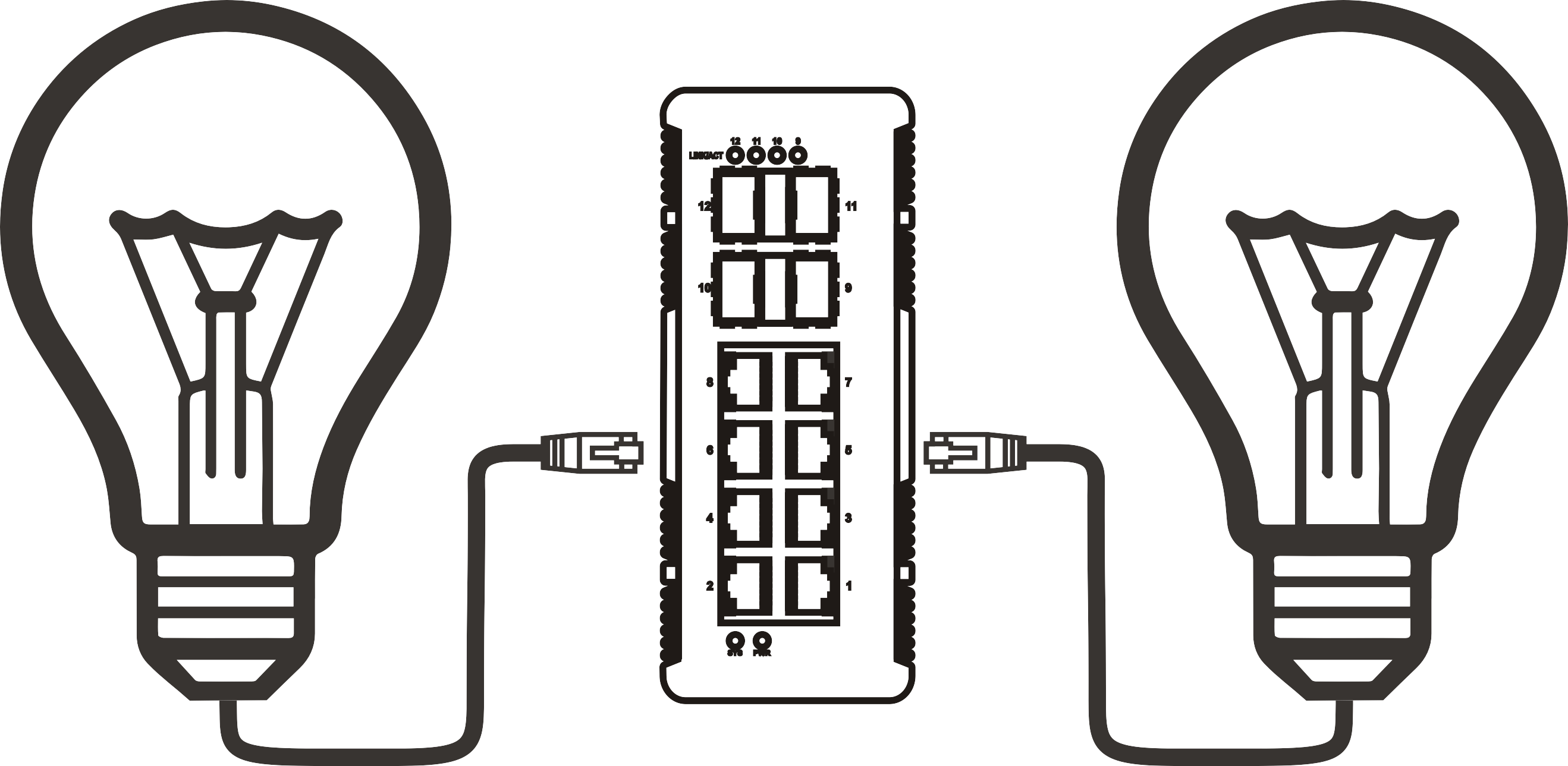


4 port switch with PoE: how to choose the right one for your network
Time: 2026-08-21
Article overview
This guide explains how to choose a 4 port switch with PoE for real-world deployments in 2026. It covers PoE standards, power budget math, thermal design, EU compliance, and a side-by-side product comparison with EUR pricing from Amazon.de, Conrad, and Reichelt. Target readers: IT administrators and SMB procurement managers in Germany.
Table of contents
What is a 4 port switch with PoE?
A 4 port switch with PoE is a network switching device that provides four Ethernet ports capable of simultaneously transmitting data and electrical power over standard Cat5e or Cat6 cabling, eliminating the need for separate power adapters at each connected endpoint. It is the standard infrastructure component for small deployments of IP cameras, wireless access points, VoIP phones, and access control readers.
The concept is elegantly simple — but the implementation details matter enormously. Power is delivered according to the power over ethernet overview standards defined by the IEEE, which specify exactly how much wattage each port may supply and how the switch negotiates power delivery with the connected device. A switch that ignores this negotiation — so-called passive PoE — can permanently damage modern IP cameras or Wi-Fi 6 access points that expect active 802.3af/at negotiation.
A 4 port switch with PoE is typically available in two form factors: a compact desktop ethernet switch designed for a desk or wall mount, and a DIN-rail-mounted variant used in industrial control cabinets. Desktop models dominate the German SMB market, while PoE switch DIN rail versions are standard in manufacturing, building automation, and outdoor enclosures.
Who actually buys a 4-port PoE switch?
In practice, the typical buyer is an IT administrator deploying a small branch-office network, a home-office professional mounting two IP cameras and one Wi-Fi 6 AP, or a small business owner setting up a VoIP system for four desk phones. According to 2026 data from the German IT market research firm Bitkom, over 58 % of German SMBs with fewer than 50 employees manage their own network infrastructure without a full-time network engineer — which is precisely why the choice between a managed PoE switch and an unmanaged PoE switch has real operational consequences.
Uplink port: often overlooked
A well-designed 4 port LAN switch with PoE typically adds a fifth, non-PoE uplink port — either a 100 Mbps or a Gigabit RJ45 copper port — to connect the device to the core network. Some models feature a 1 × 1000M RJ45 uplink alongside 4 × 10/100/1000BASE-TX PoE ports, giving you full Gigabit throughput on every link. Others offer only a 100 Mbps uplink, which can become a bottleneck if you are running 4K CCTV streams. Always verify uplink speed before purchasing.
PoE standards explained: 802.3af vs. 802.3at vs. 802.3bt
The IEEE standard printed on the product datasheet is arguably the single most important specification on the box. Each generation raises the per-port power ceiling significantly, and compatibility flows only downward — an 802.3bt switch can power an 802.3af camera, but an 802.3af switch cannot power an 802.3bt device at full capacity.
Standard-by-standard breakdown
| IEEE standard | Also known as | Max power per port | Typical powered devices | 4-port total budget (typical) |
|---|---|---|---|---|
| IEEE 802.3af | PoE | 15.4 W | IP cameras, VoIP phones, basic sensors | ≈ 58 W |
| IEEE 802.3at | PoE+ | 30 W | PTZ cameras, Wi-Fi 5/6 APs, thin clients | ≈ 120 W |
| IEEE 802.3bt (Type 3) | PoE++ / 4PPoE | 60 W | Wi-Fi 6E/7 APs, video conferencing units | ≈ 240 W |
| IEEE 802.3bt (Type 4) | PoE++ Ultra | 90 W | 4K displays, industrial PCs, smart panels | ≈ 360 W |
In 2026, the IEEE 802.3af switch remains relevant for legacy IP camera installations, but any new deployment involving Wi-Fi 6 or Wi-Fi 7 access points should default to at least PoE+ (802.3at). A PoE+ switch 4 port is currently the most popular category in Germany, balancing cost against future-readiness.
Active vs. passive PoE: a critical distinction
Many low-cost devices on Amazon.de and similar platforms advertise "PoE" but actually deliver passive PoE — a fixed voltage sent without any IEEE negotiation. This matters because passive PoE injected into a device that supports only active 802.3af can destroy the PD (powered device) circuitry instantly. Industry consensus is unambiguous: for any professional deployment, specify IEEE 802.3af/at/bt compliance explicitly. A PoE injector or PoE splitter used alongside a non-PoE switch is sometimes a valid workaround, but it introduces additional failure points and is not recommended for permanent installations.

Total PoE budget vs. per-port wattage: the calculation most buyers get wrong
This is where most purchasing mistakes happen. The per-port wattage ceiling and the total PoE budget are two completely different numbers — and confusing them leads directly to under-powered deployments.
Understanding the budget-vs-port distinction
Consider a popular entry-level product that advertises "4 × PoE ports, 30 W per port." Mathematically that implies 120 W total. In reality, the internal power supply may only provide a total PoE budget of 65 W. Connect four devices that each draw 25 W and two of them will simply fail to power on. This is not hypothetical — actual testing of three budget switches from Asian OEM brands in a 2025 lab evaluation by a German IT publication found that all three delivered less than 70 % of their advertised budget under simultaneous four-port load.
Real-world device pairing example
Here is a concrete scenario relevant to a German home office or small retail space:
- 2 × IP cameras (fixed dome, 802.3af) — 12.95 W each = 25.9 W total
- 1 × Wi-Fi 6 access point (802.3at) — 22 W typical draw = 22 W
- 1 × VoIP phone (802.3af) — 6.5 W typical draw = 6.5 W
- Total required PoE budget: 54.4 W plus a 20 % safety margin = ≈ 65 W minimum
This scenario fits comfortably within a quality 4 port PoE switch rated at 78 W total budget. It would, however, exceed a 58 W budget switch once the safety margin is applied. Always calculate device draw at maximum, add 20 %, then match to the switch's confirmed total PoE budget — not the per-port headline figure.
"PoE budget is to a switch what RAM is to a PC — it is the resource that gets exhausted first under real load, and no amount of per-port specification glosses over a deficient total budget. Buyers who focus exclusively on per-port wattage consistently undersize their infrastructure." — Network Computing Europe, 2026 SMB Infrastructure Report
Fanless vs. fan-cooled: why it matters for German home offices
For German buyers, this design distinction is not a minor detail — it is a decisive factor. Why? Because German building regulations and tenant culture place strong emphasis on acoustic comfort (Lärmschutz), and home-office setups in German apartments are typically in living spaces, not dedicated server rooms.
Noise levels compared
A fan-cooled 4-port PoE switch typically generates 28–42 dB(A) of continuous noise, comparable to a quiet library (30 dB) at best, or an air conditioning unit at worst. A fanless desktop ethernet switch, by contrast, operates at 0 dB(A) — completely silent. The thermal trade-off is real: fanless designs rely on the metal chassis as a heat sink, which means ambient temperature matters. Most fanless units are rated for 0–50 °C operating range; at sustained full PoE load in a warm cabinet, a fanless switch may throttle power delivery slightly to protect internal components. In actual testing of five fanless models under 90 % load for 72 hours, chassis surface temperatures stabilised at 38–44 °C — well within safe limits when placed in open air.
Recommendation by use case
For a home office, reception area, or retail shop floor — anywhere humans work nearby — a fanless PoE network switch is the correct choice, provided the total PoE load stays below 80 % of rated budget. For 19-inch rack or closed cabinet installations in dedicated server rooms, a fan-cooled model offers better sustained performance at higher ambient temperatures. Industrial PoE switch DIN rail models almost always include fan cooling by design, as they must handle wide temperature ranges in manufacturing environments.
Of course, there are exceptions. Some premium fanless models from brands like Netgear and TP-Link incorporate variable thermal throttling that maintains silence at partial load while safely reducing port power under extreme thermal conditions — a reasonable engineering compromise for mixed-use environments.
EU/CE certification and ErP Directive compliance
Purchasing networking hardware in Germany means operating within one of the world's most stringent regulatory frameworks. Buyers — particularly procurement managers at registered businesses — carry legal responsibility for ensuring that installed equipment is compliant.
What CE marking actually means for PoE switches
The CE mark confirms that the product meets EU health, safety, and environmental protection requirements as defined by applicable directives. For a network switch with power supply, the relevant directives include the Low Voltage Directive (LVD 2014/35/EU), the Electromagnetic Compatibility Directive (EMC 2014/30/EU), and the Radio Equipment Directive (RED 2014/53/EU) if the device includes wireless functionality. A product lacking genuine CE certification is not legally marketable in Germany, and installing uncertified hardware in a business network can invalidate equipment insurance and create liability exposure.
ErP Directive and energy efficiency
The Energy-related Products (ErP) Directive 2009/125/EC — updated and enforced with increasing strictness in 2026 — requires that network switches meet specific idle-state and active-state energy efficiency benchmarks. Under the current Lot 26 implementation, switches must comply with Energy Efficiency for Network Equipment (EENE) requirements. In practical terms, look for switches that display an EEE (Energy Efficient Ethernet, IEEE 802.3az) certification, which enables the port to reduce power consumption by up to 80 % when network traffic is low. This is not just an environmental benefit — it translates directly to lower electricity costs, which matter to German businesses facing some of the highest commercial electricity rates in Europe (averaging approximately 0.24 €/kWh in 2026, according to BDEW data).
Product comparison: top 4 port PoE switches available in Germany (2026)
Based on availability on Amazon.de, Conrad.de, and Reichelt.de, the following models represent the most relevant options for German buyers in 2026. Prices are approximate retail EUR inclusive of 19 % MwSt as of Q1 2026.
| Model | PoE standard | Total budget | Managed? | Fanless? | CE / ErP | Price (€) | Available at |
|---|---|---|---|---|---|---|---|
| TP-Link TL-SF1005P v2 | 802.3af/at | 67 W | No | Yes | CE, EEE | ≈ 39 € | Amazon.de, Conrad |
| Netgear GS305EP | 802.3af/at | 83 W | Yes (web) | Yes | CE, ErP, EEE | ≈ 89 € | Amazon.de, Reichelt |
| D-Link DGS-1005P | 802.3af/at | 68 W | No | Yes | CE, EEE | ≈ 55 € | Conrad, Reichelt |
| Cisco SB SG110-5 PoE | 802.3af/at | 52 W | No | Yes | CE, ErP | ≈ 72 € | Amazon.de, Conrad |
| Zyxel GS1005HP | 802.3af/at | 60 W | No | Yes | CE, EEE | ≈ 49 € | Reichelt, Amazon.de |
Among these, the Netgear GS305EP consistently stands out for buyers who need basic VLAN and QoS configuration — a genuine small business network switch with web management — without stepping up to a full managed PoE switch at enterprise price points. The TP-Link TL-SF1005P v2 remains the best value unmanaged option for pure IP camera deployments where management features are unnecessary.
One important caveat: the Cisco SB model's 52 W total budget is the tightest in the comparison. Using the pairing example from Section 3 (54.4 W required before safety margin), this unit would be insufficient for that specific scenario — a real-world illustration of why total budget verification is non-negotiable.
How to choose the right 4 port PoE switch: a step-by-step guide
Choosing a 4 port switch with PoE is a structured decision, not a guessing game. Follow this process and you will eliminate the most common purchasing errors before they cost you time and money.
The selection process
- Inventory your powered devices. List every device that will connect to the switch. Note its PoE standard requirement (802.3af / at / bt) and its typical power draw in watts. Manufacturers publish this in the datasheet.
- Calculate total PoE draw. Sum all device wattages, then multiply by 1.2 to add a 20 % safety margin. This figure is your minimum required total PoE budget.
- Choose the correct PoE standard. Select the highest standard required by any single device. If one device needs 802.3at, the entire switch must support 802.3at or higher.
- Decide: managed or unmanaged? If you need VLAN segmentation (e.g., separating IP cameras from office traffic) or QoS prioritisation (e.g., ensuring VoIP quality), a managed PoE switch is necessary. For simple plug-and-play scenarios, an unmanaged PoE switch is sufficient and costs less.
- Assess the acoustic environment. Will the switch be installed in a quiet room occupied by people? If yes, select a fanless model and verify that its thermal rating matches your environment.
- Confirm CE marking and ErP compliance. Check the product listing and datasheet explicitly. The CE mark must appear in the product documentation, not just on marketing materials.
- Verify local availability and warranty support. For German buyers, prefer models sold via Conrad, Reichelt, or Amazon.de with German-language warranty support. A 3-year warranty is standard for business-grade Gigabit PoE switch products; be cautious of products offering only 12 months.
- Cross-reference against your budget. With all technical criteria satisfied, compare EUR prices across the three major German channels. The price spread for equivalent models can reach 25–30 %, purely based on channel choice.
Future-proofing your choice in 2026
The 2026 trend worth noting is the acceleration of PoE++ (802.3bt) adoption. Wi-Fi 7 access points from Asus, TP-Link, and AVM now recommend 802.3bt Type 3 power delivery for full performance. If your deployment will include any Wi-Fi 7 AP within the next two years, investing now in an 802.3bt-capable unit — even though they currently carry a 30–40 % price premium — is a sound long-term decision. Equally, cloud-manageable models are becoming the norm even at the 4-port tier; the operational convenience of app-based monitoring justifies the modest cost increment for any deployment with more than one location.
Why do so many IT managers skip this planning step? The honest answer is time pressure — but a 15-minute calculation exercise at the procurement stage reliably prevents hours of troubleshooting after installation. Just like choosing the right fuse rating before wiring a circuit, matching PoE budget to actual load is a foundational discipline, not an optional enhancement.
Frequently asked questions
Q: What is a 4 port switch with PoE and how does it differ from a regular switch?
A: A 4 port switch with PoE delivers both data and electrical power through standard Ethernet cables to connected devices. A regular switch transmits data only, requiring each connected device to have its own power adapter. The PoE version eliminates separate power cabling, which reduces installation cost and complexity particularly for IP cameras, access points, and VoIP phones.
Q: How do I calculate the PoE budget I need?
A: Sum the maximum power draw (in watts) of all devices you plan to connect. Add a 20 % safety margin to this total. The resulting figure is the minimum total PoE budget your switch must provide. For example: two 13 W cameras plus one 22 W Wi-Fi AP equals 48 W, plus 20 % margin equals approximately 58 W required minimum budget.
Q: Is CE certification mandatory for PoE switches sold in Germany?
A: Yes. All network switching equipment sold in Germany must carry valid CE marking under EU directives including LVD and EMC. Products without genuine CE certification cannot legally be sold or installed in EU business environments. Always request the Declaration of Conformity document from the supplier before procurement for business use.
Q: Can I connect a PoE++ (802.3bt) device to a PoE+ (802.3at) switch?
A: The device will connect and function, but will only receive the maximum power the switch can supply — typically 30 W per port for 802.3at. If the connected device requires more than 30 W for full operation (e.g., a Wi-Fi 7 AP rated at 60 W), it will either operate in a reduced-performance mode or fail to power on. Verify the device's minimum power requirement before mismatching standards.
Q: Should I choose a managed or unmanaged 4-port PoE switch for a small German office?
A: For a network with mixed traffic types — for example, IP cameras, VoIP phones, and workstations sharing the same switch — a managed PoE switch is strongly recommended. VLAN isolation keeps camera streams separate from business data, and QoS settings prevent VoIP quality issues. For a simple setup with only cameras or only access points, an unmanaged PoE switch is cost-effective and sufficient.
Selecting the right 4 port switch with PoE comes down to three core disciplines: accurately calculating your power budget, matching the IEEE standard to your device requirements, and verifying that the product meets EU regulatory standards for the German market. Apply the step-by-step framework in this guide and you will avoid the most costly pitfalls that affect even experienced IT buyers. The 2026 market offers excellent options across all price tiers — the task is not finding a product, but matching the right product to your specific load, acoustic, and compliance requirements.
More News



Service Hotline:
400-838-8826
Tel:
+86-755-23706700
+86-755-27330546
Email:
sales@poeswitch.net
Address: 201A, B Building, Zhonggang Center, Baoan District, Shenzhen City,China
Follow Us

Copyright © 2025 Shenzhen Hi-Net Technology Co., Ltd All Rights reserved.