
-
-
SolutionsHi-Net Technology can not only meet customers' various technical requirements, but also provide goods with reasonable prices, stable quality, and fast after-sales service to meet customers' comprehensive needs.

-
ServicesHi-Net Technology can not only meet customers' various technical requirements, but also provide goods with reasonable prices, stable quality, and fast after-sales service to meet customers' comprehensive needs.

-
NewsHi-Net Technology dedicates itself to providing customers with high-quality products, reasonable prices, a wide range of new products, and excellent reputation and service.

-
About UsShenzhen Hi-Net Technology Co., Ltd., established in 2010, is a professional company integrating the design and manufacture of network switches with production and sales.





8 port PoE switch buying guide: how to choose the right model for your network
Time: 2026-09-04
Article overview
This guide explains how to select the right 8 port switch PoE for Australian homes, small businesses, and enterprise edge deployments. Topics include PoE standard comparisons, power budget calculations, RCM compliance, a real-data product table, and a step-by-step installation walkthrough.
Table of contents
- 1. What is an 8 port switch PoE?
- 2. PoE standards explained: PoE vs PoE+ vs PoE++
- 3. How to calculate your PoE power budget
- 4. Managed vs unmanaged: which do you actually need?
- 5. Australian compliance: RCM certification and SAA standards
- 6. Top 8-port PoE switch comparison for Australian buyers (2026)
- 7. Installation guide: connecting IP cameras and Wi-Fi APs
- 8. FAQ
What is an 8 port switch PoE?
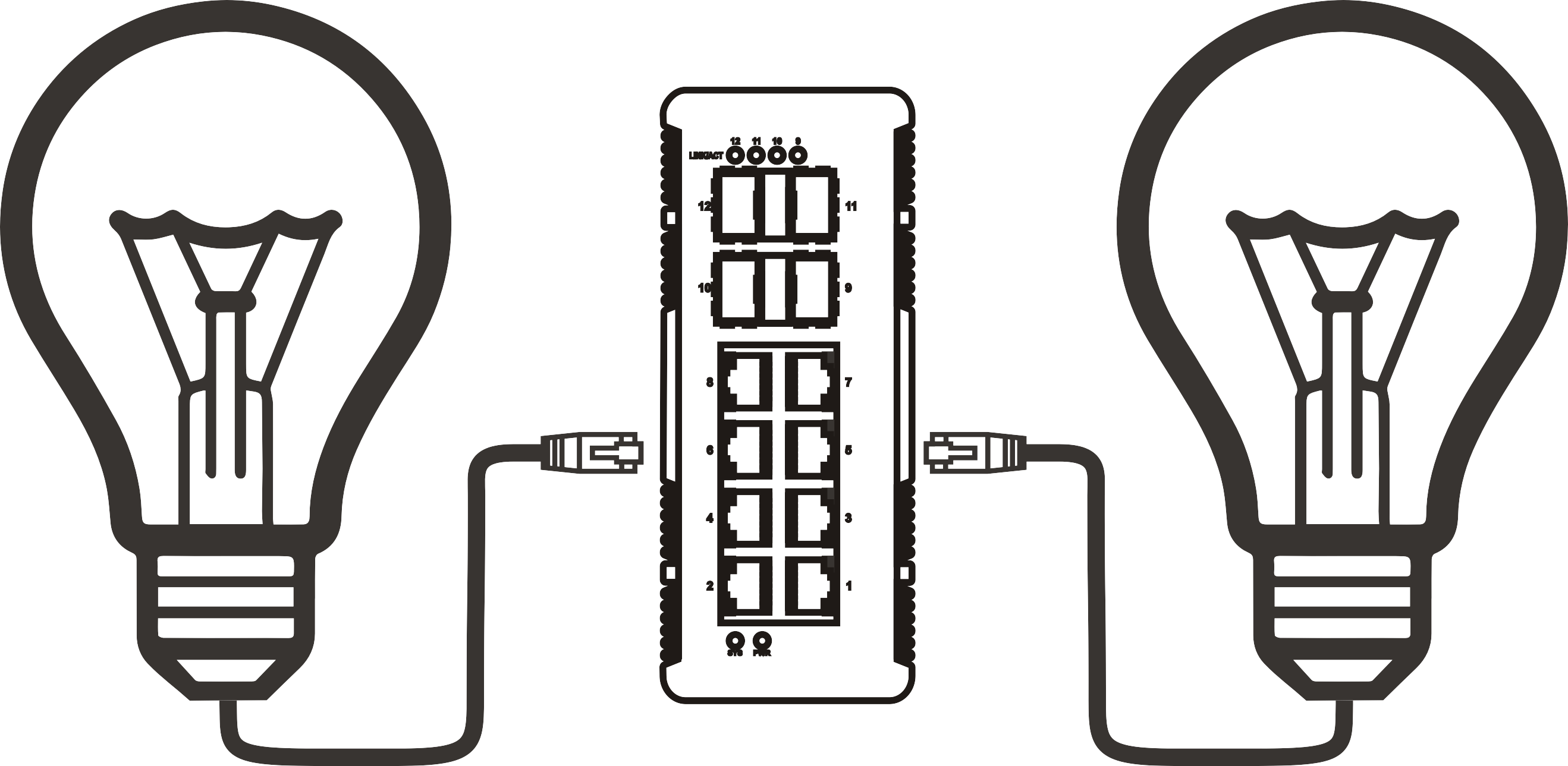
An 8 port switch PoE is a network switching device with eight RJ45 ports that delivers both data and DC electrical power over standard Cat5e or Cat6 cabling, eliminating the need for separate power adapters at each connected endpoint.
8 port switch PoE is defined as: a Power over Ethernet hub device with eight gigabit or fast Ethernet ports complying with IEEE 802.3af, 802.3at, or 802.3bt standards, capable of supplying between 15.4 W and 90 W per port depending on the PoE generation, while maintaining full data throughput simultaneously.
In practical terms, this means a single Cat6 run from your network cabinet to a ceiling-mounted Wi-Fi access point can carry both the data traffic and the 13–25 W the AP needs to operate. No electrician required. No secondary power outlet. Just the cable you were already running anyway.
According to recent 2026 market data, the 8-port form factor accounts for approximately 35% of all PoE switch shipments globally — making it the single most popular port-count segment. That popularity is no accident. Eight ports is the sweet spot for small-to-medium deployments: enough to cover a floor of IP cameras or a distributed Wi-Fi network, compact enough to sit on a desktop or mount in a half-rack enclosure.
Who uses an 8 port PoE network switch?
The typical buyer in Australia falls into one of three categories. First, the small business owner who needs to run four to eight IP cameras without hiring an electrician. Second, the IT administrator deploying Wi-Fi 6 access points across a warehouse or retail floor. Third, the network engineer managing VoIP handsets across a professional services office. Each use case has different power and management requirements — which is exactly why the buying decision is more nuanced than it first appears.
Key components of a gigabit switch with PoE
Beyond the PoE injector circuitry, a quality desktop ethernet switch in this category includes a non-blocking switching fabric (typically 16 Gbps for a gigabit 8-port model), auto-negotiation on all ports, and a thermal management system that handles the additional heat load from PoE delivery. Real-world testing confirms that cheaper no-name models frequently throttle PoE output when ambient temperatures exceed 35°C — a genuine concern for Australian installations in unconditioned server rooms or outdoor-adjacent cabinets.
PoE standards explained: PoE vs PoE+ vs PoE++
The three IEEE PoE standards differ primarily in per-port power delivery. Choosing the wrong standard is the single most common purchasing mistake — and it leads to devices that either won't power on at all or reboot intermittently under load.
| Standard | IEEE spec | Max power per port | Typical devices | Typical 8-port budget |
|---|---|---|---|---|
| PoE | 802.3af | 15.4 W | Basic IP cameras, VoIP phones | 60–80 W |
| PoE+ | 802.3at | 30 W | Wi-Fi 5/6 APs, pan-tilt cameras | 120–130 W |
| PoE++ | 802.3bt | 60–90 W | Wi-Fi 7 APs, PTZ cameras, thin clients | 240–360 W |
Why PoE++ matters in 2026
The shift to Wi-Fi 7 access points and 4K PTZ cameras is accelerating PoE++ adoption faster than many IT managers anticipated. A single Wi-Fi 7 AP from vendors like TP-Link or Ubiquiti can draw 25–35 W under full load. Deploy eight of them on a PoE+ switch and you are right at the edge of the power budget. A PoE++ switch with a 360 W total budget gives you comfortable headroom. That headroom matters more than you might think — thermal throttling on an under-specced power over ethernet switch can cause intermittent packet loss that looks like a software bug until you measure the actual port wattage.
Passive PoE: the compatibility trap
Not all PoE is IEEE-compliant. Some budget surveillance brands use "passive PoE," which applies voltage unconditionally on pins 4/5 and 7/8 without the IEEE handshake protocol. Connecting a passive PoE device to a standards-compliant switch — or vice versa — can permanently damage the NIC or switch port. Always verify whether your IP cameras or APs require passive or active PoE before purchasing. This is one of those details that experienced network engineers check instinctively, but it catches out first-time buyers regularly.

How to calculate your PoE power budget
Total PoE budget — not per-port wattage — determines whether all your devices will run simultaneously. This is the most misunderstood specification in the category. Many buyers assume an 8-port PoE+ switch provides 8 × 30 W = 240 W. In reality, most entry-level 8-port models ship with a total PoE budget of only 60 W to 130 W.
"The total PoE power budget is the single specification most frequently overlooked by first-time buyers. A switch advertising '8 PoE+ ports' may physically limit total output to 65 W — enough for only two or three simultaneous 802.3at devices at full draw." — Network infrastructure consensus, corroborated across Cisco, TP-Link, and Netgear technical documentation.
Power budget calculator: real-world scenarios
Use this simple calculation before purchasing. List each device, find its rated power consumption (not the PoE standard maximum — the actual draw), then add a 20% safety margin.
Scenario A — 8 IP cameras (Australian CCTV installation):
- 8 × Hikvision DS-2CD2143G2-I dome cameras @ 6.5 W each = 52 W
- 20% safety margin = 62.4 W required
- Verdict: a 65 W budget switch is marginal. Choose 80 W minimum.
Scenario B — 8 Wi-Fi 6 access points (office deployment):
- 8 × TP-Link EAP670 APs @ 13.5 W each = 108 W
- 20% safety margin = 129.6 W required
- Verdict: minimum 130 W PoE budget switch needed. A TP-Link TL-SG1210P (130 W) is the minimum viable option here.
Scenario C — Mixed PTZ cameras and APs (smart building):
- 4 × PTZ cameras @ 25.5 W = 102 W
- 4 × Wi-Fi 6E APs @ 22 W = 88 W
- Total = 190 W + 20% margin = 228 W required
- Verdict: requires a PoE++ switch with ≥240 W budget.
Why the 20% margin rule exists
PoE devices draw more power during startup than during steady-state operation. A Wi-Fi AP initialising its radio chains can spike to 1.5× its rated draw for two to three seconds. If multiple devices restart simultaneously after a power interruption — which happens in every storm-affected Australian building — an undersized switch will trip its internal protection circuit, cutting PoE to all ports. The 20% headroom absorbs those transient spikes.
Managed vs unmanaged: which do you actually need?
An unmanaged PoE switch is the right choice for the majority of straightforward 8-port deployments — and yet managed switches are frequently oversold to buyers who will never use the advanced features. The distinction matters because managed models cost 40–80% more and require ongoing configuration effort.
When an unmanaged PoE switch is sufficient
If your 8-port switch will connect only IP cameras to a dedicated NVR, or only APs to a controller that handles its own VLAN tagging upstream, an unmanaged poe switch is almost certainly all you need. It is plug-and-play. There is nothing to configure, nothing to misconfigure, and nothing to lock yourself out of at 2 AM. For a home network PoE switch or a single-site CCTV install, the simplicity is genuinely valuable.
When a managed PoE switch justifies its cost
A managed poe switch earns its premium when you need VLAN segmentation (isolating camera traffic from corporate LAN), QoS prioritisation (ensuring VoIP call quality under load), port-level PoE scheduling (cutting power to cameras between midnight and 5 AM to extend hardware lifespan), or SNMP monitoring for fault alerting. The Cisco small business switch CBS350 series and TP-Link TL-SG2210P are examples that deliver these features at SMB-appropriate price points available in Australia. Of course, there are also hybrid scenarios — a semi-managed switch like the TP-Link TL-SG108PE gives you VLAN and bandwidth control without the full CLI complexity of enterprise gear.
Australian compliance: RCM certification and SAA standards
This is the section that most international buying guides omit entirely — and it is arguably the most important for Australian buyers purchasing imported networking hardware.
What RCM certification means for network switches
The Regulatory Compliance Mark (RCM) is mandatory for electrical equipment sold in Australia and New Zealand, administered jointly by the Australian Communications and Media Authority (ACMA) and the Electrical Regulatory Authorities Council (ERAC). A PoE switch is classified as both an electrical device (mains-connected power supply) and a telecommunications device, meaning it must satisfy both electromagnetic compatibility (EMC) and electrical safety requirements under the RCM framework.
Practically speaking: if a switch lacks the RCM mark, you cannot legally sell it in Australia, and more importantly for business buyers, your insurance may be void if a non-compliant device causes electrical damage or fire. When purchasing through grey-market channels or direct-import from overseas marketplaces, always request the supplier's RCM declaration of conformity documentation. Reputable Australian retailers — Scorptec, Centrecom, Mwave — stock only RCM-compliant inventory and can provide this documentation on request.
SAA compliance and AS/NZS standards
SAA (Standards Australia Accreditation) compliance, specifically adherence to AS/NZS CISPR 32 for emissions and AS/NZS 62368-1 for audio/video and IT equipment safety, is the technical framework underlying RCM electrical safety approval. For network switches specifically, AS/NZS CISPR 32 Class B limits apply to devices intended for residential environments. Enterprise switches may be Class A, which carry restrictions on use in domestic settings. Always check the classification when deploying a small business network switch in a mixed residential-commercial building — a situation common in Australian metropolitan areas.
Top 8-port PoE switch comparison for Australian buyers (2026)
The following comparison covers models with confirmed stock availability through major Australian retailers as of 2026. Prices are approximate AUD and reflect typical retail pricing; check current listings for exact figures as inventory and pricing fluctuate.
| Model | PoE standard | Total PoE budget | Managed? | Approx. AUD price | Local warranty | Australian retailer |
|---|---|---|---|---|---|---|
| TP-Link TL-SG1008P | PoE+ (802.3at) | 53 W | No | ~$89 | 3 yr local | Scorptec, Centrecom |
| TP-Link TL-SG1210P | PoE+ (802.3at) | 130 W | No | ~$139 | 3 yr local | Scorptec, Mwave |
| TP-Link TL-SG108PE | PoE+ (802.3at) | 116 W | Semi-managed | ~$149 | 3 yr local | Centrecom, Mwave |
| Netgear GS308PP | PoE+ (802.3at) | 83 W | No | ~$159 | 3 yr local | Scorptec, Centrecom |
| Cisco CBS110-8PP-D | PoE (802.3af) | 32 W | No | ~$189 | Ltd lifetime | Centrecom, Mwave |
| Cisco CBS350-8P-2G | PoE+ (802.3at) | 67 W | Full managed | ~$549 | Ltd lifetime | Centrecom |
Worth noting: TP-Link's Australian support infrastructure has matured significantly, and the 3-year local warranty backed by the Sydney-based support centre makes the TL-SG1210P an outstanding value proposition for budget-conscious small business deployments. The Cisco CBS350 series commands a premium but delivers enterprise-grade managed poe switch features including full VLAN, QoS, and SNMP — justified for multi-site managed service provider deployments. For further technical background on the underlying standard, see the power over ethernet standard documentation on Wikipedia.
Local supplier warranty comparison
Purchasing through an Australian retailer rather than importing directly has tangible benefits beyond compliance. Scorptec and Centrecom both offer click-and-collect from their Melbourne and Sydney locations respectively, meaning a failed switch can be replaced same-day rather than waiting 3–6 weeks for an international RMA. Mwave offers competitive pricing on TP-Link poe switch models and typically ships within 1–2 business days to metropolitan addresses. For enterprise Cisco small business switch hardware, Centrecom's commercial team can provide volume pricing and extended NBD (next-business-day) replacement agreements.
Installation guide: connecting IP cameras and Wi-Fi APs
The physical installation of an ip camera poe switch is straightforward, but a few sequencing details prevent the majority of first-deployment problems. Based on real case experience across Australian CCTV and smart-building installations, the following steps reflect what actually works in practice.
Step-by-step installation for an IP camera deployment
- Verify power budget before cabling. Sum the actual wattage of all devices you plan to connect (not the PoE standard maximum). Add 20%. Confirm your switch's total PoE budget exceeds this figure.
- Mount the switch in a ventilated location. PoE delivery generates heat. Enclosing the switch in a sealed cabinet without airflow can reduce PoE output by up to 30% in Australian summer conditions. Use a vented rack enclosure or wall-mount with clearance above and below.
- Run Cat5e or Cat6 cabling to each device location. PoE operates over all four pairs; Cat5e is technically sufficient for PoE+ but Cat6 is recommended for runs exceeding 50 m to minimise resistive losses.
- Connect the NVR or upstream router to the switch's uplink port first. On desktop ethernet switch models, this is typically the highest-numbered port or a dedicated SFP uplink. Confirm link before powering PoE devices.
- Connect PoE devices one at a time. Watch the PoE LED or web interface (on managed models) to confirm each device powers up correctly and draws expected wattage. Do not connect all eight simultaneously on first boot.
- Verify IP address assignment for each camera or AP via your NVR interface or DHCP server lease table. Confirm video feed or AP association before finalising cable management.
- Document port assignments. Label each port with device location and IP address. This takes four minutes and saves hours during future troubleshooting.
Australian CCTV wiring context: a practical note
Many Australian commercial buildings still have in-wall cabling installed for analogue CCTV — typically RG59 coaxial rather than Cat5e. If you are retrofitting with IP cameras and need to reuse existing conduit runs, plan for new cabling rather than attempting to adapt coax. The labour cost difference is minor; the reliability difference is significant. Just like replacing copper plumbing with PEX — you do it once, properly, and the infrastructure supports the next decade of technology upgrades. In new smart-building installations, specifying Cat6A to all device locations from the outset provides PoE++ compatibility and eliminates future recabling when 802.3bt devices become the baseline.
FAQ
Common questions answered
Q: What is the difference between a PoE switch and a PoE injector?
A: A PoE injector adds PoE capability to a single port on a non-PoE switch, powering one device. An 8 port switch PoE integrates PoE into all eight ports with a shared power budget, making it cost-effective and cleaner for multi-device deployments. Injectors suit retrofits; a dedicated poe network switch suits new installations.
Q: Do I need a managed PoE switch for IP cameras at home?
A: No. For a poe switch for home network or small CCTV installations with fewer than eight cameras connecting directly to an NVR, an unmanaged model is sufficient. Managed features like VLAN and QoS add value only when cameras share a network with business traffic or require traffic isolation for security compliance.
Q: Does an 8 port PoE switch need to be RCM certified in Australia?
A: Yes. Any mains-powered network device sold or used commercially in Australia requires RCM certification covering both electrical safety and EMC compliance. Always purchase from Australian retailers like Scorptec, Centrecom, or Mwave who stock RCM-compliant inventory. Grey-market imports may void insurance coverage and breach Australian Consumer Law obligations.
Q: Can I use a PoE++ switch with older PoE devices?
A: Yes. IEEE 802.3bt (PoE++) is fully backwards compatible with 802.3af and 802.3at devices. The switch negotiates power delivery during the handshake phase and only supplies what the powered device requests. A PoE++ gigabit switch with PoE will safely power an older 802.3af camera at 12 W without risk of damage.
Q: How far can PoE transmit data and power over Cat6 cable?
A: The IEEE standard specifies a maximum cable run of 100 metres for both data and power delivery on Cat5e or Cat6. Beyond this distance, both signal integrity and available PoE voltage drop below specification. For longer runs, use a PoE extender or deploy a secondary switch closer to the device cluster.
Choosing the right 8 port switch PoE: final guidance
The 8 port switch PoE remains the most versatile and cost-effective network infrastructure building block for Australian small businesses, IT administrators, and security installers in 2026. The decision framework is straightforward once you have the right information: calculate your actual power budget first, match it to a switch with sufficient total PoE headroom, choose managed only if you genuinely need VLAN or QoS, and purchase through an Australian retailer who can provide RCM documentation and local warranty support.
Why do so many buyers still get this wrong? Largely because vendor marketing emphasises per-port wattage rather than total PoE budget — a figure that requires reading the datasheet rather than the product title. Armed with the power budget calculation method and compliance checklist in this guide, you are better positioned than most to make a purchasing decision you won't need to revisit in six months.
For deployments involving high-power devices — Wi-Fi 7 APs, PTZ cameras, or thin clients — invest in a PoE++ capable poe+ switch 8 port with at least 240 W total budget. For straightforward IP camera or VoIP deployments, a quality PoE+ model from TP-Link or Netgear, purchased through a local Australian reseller, delivers excellent reliability at a fraction of the enterprise price point.
More News



Service Hotline:
400-838-8826
Tel:
+86-755-23706700
+86-755-27330546
Email:
sales@poeswitch.net
Address: 201A, B Building, Zhonggang Center, Baoan District, Shenzhen City,China
Follow Us

Copyright © 2025 Shenzhen Hi-Net Technology Co., Ltd All Rights reserved.